Set Timezone
- Connect to the VALT appliance via SSH or from the terminal menu, exit to the shell.
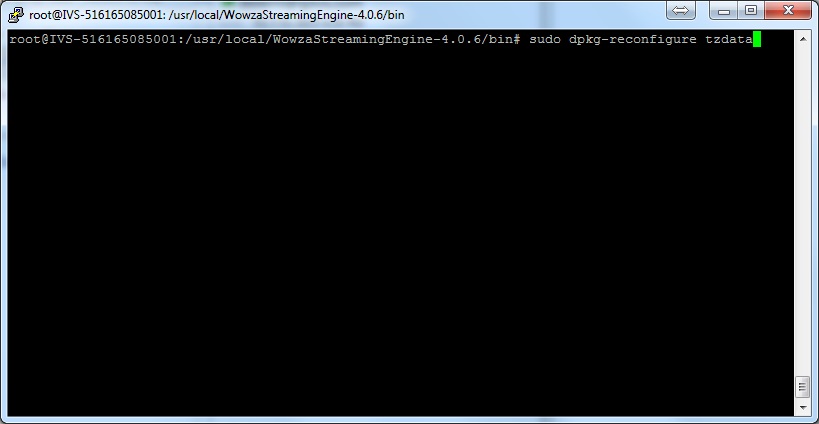
- From command line type in the following, and press Enter:
sudo dpkg-reconfigure tzdata
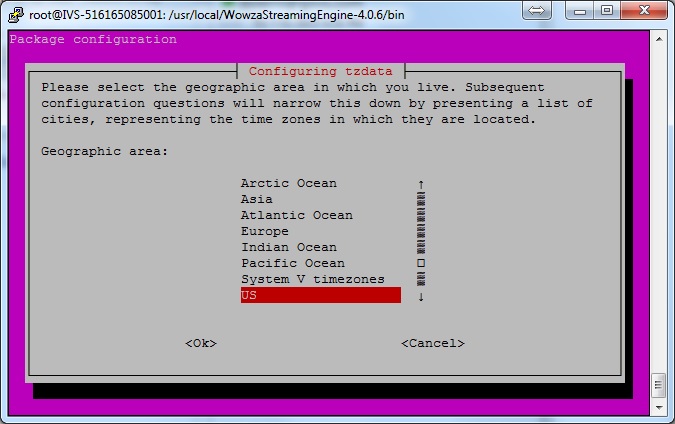
- Select your Country.
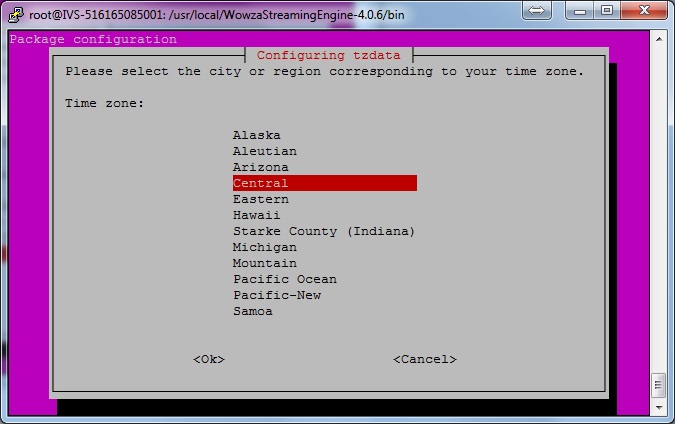
- Select your Time Zone.
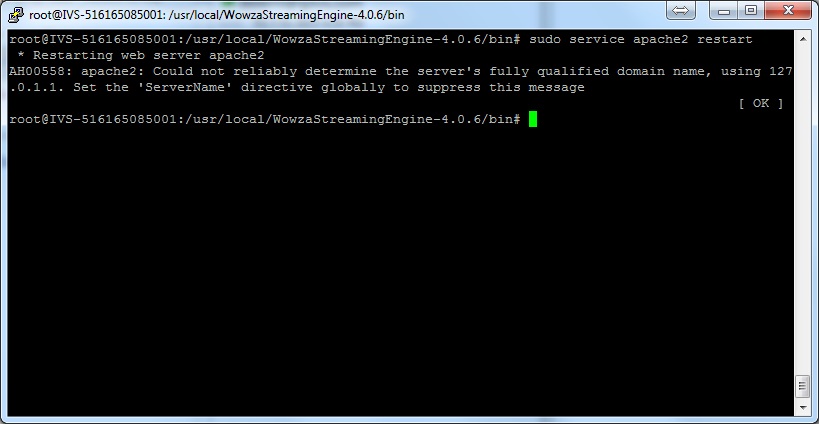
- From command line type in the following, and press Enter:
sudo service apache2 restart
- From command line type in the following, and press Enter:
sudo service WowzaStreamingEngine restart