Template:P3245LV Connect Wiring
Connect Wiring
- Connect patch cable into the Ethernet port on the Axis P3245.
- Note: When connected, activity will be visible on the link lights. If no link lights appear, ensure that POE is enabled on the POE switch and that the network drop is plugged in. After approximately one minute, all three LEDs should be green.
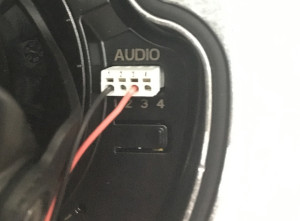
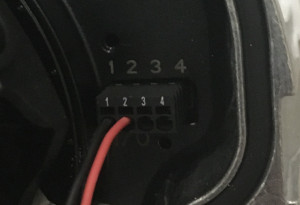
- At the camera, connect the power cable to the I/O phoenix connector (Red to 2, Black to 1). Connect the audio cable to the audio terminal block (Red to 3, Black to 1)