Change the ivsadmin password
🕮
Trying to update the admin password for the web interface? Click Here
Change the ivsadmin password
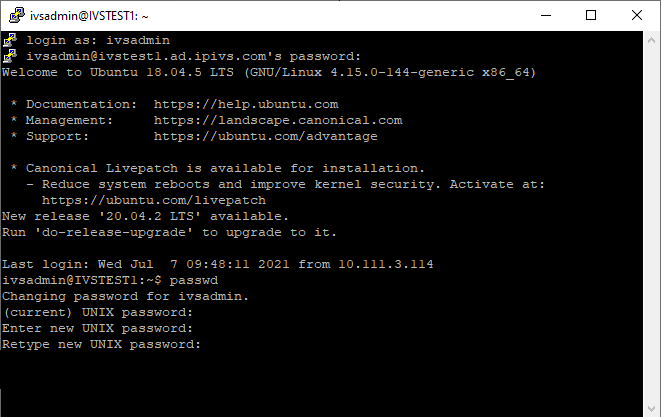
- Connect to the Valt server via SSH using the ivsadmin account.
- Type the following command the press enter:
passwd
- Enter the current password when prompted.
- Enter the new password when prompted.
- Enter the new password again when prompted.
- The password is now changed.