ROAM Bridge
ROAM Bridge
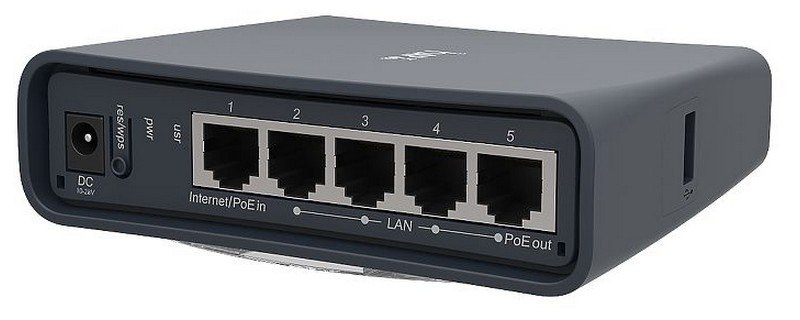
Physical Device
Accessing the ROAM Bridge
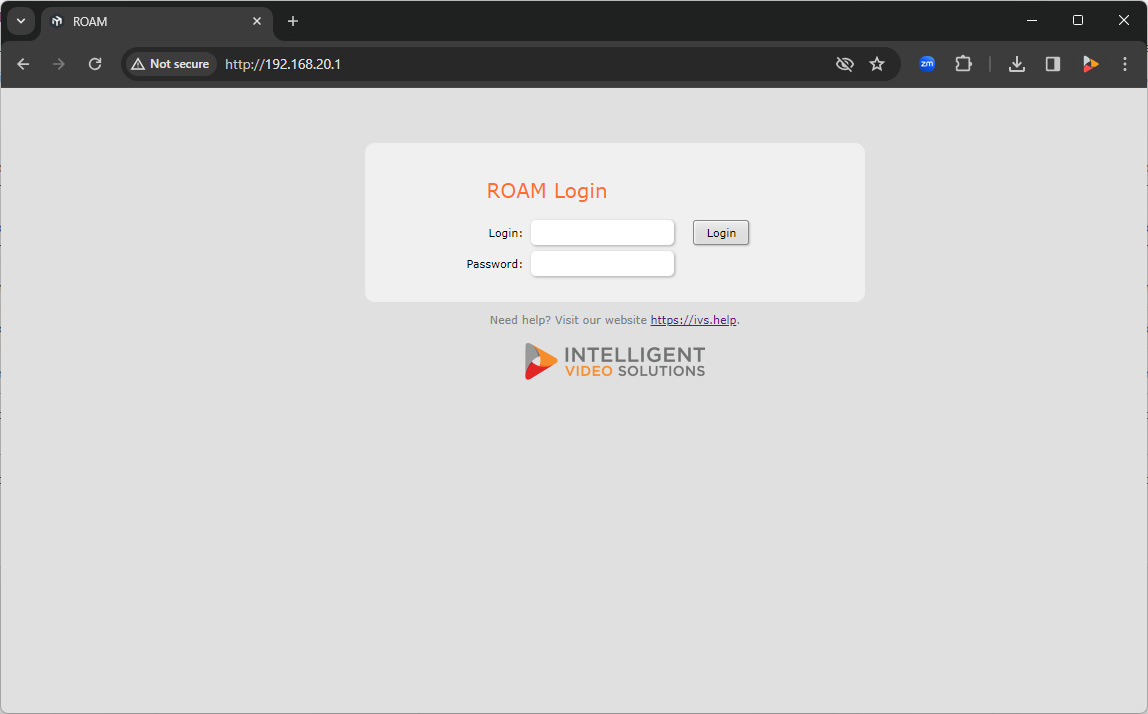
To access the ROAM Bridge, it must be powered and connected to the network.
✎
You can also access the device by connecting a laptop or computer directly to the deivce.
Once on the network, please navigate to the IP of the bridge, and enter the credentials.
-
The default administrative credentials are:
- User:
- admin
- Password:
- admin51
Configure Wireless
🕮
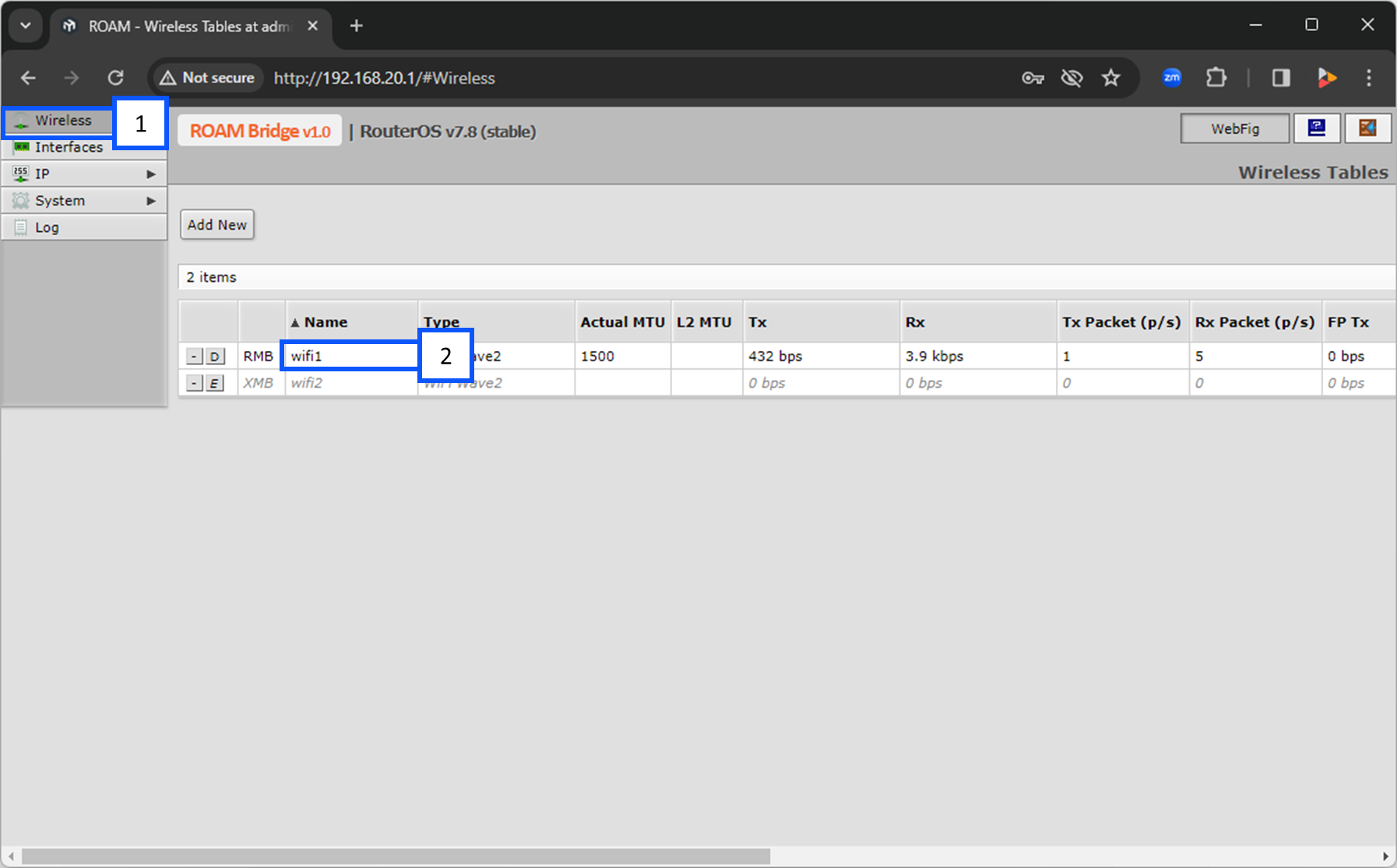
To the left of wifi1, you will see a button with [E] or [D]. Make sure this is showing a [D]. This means that is is enabled. The letter D is prompting you to disable wifi1.
- Select Wireless.
- Click on wifi1.
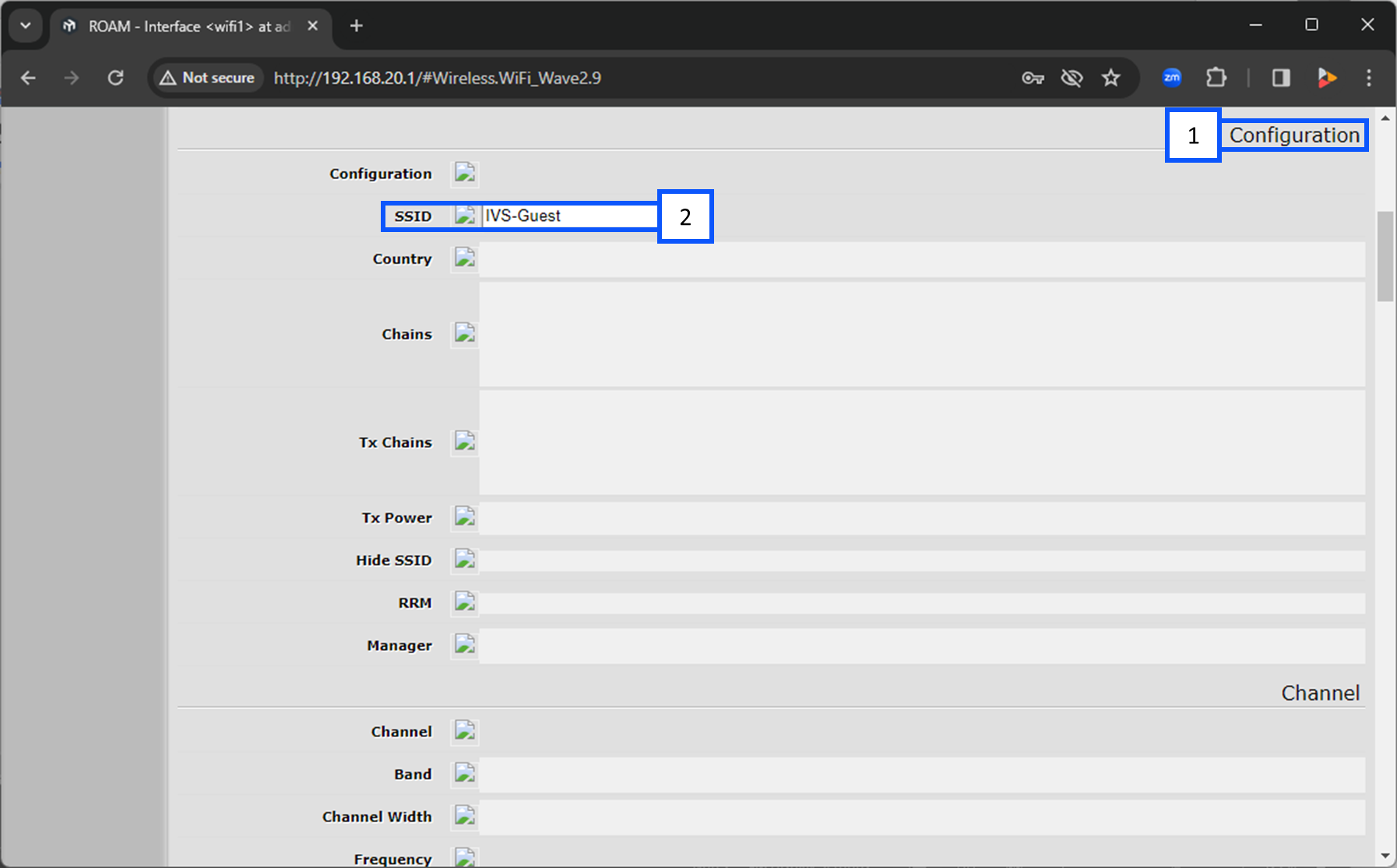
- Scroll down to Configuration.
- Under SSID select the wireless network you are going to connect to.
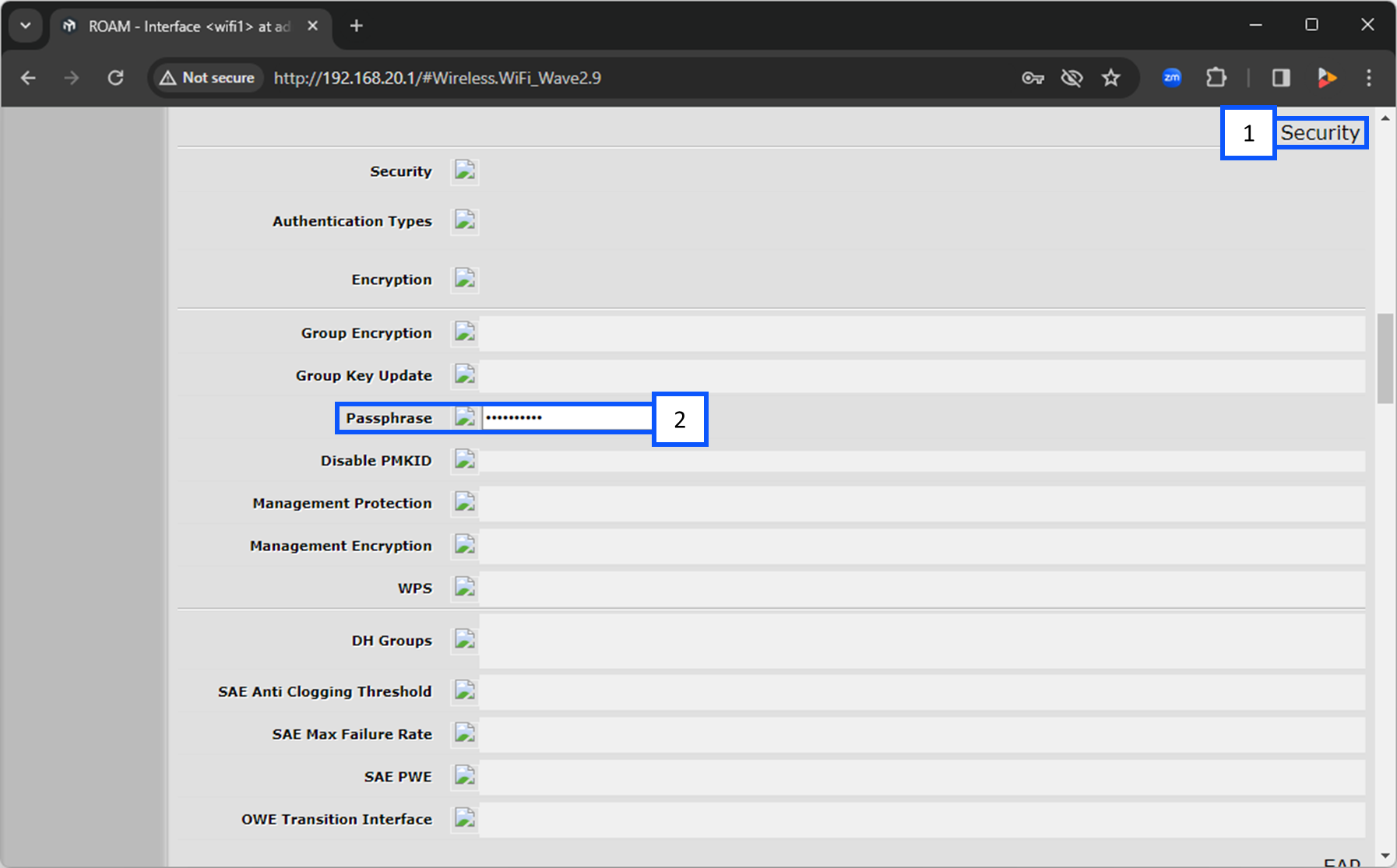
- Continue scrolling down to Security.
- Under Passphrase, enter in the password for the wireless network you selected above.
Locate DHCP Address of the Bridge
- Navigate to IP.
- Click on DHCP Client.
- From there, you will see the IP Address for wifi1.