ROAM Bridge
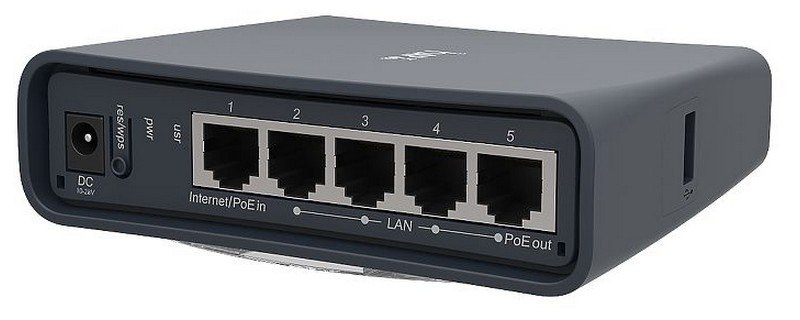
Physical Device
Accessing the ROAM Bridge
To access the ROAM Bridge, it must be powered and connected to the network.
✎
You can also access the device by connecting a laptop or computer directly to the deivce.
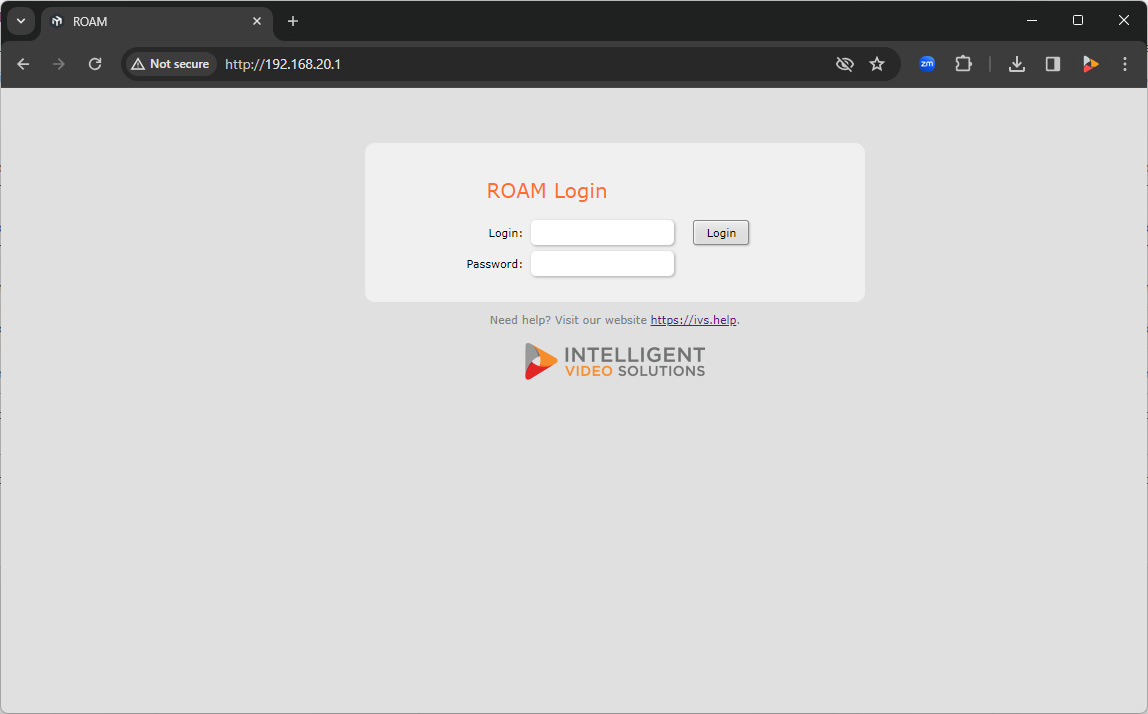
Once on the network, please navigate to the IP of the bridge, and enter the credentials.
-
The default administrative credentials are:
- User:
- admin
- Password:
- admin51
Configure Wireless
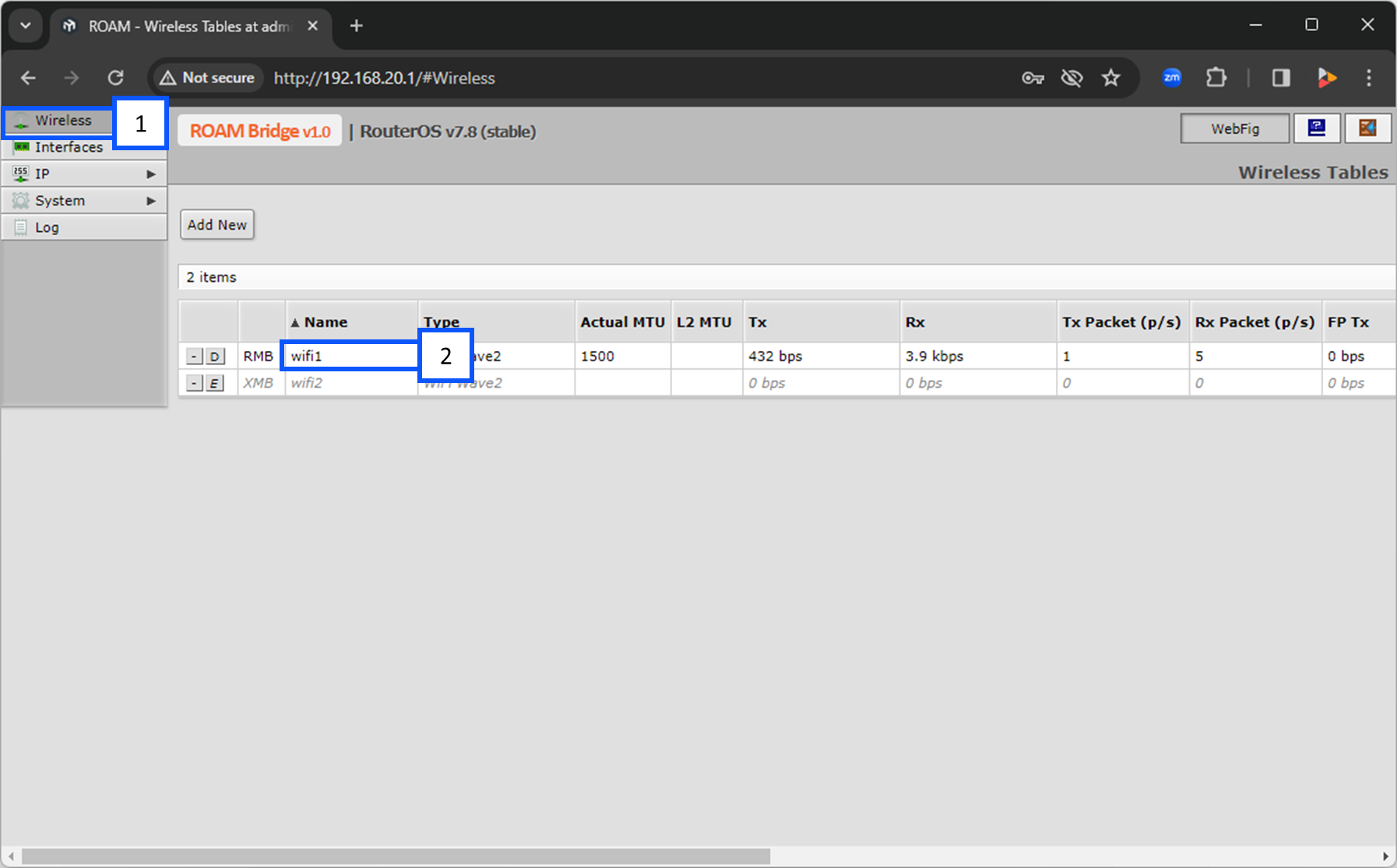
1. Select Wireless and click on wifi1.
2. Scroll down to Configuration and select the wireless network you are going to connect to.
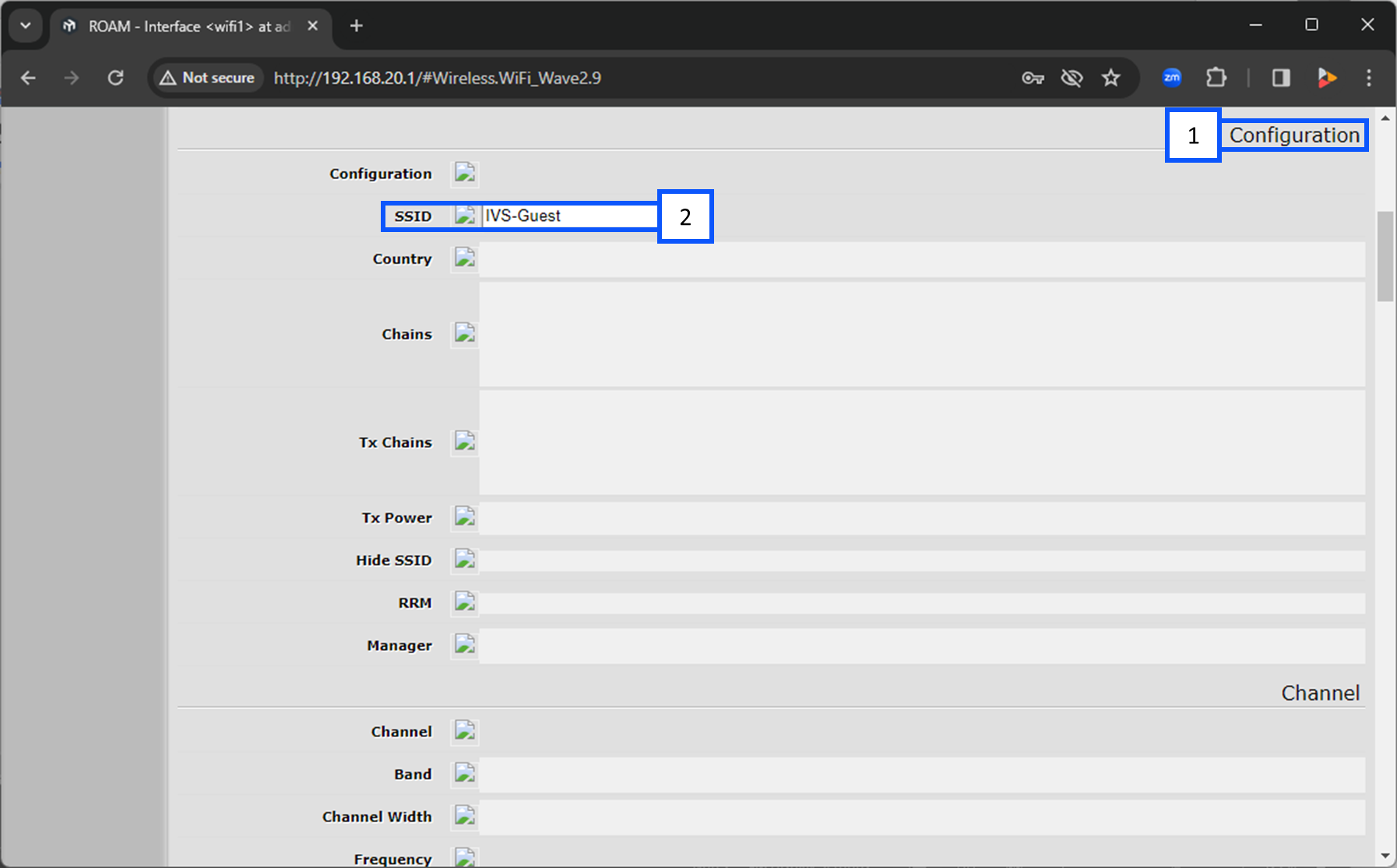
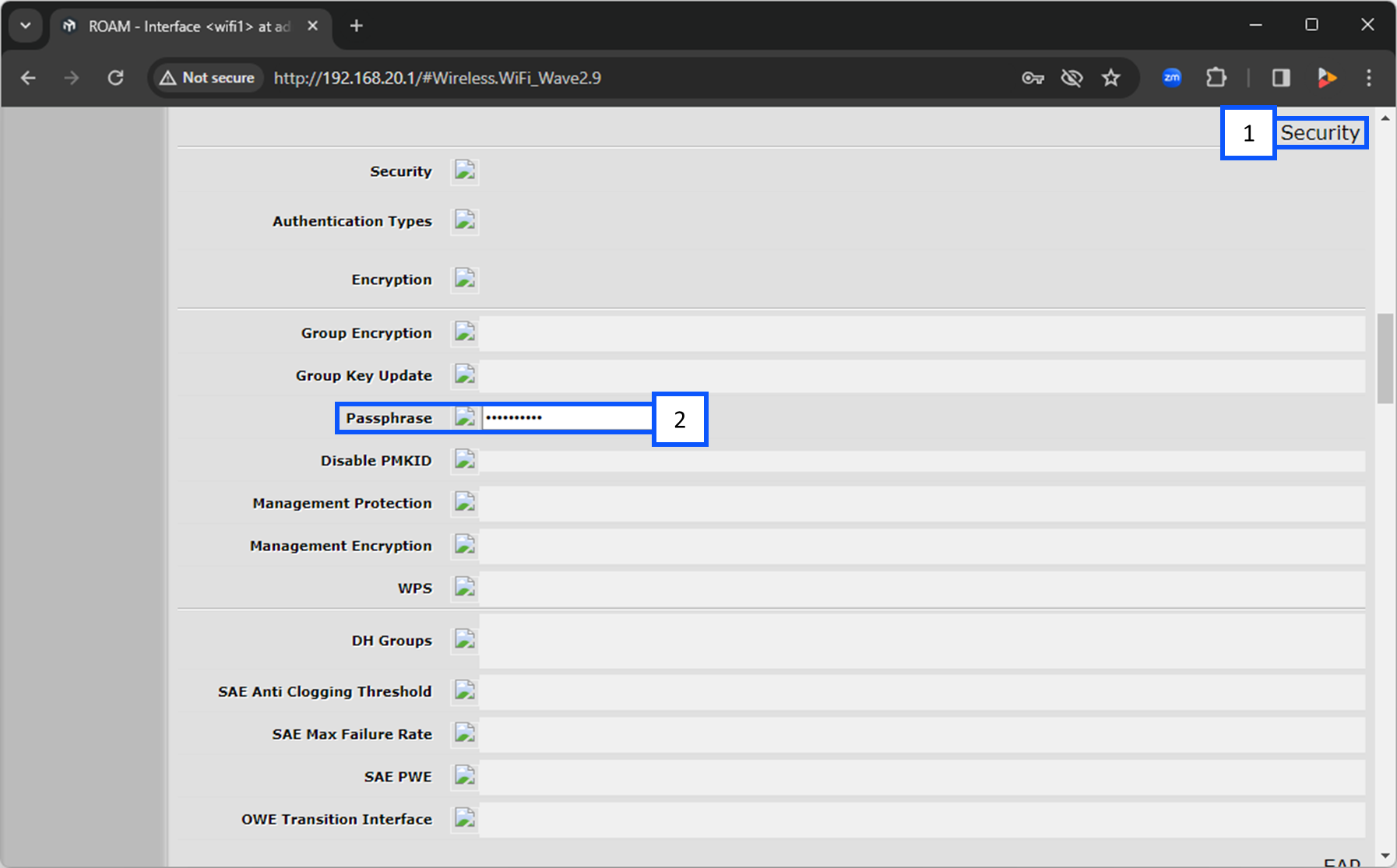
3. Continue scrolling to the Security section and enter in the passphrase for the wireless network you selected above.