BEAM - Manual Upload
If Autosync is turned off, you will need to manually sync your recorded videos.
Continue reading, to learn how to manually sync a BEAM video to your application.
-
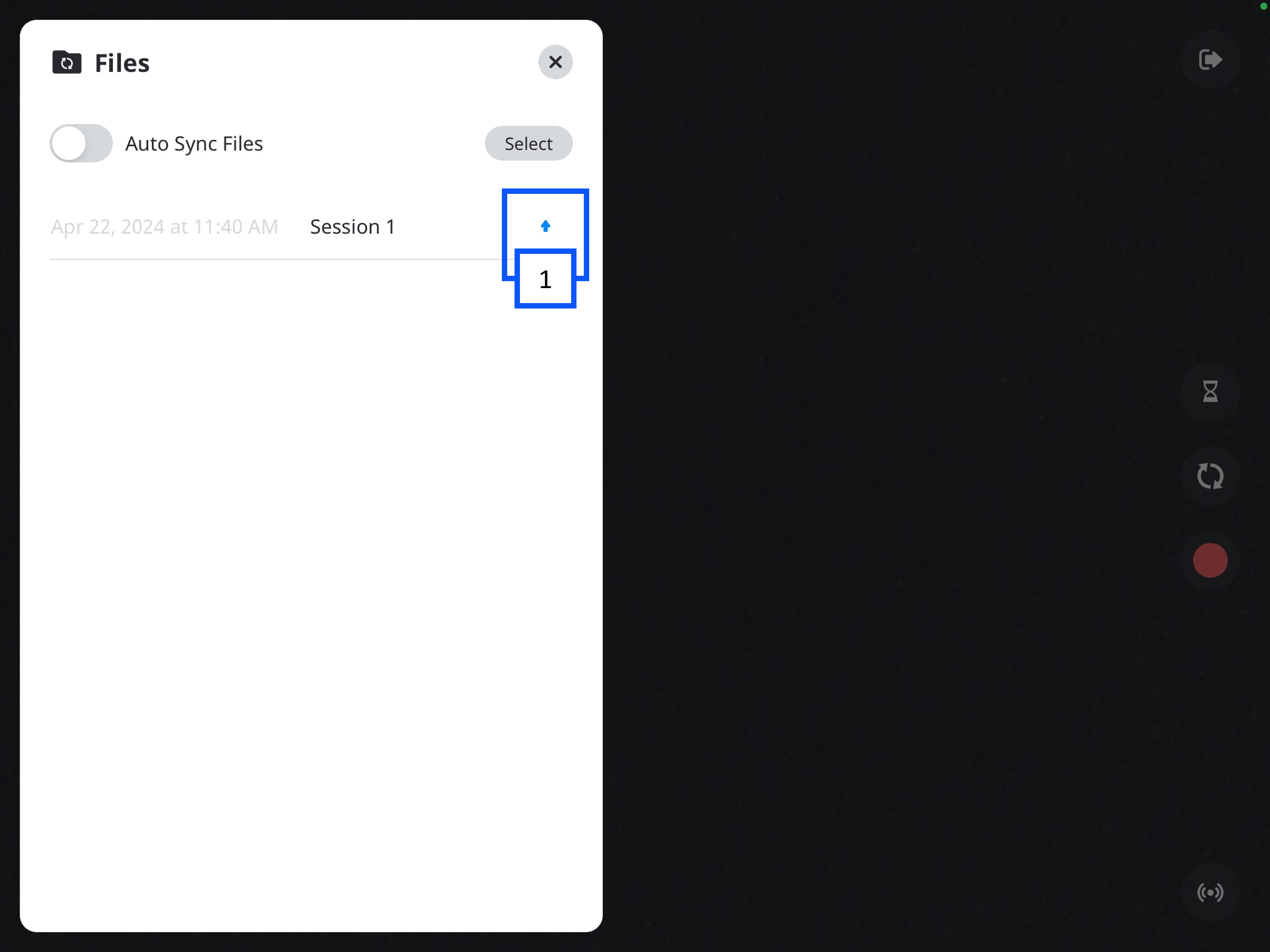
In the Files folder, you will see a list of your videos.
- The up arrow indicates the video has not been synced to the VALT server.
-
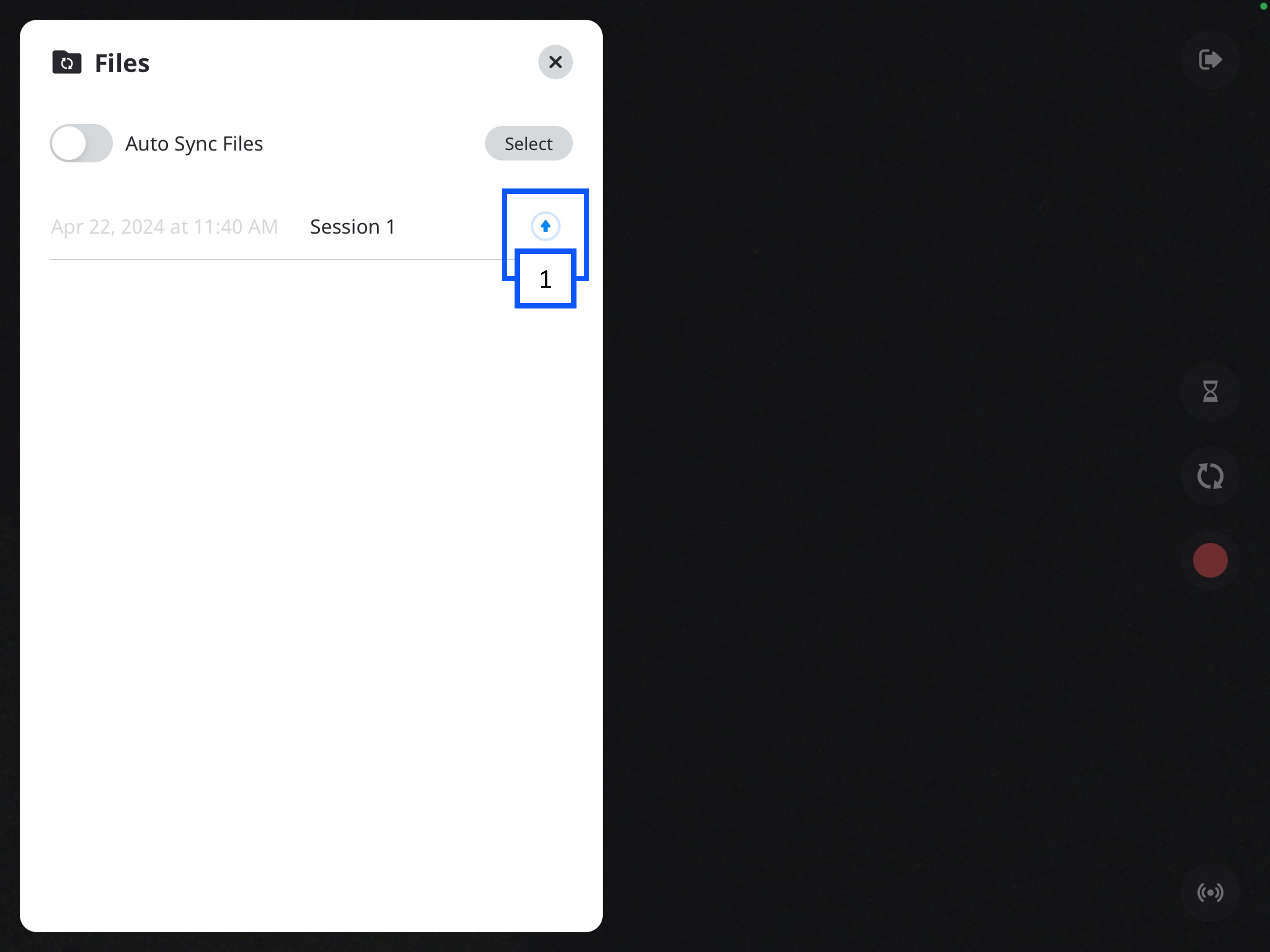
You can click the up arrow to initiate uploading the video.
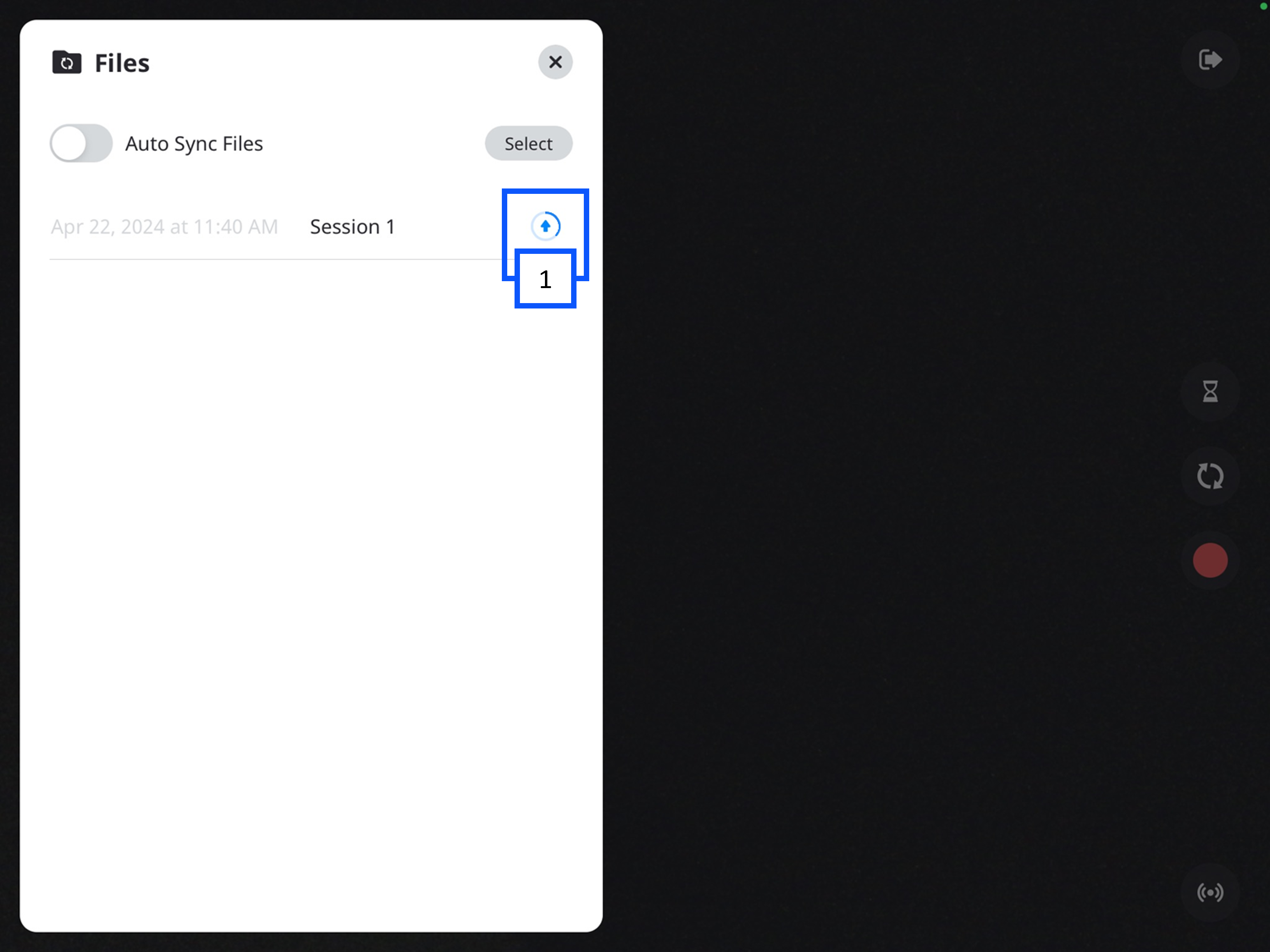
- A progress circle will appear after the arrow is pressed.
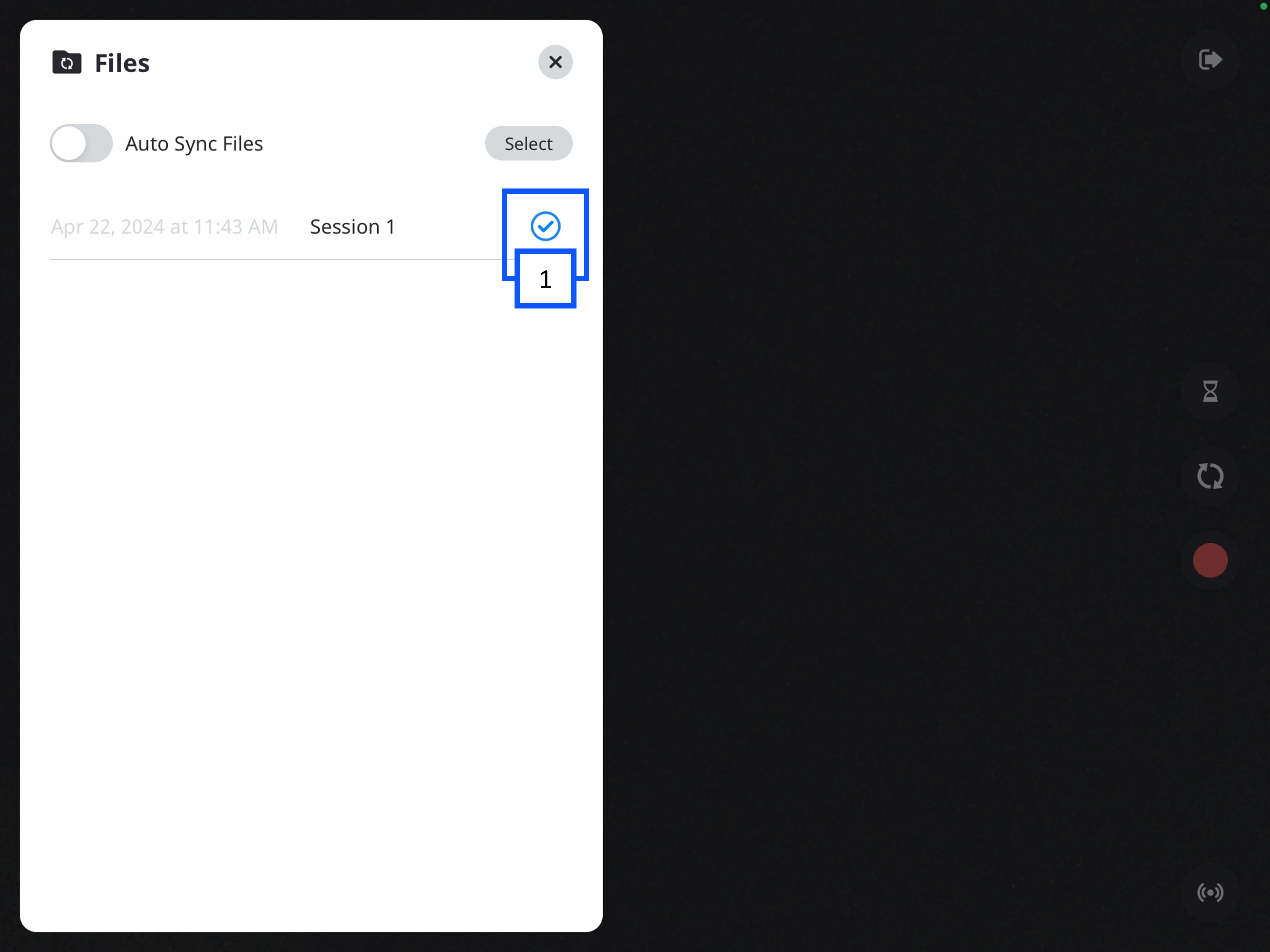
- A checkmark will appear when the recording is done uploading to the server.