Install BEAM
BEAM requires iPadOS 13.0 or later
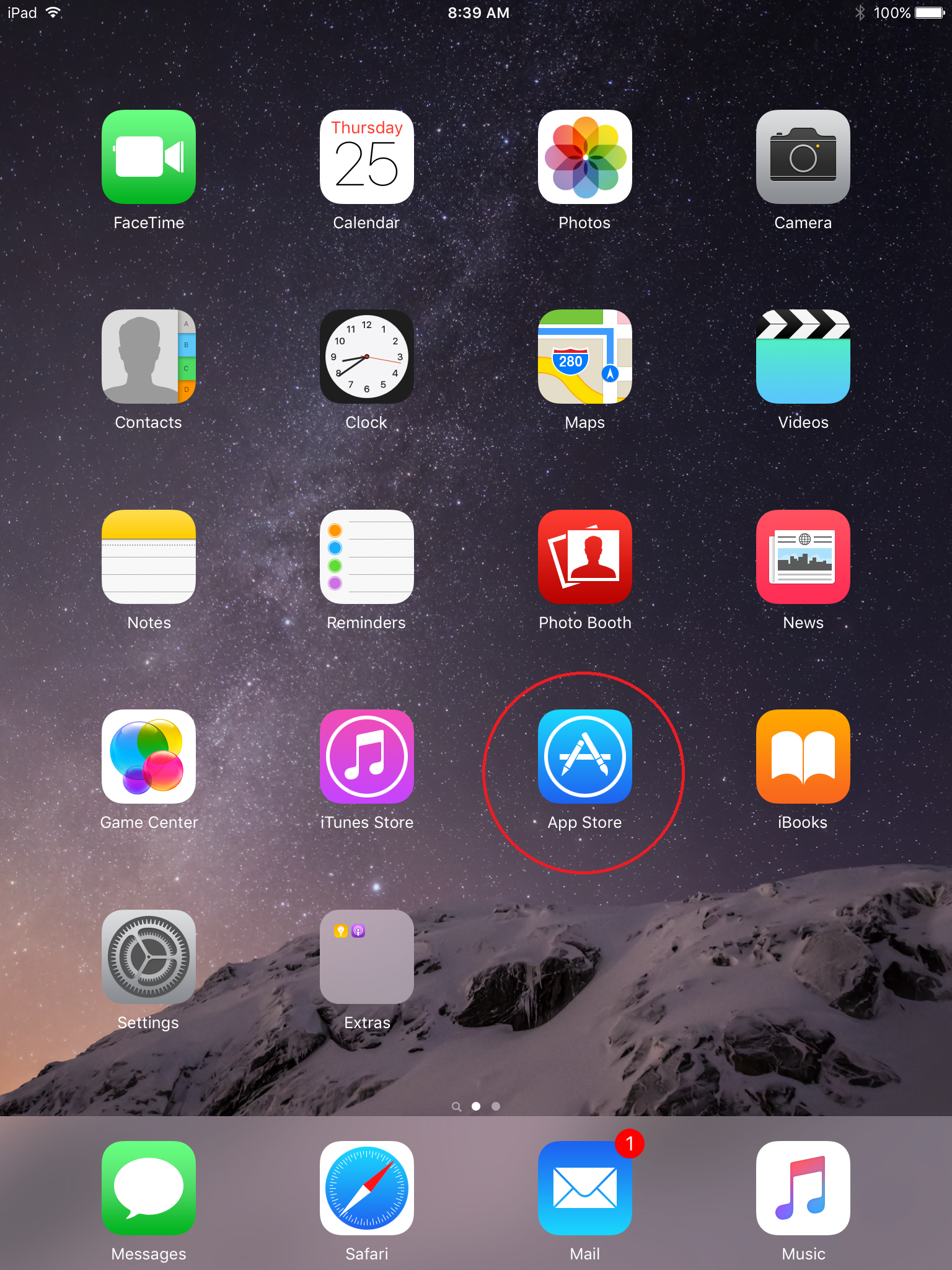
- Open the App Store by touching the icon on your iPad or iPhone
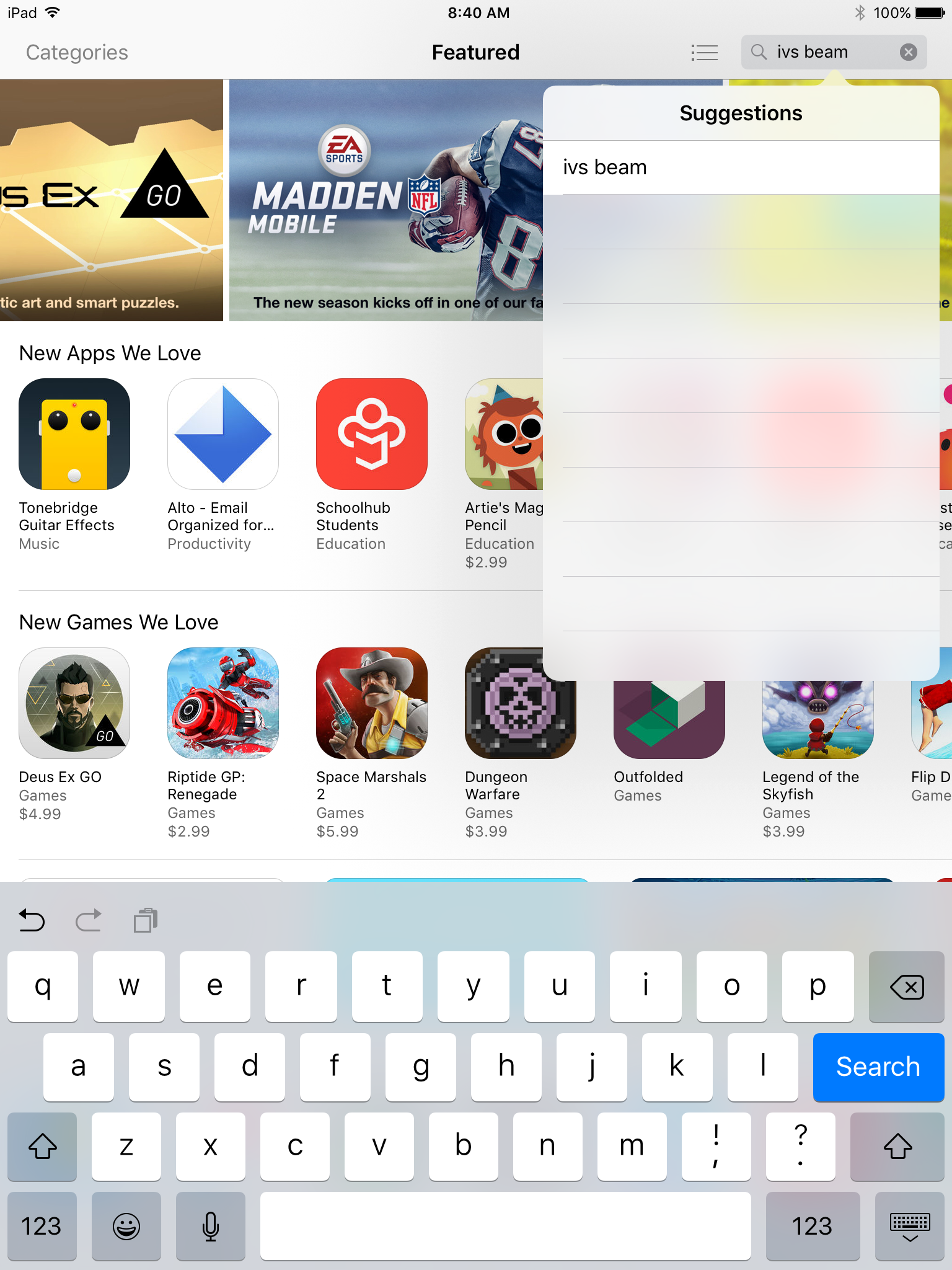
- Touch the search field in the upper right corner and type in IVS Beam
- Touch Search
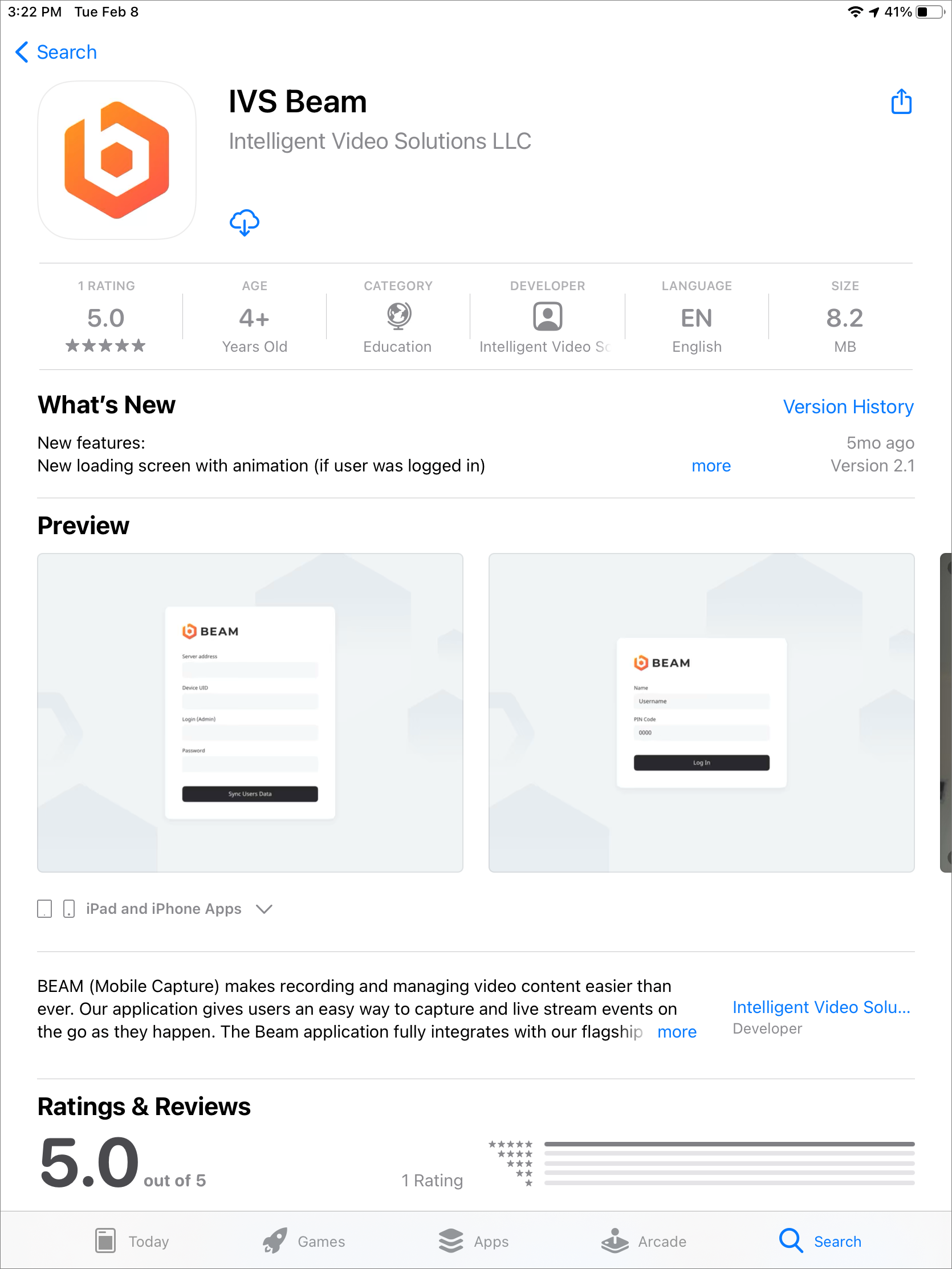
- Touch the cloud icon to download the app
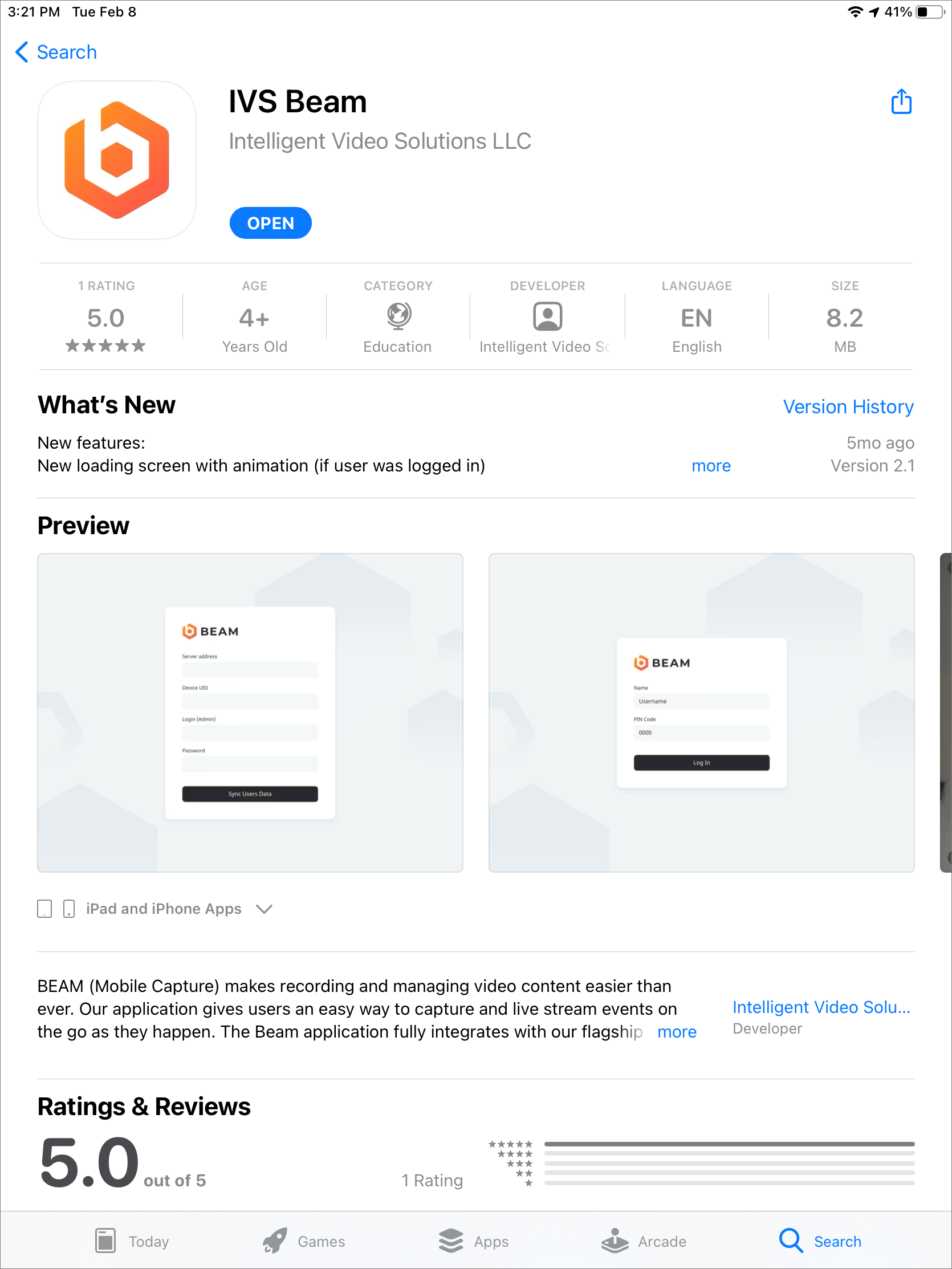
- After the installation is complete, touch OPEN to open the app