VALT 6 Login: Difference between revisions
Jump to navigation
Jump to search
IVSWikiBlue (talk | contribs) No edit summary |
IVSWikiBlue (talk | contribs) No edit summary |
||
| Line 1: | Line 1: | ||
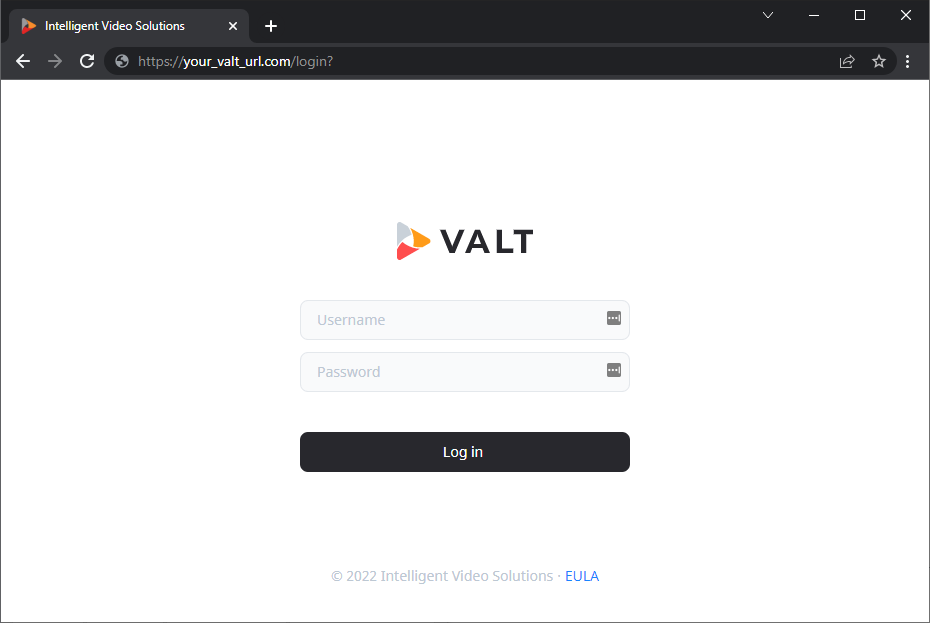
<p class="floating_card">To access VALT simply open a web browser and point to the URL of the VALT server. This will take the user to a login screen as shown below. (https://companyname.valt.video)</p> | <p class="floating_card">To access VALT simply open a web browser and point to the URL of the VALT server. This will take the user to a login screen as shown below. (https://companyname.valt.video)</p> | ||
<br> | |||
{{img - no_click | {{img - no_click | ||
| file = VALT 6 Login Page.png | | file = VALT 6 Login Page.png | ||
| width = | | width = | ||
}} | }} | ||
Revision as of 17:06, 22 June 2022
To access VALT simply open a web browser and point to the URL of the VALT server. This will take the user to a login screen as shown below. (https://companyname.valt.video)