VALT Digital Display: Difference between revisions
Jump to navigation
Jump to search
IVSWikiBlue (talk | contribs) No edit summary |
IVSWikiBlue (talk | contribs) No edit summary |
||
| Line 25: | Line 25: | ||
*Push and position a ROAM Cart and use the digital display mounted on the cart to position the cart’s PTZ camera and start, stop and pause recording. | *Push and position a ROAM Cart and use the digital display mounted on the cart to position the cart’s PTZ camera and start, stop and pause recording. | ||
{{img - resize | file = Digital Display-3.jpg}} | |||
{{Top of Page}} | {{Top of Page}} | ||
}} }} | }} }} | ||
Revision as of 16:16, 24 February 2026
VALT Digital Display
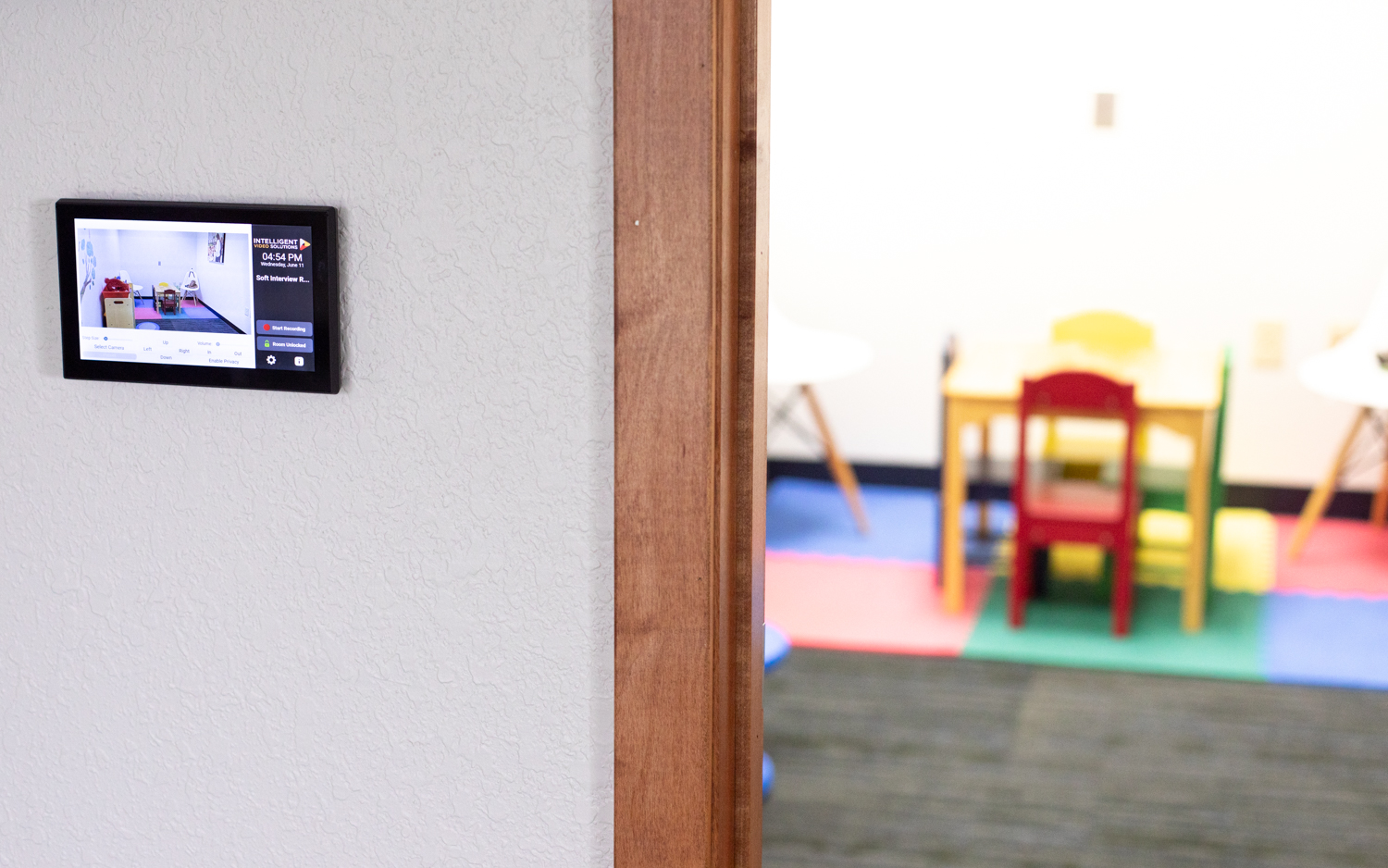
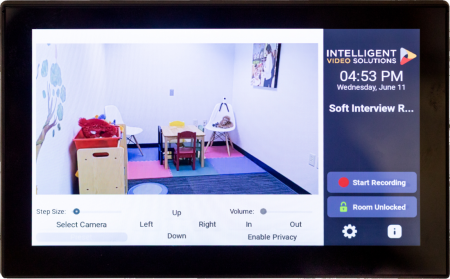
The VALT Digital Display provides a live camera view and pan-tilt-zoom camera control via touchscreen. Use the digital display to start, stop and pause recording. And add time-stamped markers to an active video recording, so you can jump to key moments in video playback.
Benefits
- User autonomy to start and stop recording.
- Manage recording at the room.
- Add markers with one press of a digital button.
Example Use Cases
- Position a camera using this room accessory before or during recording.
- Observe in-room activity via the digital display.
- Push and position a ROAM Cart and use the digital display mounted on the cart to position the cart’s PTZ camera and start, stop and pause recording.