VALT Privacy Button: Difference between revisions
Jump to navigation
Jump to search
IVSWikiBlue (talk | contribs) No edit summary |
IVSWikiBlue (talk | contribs) No edit summary |
||
| Line 1: | Line 1: | ||
{{Article - Manual | content = | {{Article - Manual | content = | ||
{{Float | content = [[VALT Room Controls| ⤺ Back to VALT Room Controls]] }} | |||
<onlyinclude> | <onlyinclude> | ||
<h1>Introduction</h1> | <h1>Introduction</h1> | ||
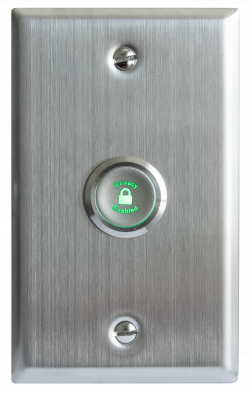
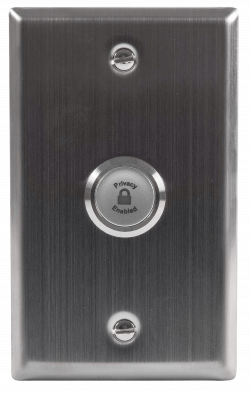
The <b>VALT Privacy Button</b> is a physical button that can be installed inside of a room that has cameras connected to VALT. This button allows a user to put a mask over the video and mute the audio, at the camera level. To enable and disable this privacy mode, a user must toggle the button. | The <b>VALT Privacy Button</b> is a physical button that can be installed inside of a room that has cameras connected to VALT. This button allows a user to put a mask over the video and mute the audio, at the camera level. To enable and disable this privacy mode, a user must toggle the button. | ||
Revision as of 15:17, 24 February 2026
Introduction
The VALT Privacy Button is a physical button that can be installed inside of a room that has cameras connected to VALT. This button allows a user to put a mask over the video and mute the audio, at the camera level. To enable and disable this privacy mode, a user must toggle the button.
 |
 |
Physical Connections
Wiring
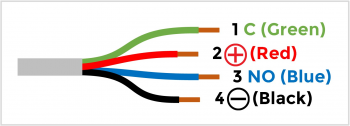
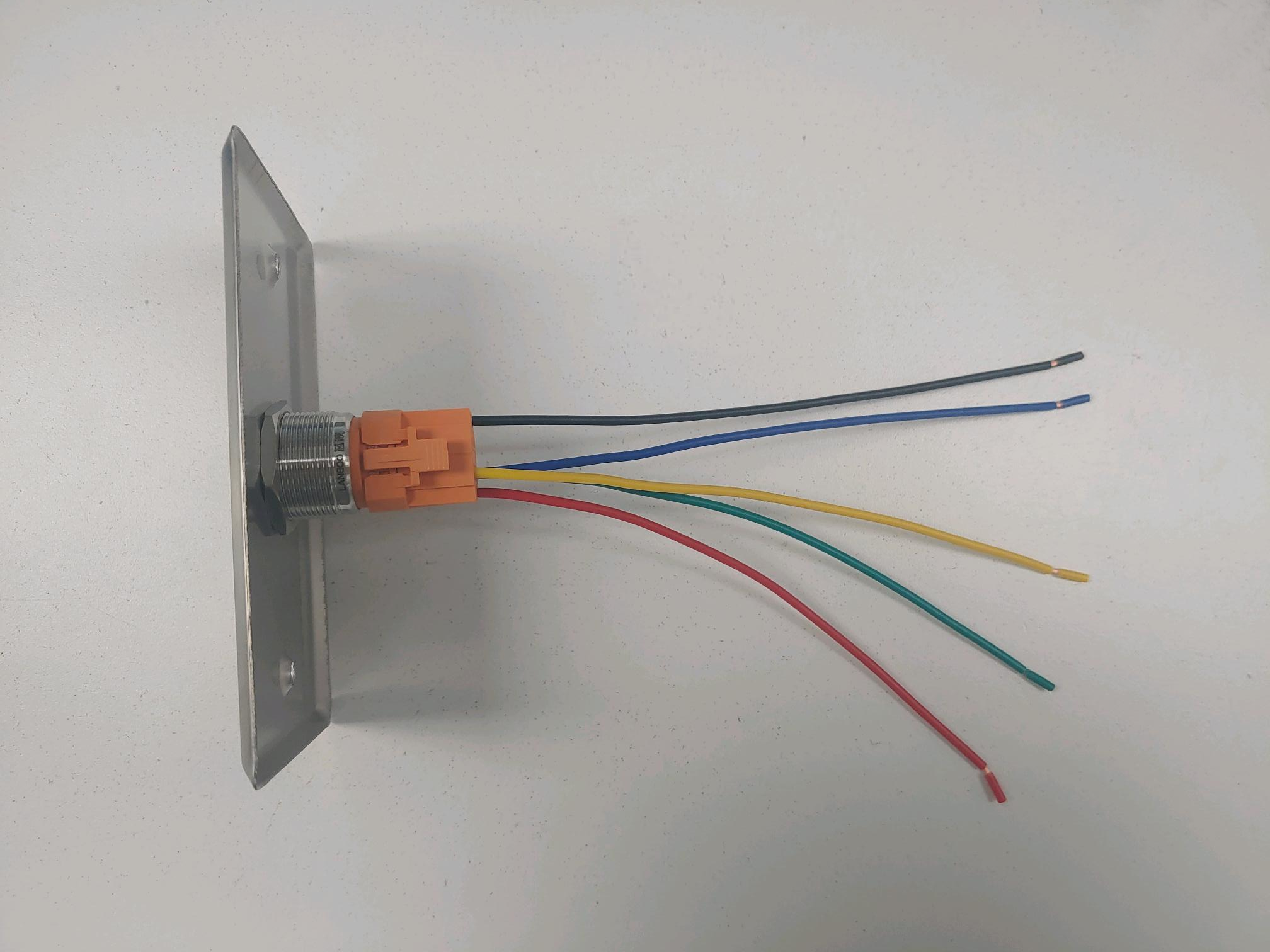
Between the cameras and the privacy button, there are two different cables. The first cable related to this is the one attached to the the physical button.
The physical button wires will look like this:
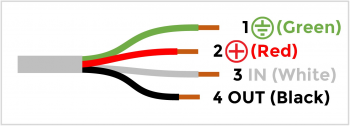
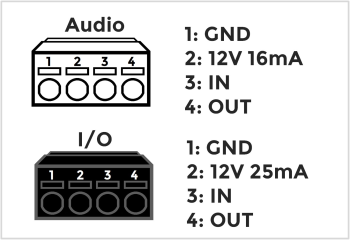
The second cable connection is the cable that will plug directly into the camera.
Axis IO Blocks
Of the supported cameras that IVS uses, many of the devices use I/O blocks to connect audio, power, and VALT accessories.