VALT Room Controls: Difference between revisions
Jump to navigation
Jump to search
IVSWikiBlue (talk | contribs) No edit summary |
IVSWikiBlue (talk | contribs) No edit summary |
||
| Line 15: | Line 15: | ||
{{hr - 2}} | {{hr - 2}} | ||
* [[Privacy Button 2020-Present | Installation and Configuration]] | *[[Privacy Button 2020-Present | Installation and Configuration]] | ||
*[[VALT Privacy Button|More Information]] | |||
|right = | |right = | ||
{{img - resize | file = Privacy Button On.png | width=240px}} | {{img - resize | file = Privacy Button On.png | width=240px}} | ||
}} | }} | ||
}} | }} | ||
Revision as of 14:06, 18 March 2025
🕮
Looking for sales information or resources? Click here!
VALT Room Controls
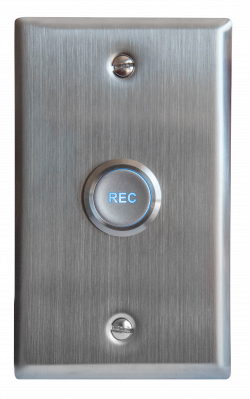
VALT Record Button
The VALT Record Button is a simple way to start a recording in or near the room. Simply push the button to start a recording and then push it again to stop the recording.
✎
Since the button does not know who pressed the button, the recording will default authorship to a generic user.
VALT Card Reader

The VALT Card Reader is another simple way to start a recording but unlike the VALT Record Button it has the ability to tie who has started the recording to the video and assign access rights accordingly. Simply swipe a badge to start a recording and then swipe it again to stop the recording.
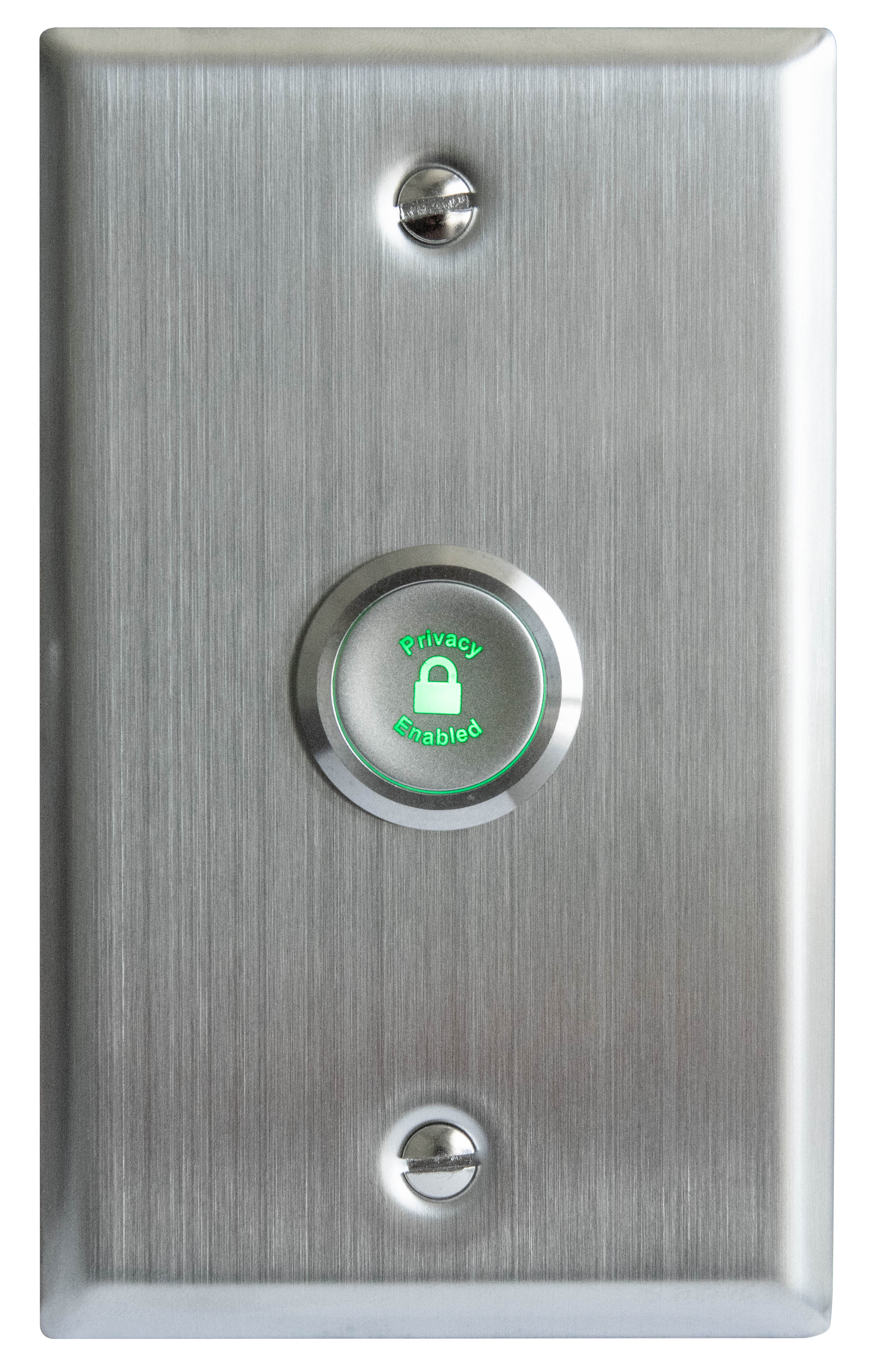
VALT Privacy Button
The VALT Privacy Button provides users with a local way to prevent video and audio observation into a session. When this is desired, we can configure cameras for Privacy Mode, which blankets the screen with a black video overlay and omits all audio from the stream.