ROAM Bridge: Difference between revisions
Jump to navigation
Jump to search
IVSWikiBlue (talk | contribs) No edit summary |
IVSWikiBlue (talk | contribs) No edit summary |
||
| Line 7: | Line 7: | ||
==Accessing the ROAM Bridge== | ==Accessing the ROAM Bridge== | ||
To access the <b>ROAM Bridge</b>, it must be powered and connected to the network. | To access the <b>ROAM Bridge</b>, it must be powered and connected to the network. | ||
{{Aside | content = You can also access the device by connecting a laptop or computer directly to the deivce.}} | |||
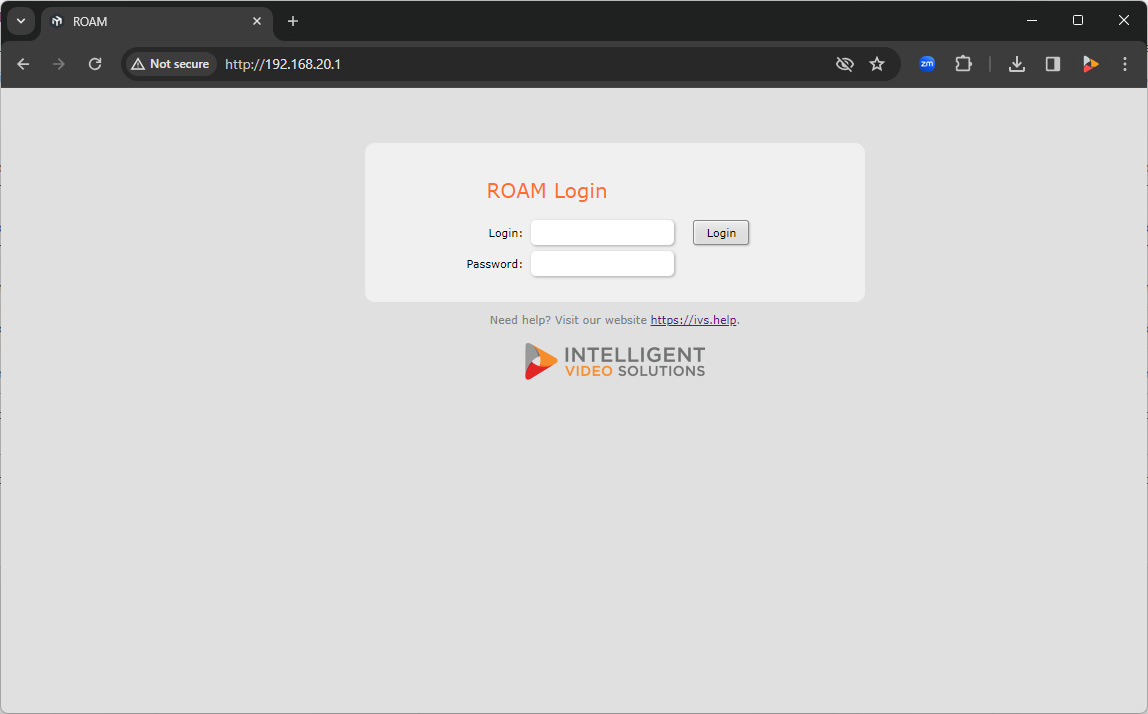
Once on the network, please navigate to the IP of the bridge, and enter the credentials. | Once on the network, please navigate to the IP of the bridge, and enter the credentials. | ||
Revision as of 20:57, 26 February 2024
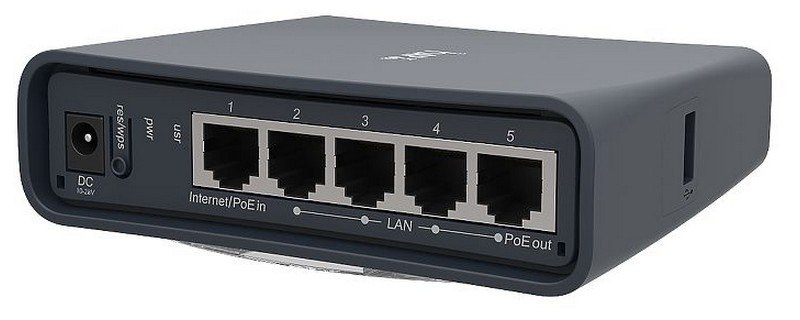
Physical Device
Accessing the ROAM Bridge
To access the ROAM Bridge, it must be powered and connected to the network.
✎
You can also access the device by connecting a laptop or computer directly to the deivce.
Once on the network, please navigate to the IP of the bridge, and enter the credentials.
-
The default administrative credentials are:
- User:
- admin
- Password:
- admin51