VALT 6 Login: Difference between revisions
Jump to navigation
Jump to search
IVSWikiBlue (talk | contribs) No edit summary |
IVSWikiBlue (talk | contribs) No edit summary |
||
| Line 1: | Line 1: | ||
< | {{Section | content = | ||
<onlyinclude> | |||
<div class="floating_card">To access VALT, simply open a web browser and point to the URL of the VALT server.</div> | |||
{{Aside | content = Your VALT URL will be unique to your organization. If you do not know your VALT web address, please contact your local VALT admin.}} | {{Aside | content = Your VALT URL will be unique to your organization. If you do not know your VALT web address, please contact your local VALT admin.}} | ||
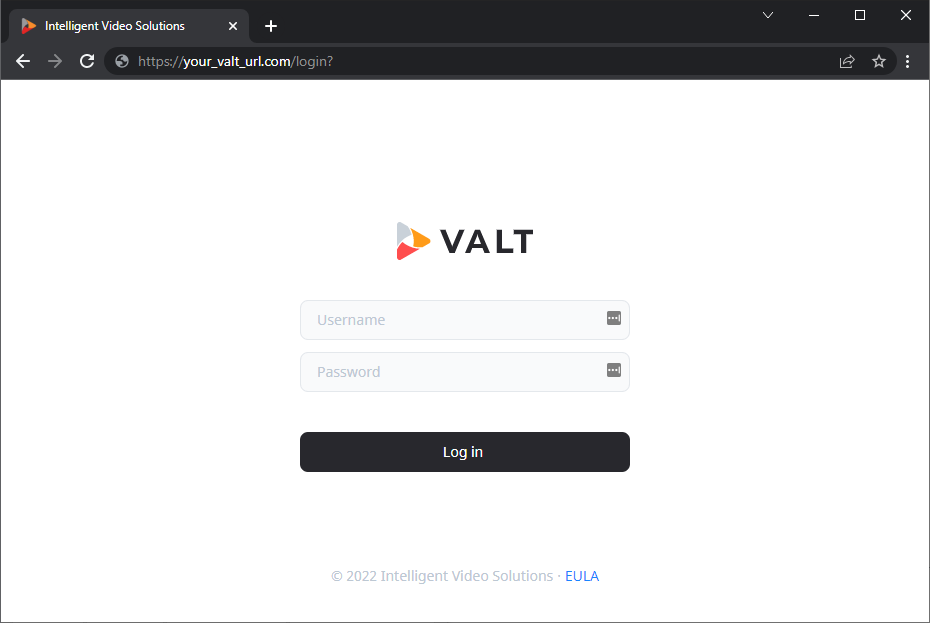
Below is an example of the VALT 6 login screen. | <hr> | ||
{{img - no_click | Below is an example of the VALT 6 login screen. | ||
| file = VALT 6 Login Page.png | |||
| width = | {{img - no_click | file = VALT 6 Login Page.png | width = }} | ||
</onlyinclude> | |||
}} | }} | ||
Revision as of 15:08, 13 July 2023
To access VALT, simply open a web browser and point to the URL of the VALT server.
✎
Your VALT URL will be unique to your organization. If you do not know your VALT web address, please contact your local VALT admin.
Below is an example of the VALT 6 login screen.