Template:VALT Server Migration: Difference between revisions
Jump to navigation
Jump to search
IVSWikiBlue (talk | contribs) |
IVSWikiBlue (talk | contribs) |
||
| Line 31: | Line 31: | ||
<li>Type in the following, then press {{Keyboard | key = Enter}}:</li> | <li>Type in the following, then press {{Keyboard | key = Enter}}:</li> | ||
<code>mysqldump -uivsadmin -p valt > valt.sql</code> | <code>mysqldump -uivsadmin -p valt > valt.sql</code> | ||
<li>Enter in the | <li>Enter in the MySQL password and press {{Keyboard | key = Enter}}:</li> | ||
</ol> | </ol> | ||
</div><br> | </div><br> | ||
| Line 40: | Line 40: | ||
<li>Copy over the database file to the new server</li> | <li>Copy over the database file to the new server</li> | ||
<code>scp valt.sql ivsadmin@'''NewServerIP''':/home/ivsadmin/</code> | <code>scp valt.sql ivsadmin@'''NewServerIP''':/home/ivsadmin/</code> | ||
<li>Enter password for '''ivsadmin'''</li> | <li>Enter password for '''ivsadmin''' and press {{Keyboard | key = Enter}}:</li> | ||
</ol> | </ol> | ||
</div><br> | </div><br> | ||
Revision as of 16:19, 3 August 2022
Note: Change IP's in the below commands to match the IP's of the new and old server
On the Old Server
- Disable the Apache web service to prevent further recordings:
sudo service apache2 stop
- Disable the restart Wowza cronjob:
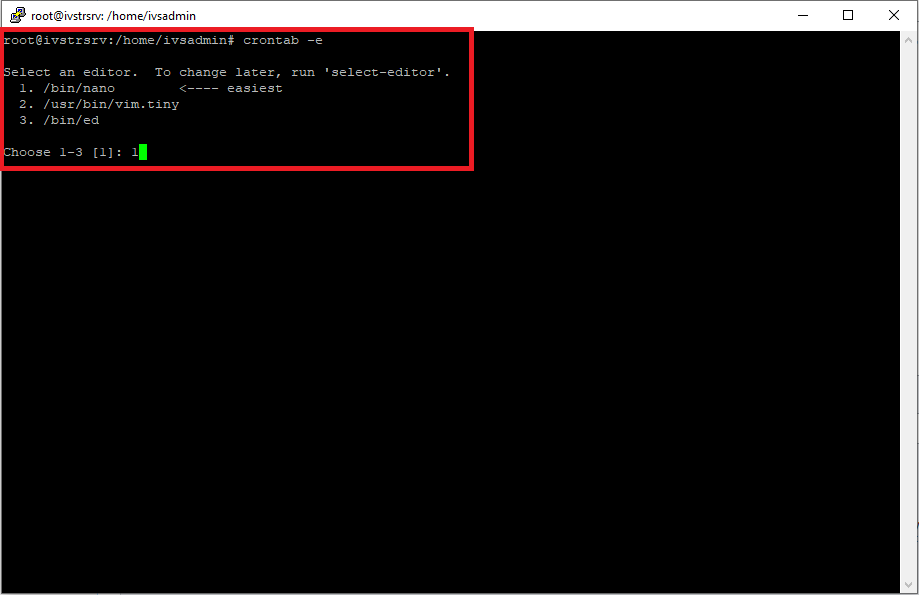
- - Type in the following command:
crontab -e- - Press 1 to continue
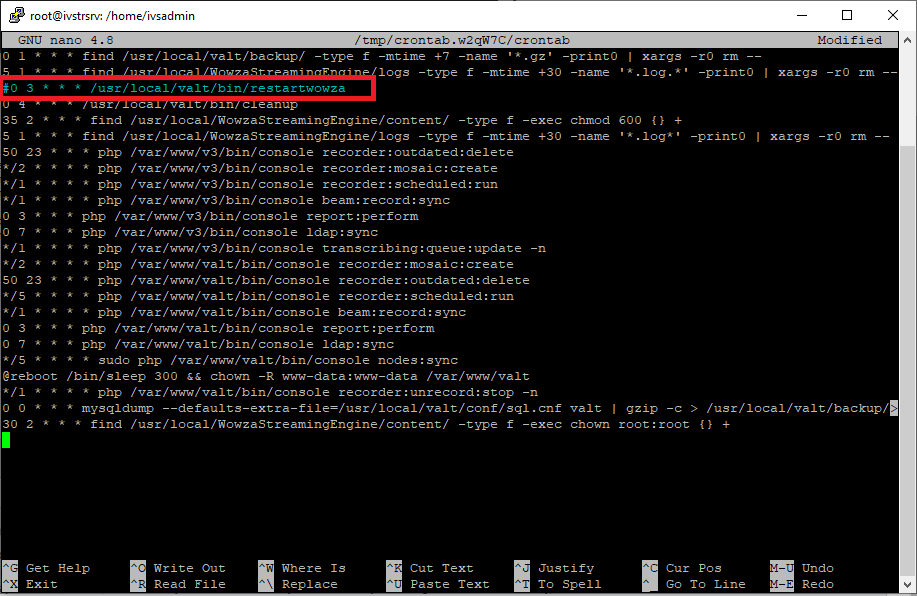
- Comment out the following job:
- Press CTRL + X to exit
- Press Y to save
0 3 * * * /usr/local/valt/bin/restartwowza
- Type in the following, then press Enter:
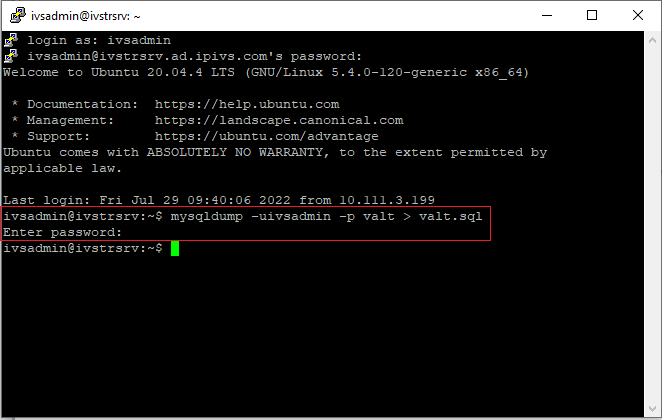
- Type in the following, then press Enter:
- Enter in the MySQL password and press Enter:
sudo chmod 777 -R /usr/local/WowzaStreamingEngine/content/
mysqldump -uivsadmin -p valt > valt.sql
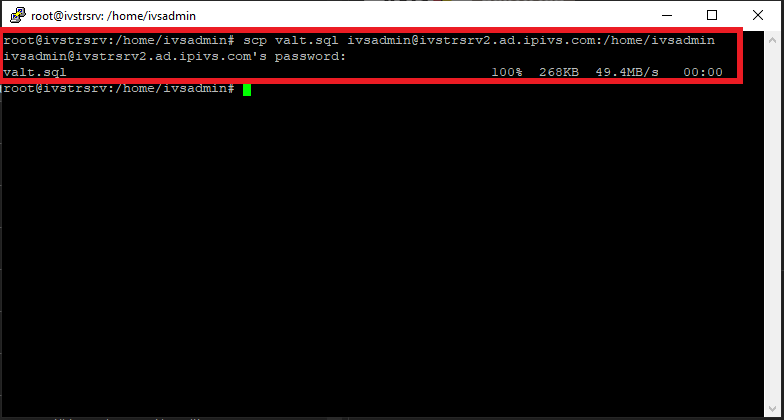
- Copy over the database file to the new server
- Enter password for ivsadmin and press Enter:
scp valt.sql ivsadmin@NewServerIP:/home/ivsadmin/
On the New Server
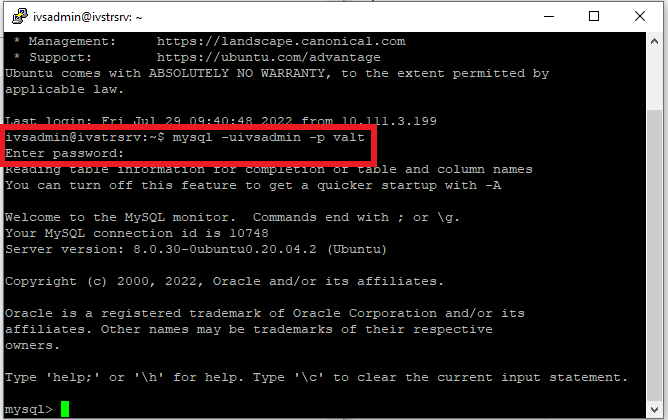
- Type in the following and press Enter:
mysql -uivsadmin -p valt
- Enter in the MySQL password and press Enter:
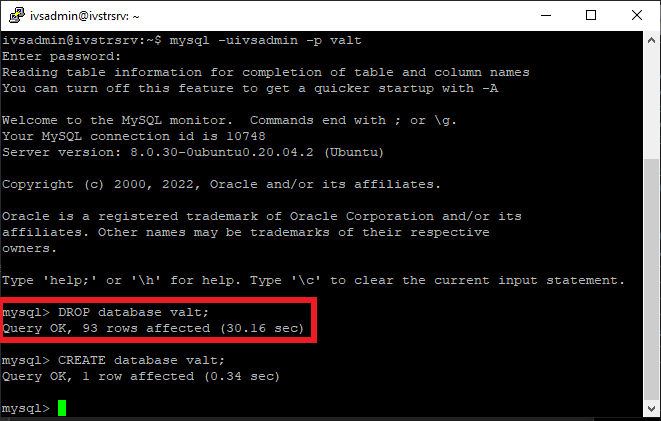
- Type in the following and press Enter:
DROP database valt;
- :

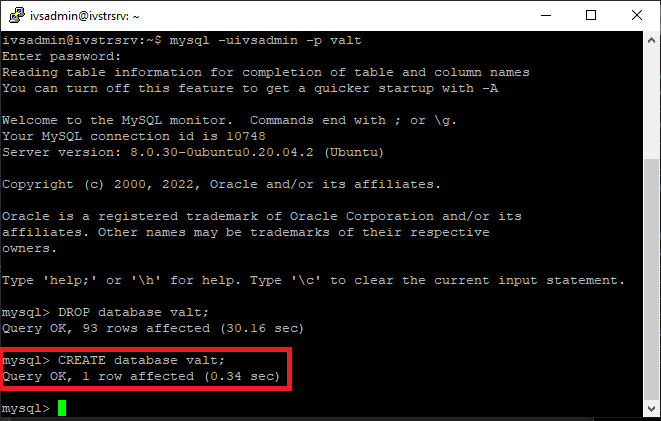
- Type in the following and press Enter:
CREATE database valt;
- :

- Type in the following and press Enter:
- Type in the following and press Enter:
- Enter in the MySQL password and press Enter:
exitmysql -uivsadmin -p valt < valt.sql
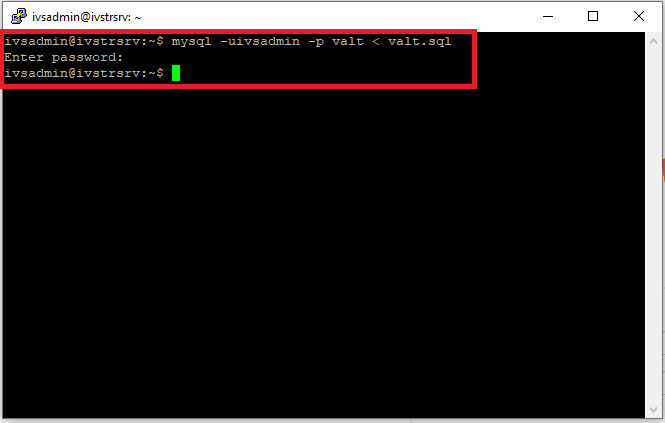
- Type in the following and press Enter:
- Enter in the MySQL password and press Enter:
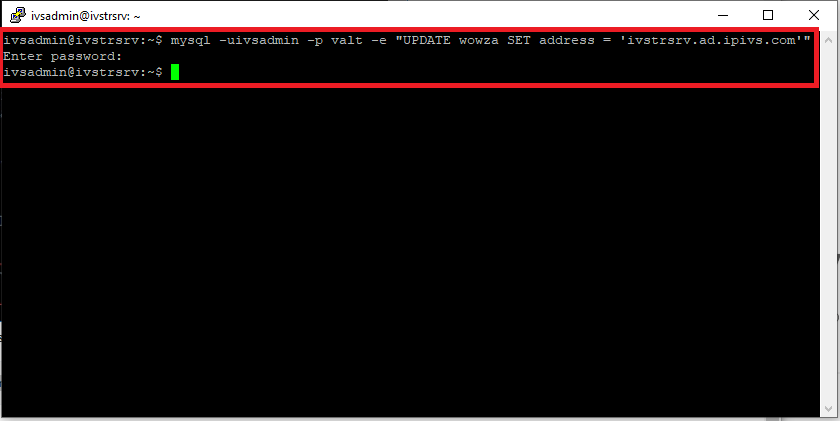
mysql -uivsadmin -p valt -e "UPDATE wowza SET address = 'NewServerIP'"