Install BEAM: Difference between revisions
Jump to navigation
Jump to search
IVSWikiBlue (talk | contribs) No edit summary |
IVSWikiBlue (talk | contribs) No edit summary |
||
| Line 1: | Line 1: | ||
<span class="note">BEAM requires iPadOS 13.0 or later</span> | <span class="note">BEAM requires iPadOS 13.0 or later</span> | ||
<br> | <br><br> | ||
#Open the App Store by touching the icon on your iPad or iPhone | #Open the App Store by touching the icon on your iPad or iPhone | ||
#:{{img | file = IPad1.PNG | width = 500px }} | #:{{img | file = IPad1.PNG | width = 500px }} | ||
Revision as of 17:11, 26 July 2022
BEAM requires iPadOS 13.0 or later
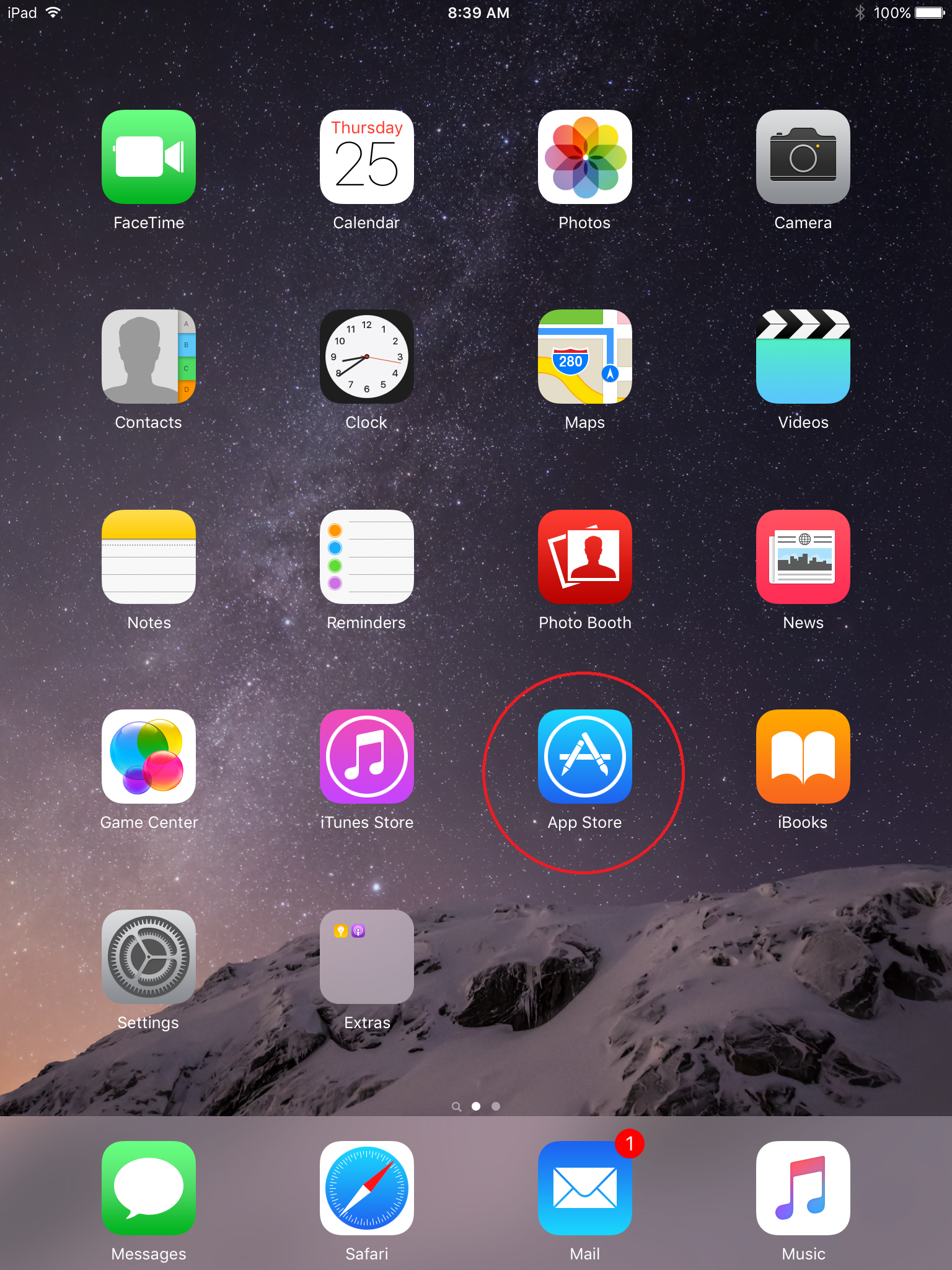
- Open the App Store by touching the icon on your iPad or iPhone
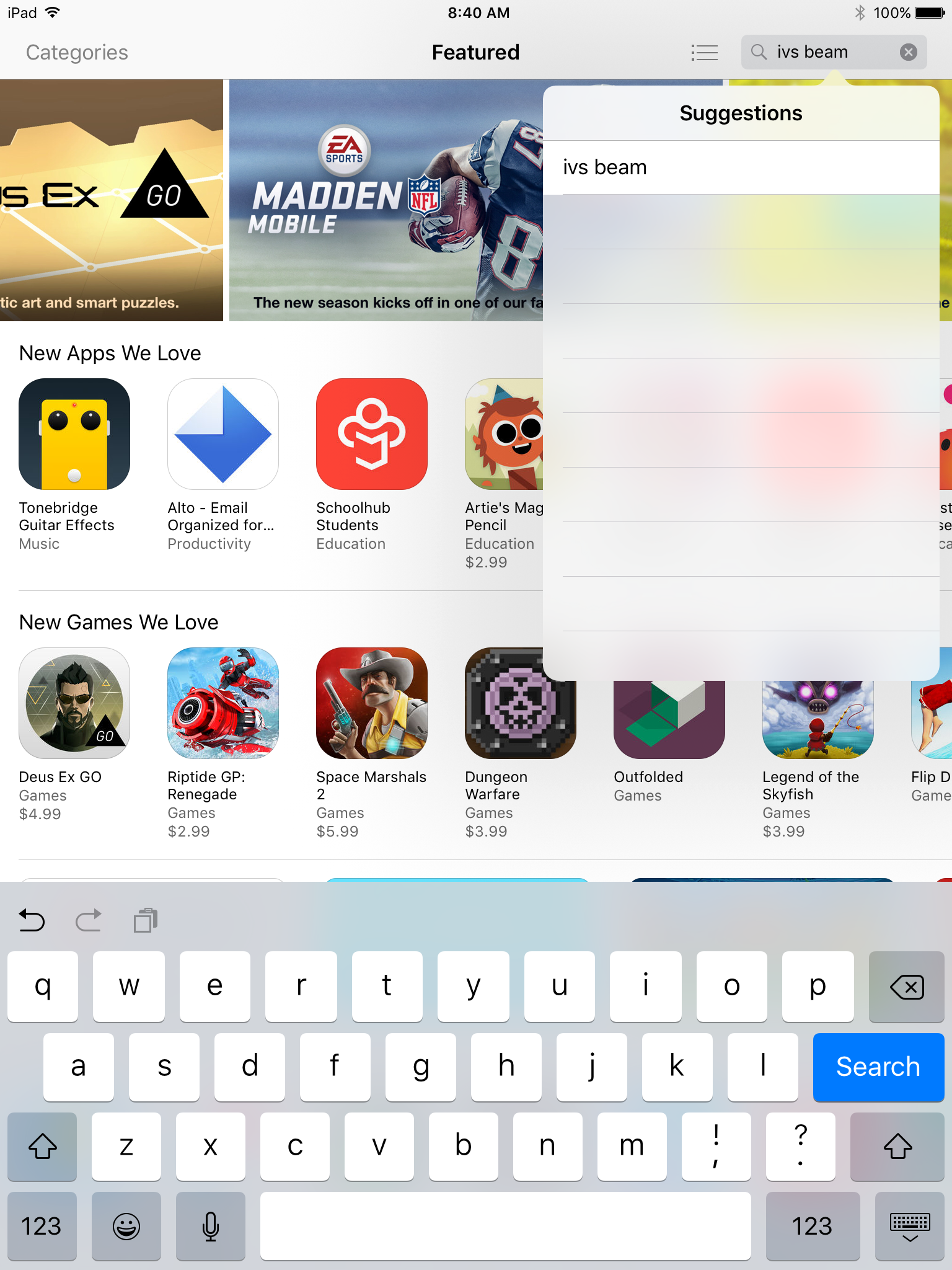
- Touch the search field in the upper right corner and type in IVS Beam
- Touch Search
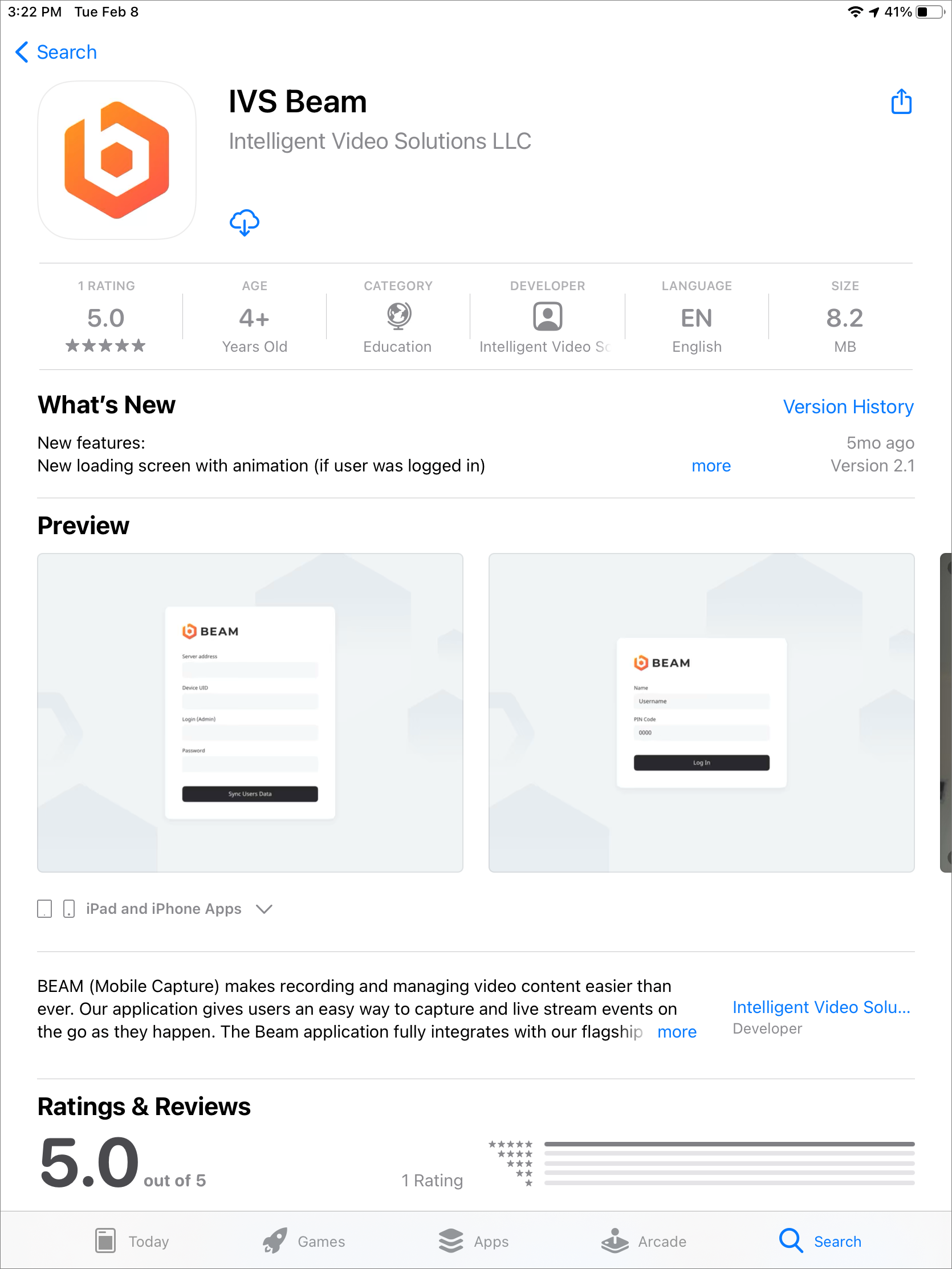
- Touch the cloud icon to download the app
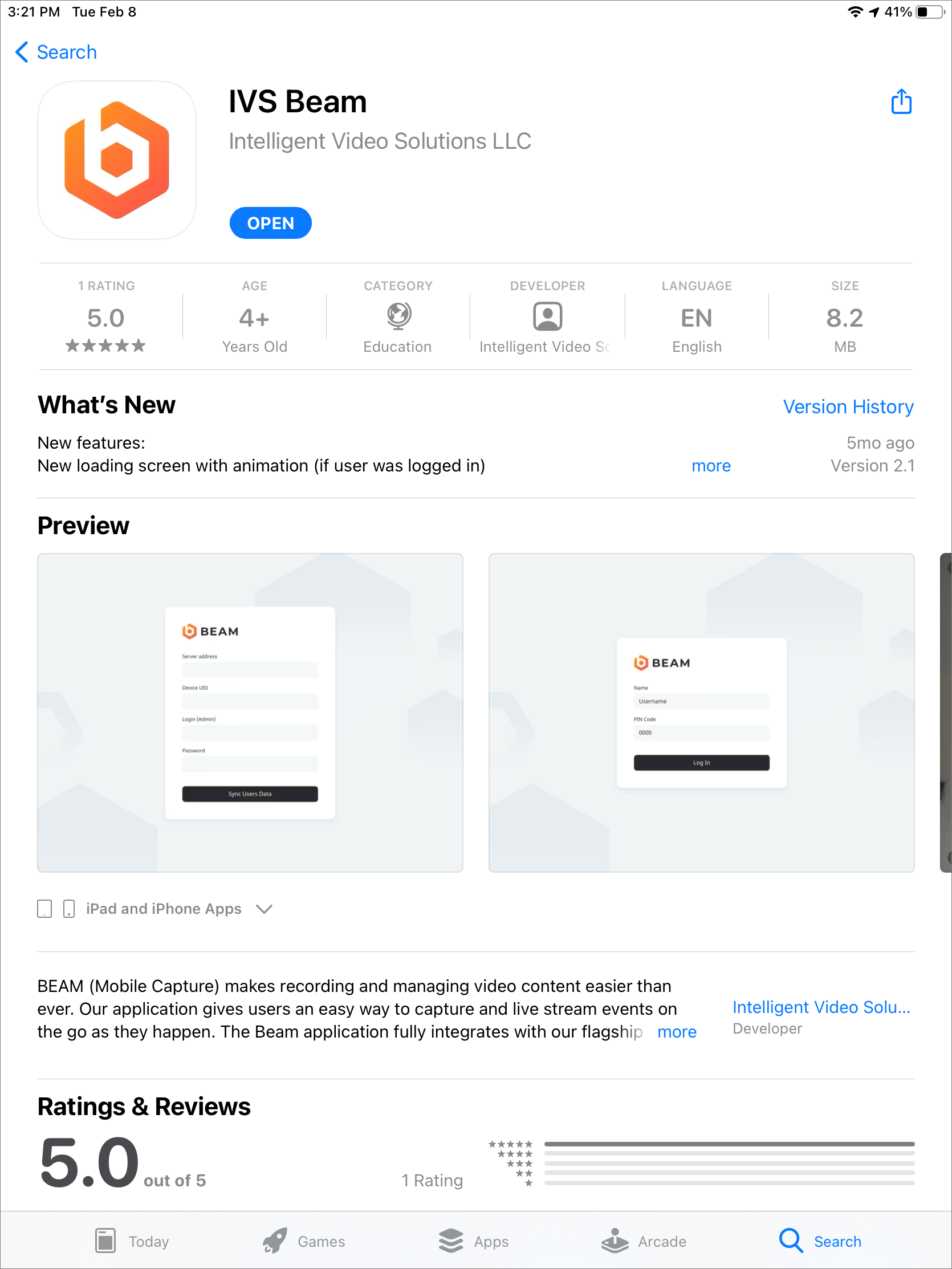
- After the installation is complete, touch OPEN to open the app