VALT 6 Getting Started: Difference between revisions
Jump to navigation
Jump to search
IVSWikiBlue (talk | contribs) No edit summary |
IVSWikiBlue (talk | contribs) No edit summary |
||
| Line 4: | Line 4: | ||
<h1>Login Page</h1> | <h1>Login Page</h1> | ||
{{:VALT 6 Login}} | {{:VALT 6 Login}} | ||
Revision as of 17:07, 22 June 2022
Supported Desktop Browsers
Supported Browsers
VALT uses HTML5 for all video controls. No 3rd party software or plug-ins are required to run VALT. Virtually any modern browser should be compatible with VALT however we only test compatibility with the browsers listed below.
Desktop Browsers
| Icon | Browser | Tested Version | Compatibility Score | Compatibility Notes |
|---|---|---|---|---|
 |
Chrome | Latest Available | 5 |
|
 |
Edge | Latest Available | 5 |
|
 |
Firefox | Latest Available | 4 |
|
 |
Safari | Latest Available | 2 |
|
Mobile Browsers
| Icon | Browser | Tested Version | Compatibility Score | Compatibility Notes |
|---|---|---|---|---|
|
Chrome | Latest Available | 5 |
|
|
Safari | Latest Available | 2 |
|
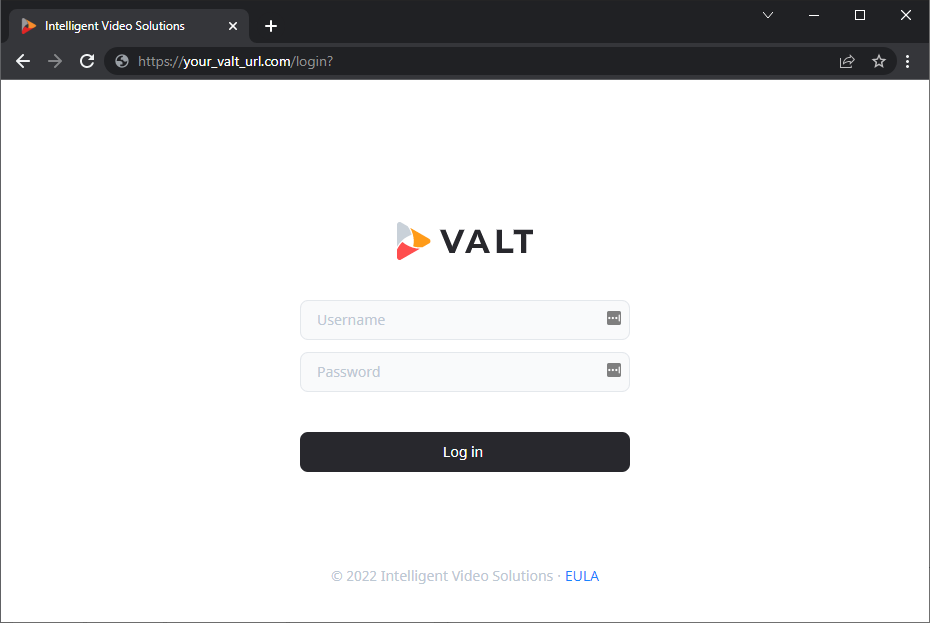
Login Page
To access VALT, simply open a web browser and point to the URL of the VALT server.
✎
Your VALT URL will be unique to your organization. If you do not know your VALT web address, please contact your local VALT admin.
Below is an example of the VALT 6 login screen.