Template:Accessing Your VALT POC System: Difference between revisions
Jump to navigation
Jump to search
IVSWikiBlue (talk | contribs) |
IVSWikiBlue (talk | contribs) No edit summary |
||
| Line 5: | Line 5: | ||
#:''Note: The default IP address for the VALT POC appliance is 192.168.5.2.'' | #:''Note: The default IP address for the VALT POC appliance is 192.168.5.2.'' | ||
#:{{img | file = POC Address-export.gif | width = }} | #:{{img | file = POC Address-export.gif | width = }} | ||
#:{{img | file = POC Login Screen.png | width = }} | #:{{img | file = POC Login Screen.png | width = 800px}} | ||
#Log into the system with the default username and password. | #Log into the system with the default username and password. | ||
#:Username: admin | #:Username: admin | ||
#:Password: admin | #:Password: admin | ||
#:{{img | file = VALT admin admin.png | width = | #:{{img | file = VALT admin admin.png | width = }} | ||
You can find more information on using the VALT application, including user guides and training videos on our wiki at https://www.ipivs.info/wiki/ | You can find more information on using the VALT application, including user guides and training videos on our wiki at https://www.ipivs.info/wiki/ | ||
Revision as of 14:10, 17 May 2022
How to Access the POC System
To access the system:
- Connect to the IVS_Demo Wifi as provided by the wireless access point in the VALT POC Camera Station.
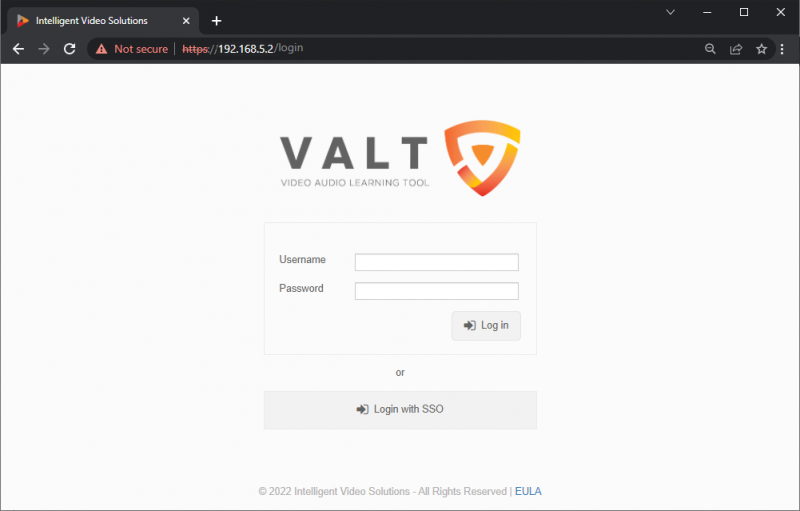
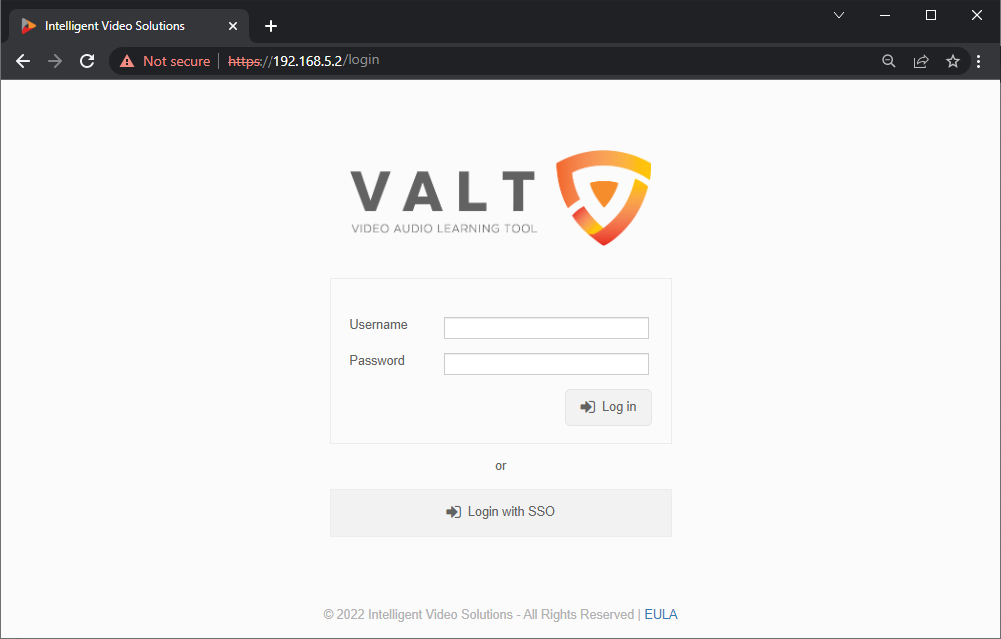
- Open up a web browser (Chrome, Firefox, Internet Explorer, Safari) and point it to the IP address of the VALT server.
- Note: The default IP address for the VALT POC appliance is 192.168.5.2.

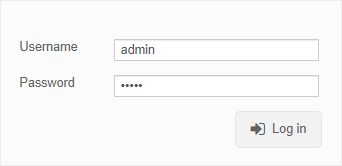
- Log into the system with the default username and password.
- Username: admin
- Password: admin


You can find more information on using the VALT application, including user guides and training videos on our wiki at https://www.ipivs.info/wiki/