How to Access VALT: Difference between revisions
Jump to navigation
Jump to search
IVSWikiBlue (talk | contribs) No edit summary |
IVSWikiBlue (talk | contribs) No edit summary |
||
| Line 3: | Line 3: | ||
#:[[File:Type VALT URL.gif|border|link=]] | #:[[File:Type VALT URL.gif|border|link=]] | ||
#You should now be at your VALT login screen | #You should now be at your VALT login screen | ||
#:[[File:VALT Login Screen.png| | #:[[File:VALT Login Screen.png|1000px|link=]] | ||
You can find more information on using the VALT application, including user guides and training videos on our wiki at http://www.ipivs.com/wiki/ | You can find more information on using the VALT application, including user guides and training videos on our wiki at http://www.ipivs.com/wiki/ | ||
Revision as of 16:52, 22 April 2022
- Open a web browser
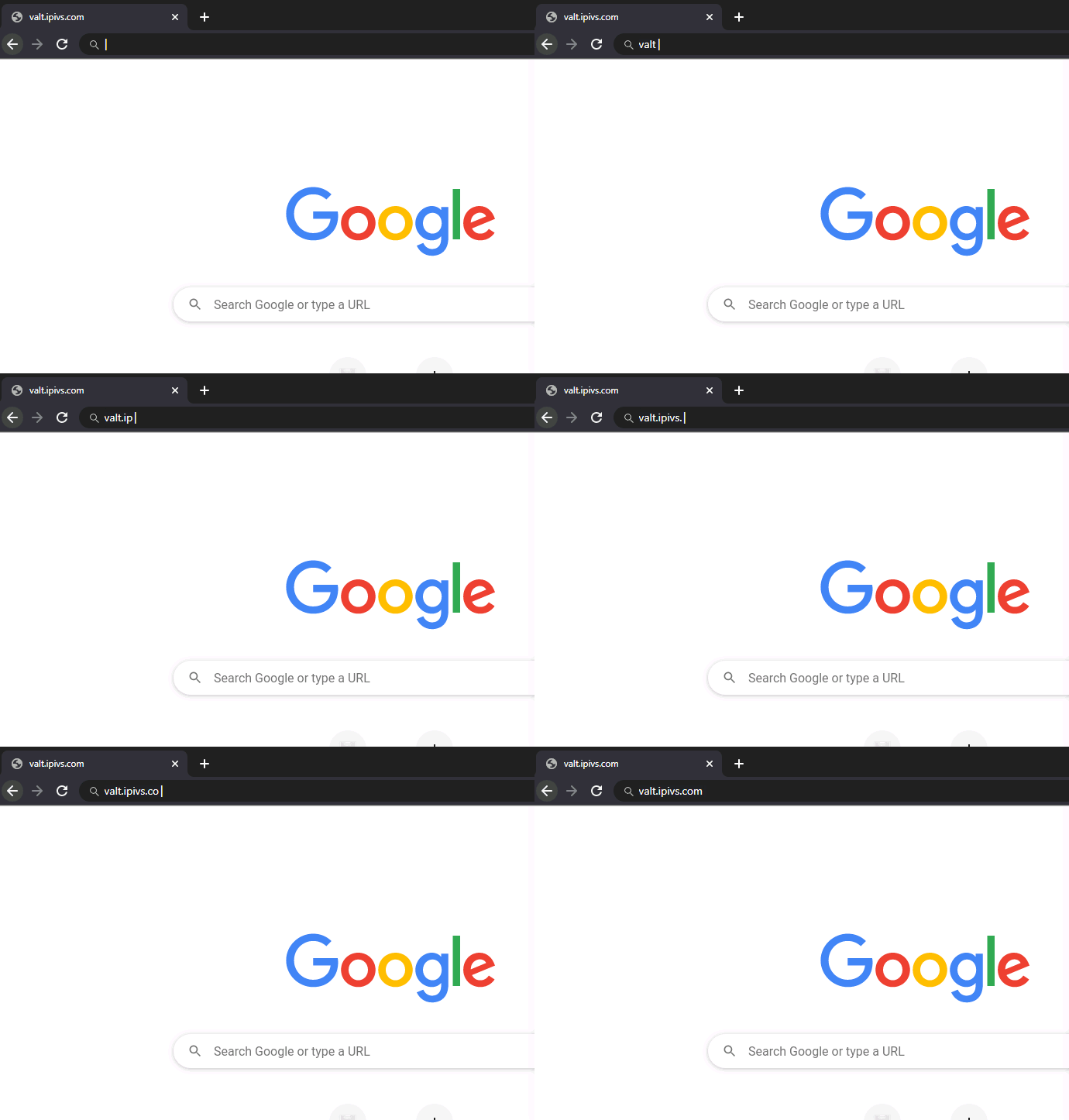
- Type the IP address, or domain name of your VALT server into the URL bar
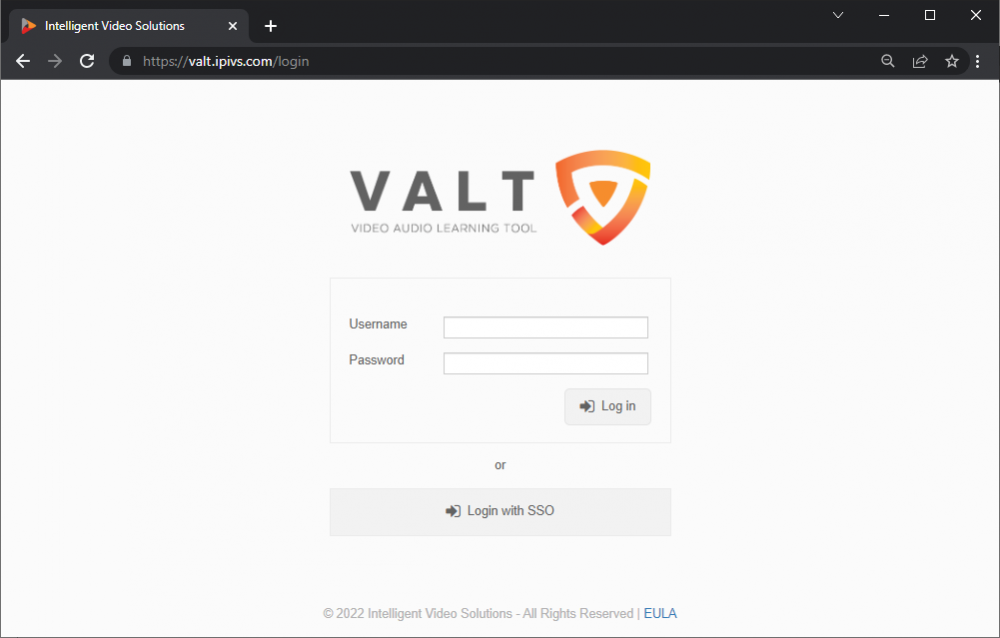
- You should now be at your VALT login screen
You can find more information on using the VALT application, including user guides and training videos on our wiki at http://www.ipivs.com/wiki/