IVS Wiki:BEAM Manual - Configuration: Difference between revisions
Jump to navigation
Jump to search
IVSWikiBlue (talk | contribs) No edit summary |
IVSWikiBlue (talk | contribs) No edit summary |
||
| Line 59: | Line 59: | ||
<h1>Help</h1> | <h1>Help</h1> | ||
*[[Install SSL Certificate for BEAM iPad]] | |||
*[https://www.ivs.help/ Contact IVS Suport] | |||
}} | }} | ||
[[Category:BEAM]] | [[Category:BEAM]] | ||
Revision as of 14:21, 23 April 2025
Installation
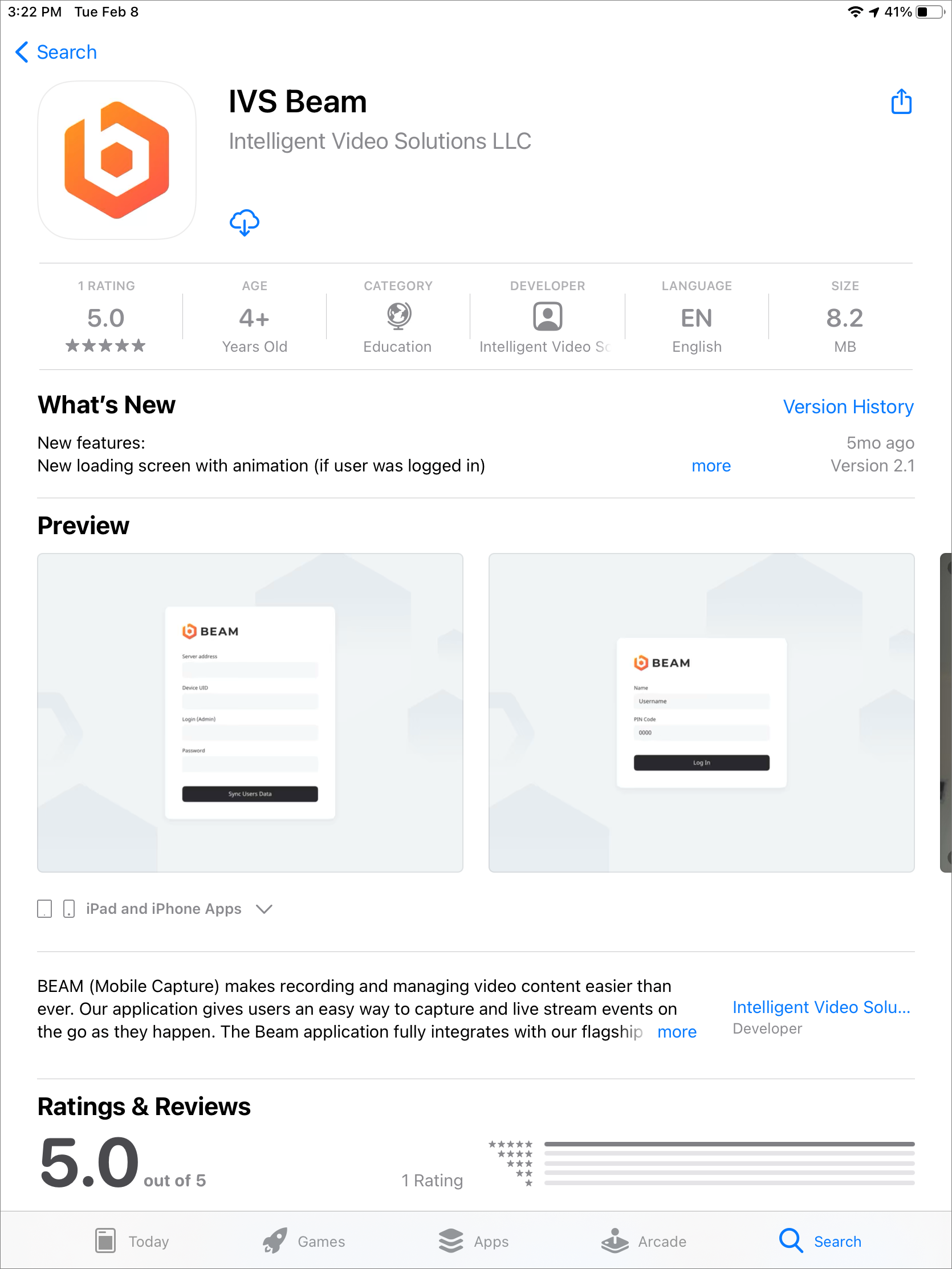
- Open the App Store by touching the App Store icon on your iPad or iPhone.
- Touch the search field in the upper right corner and type in IVS BEAM
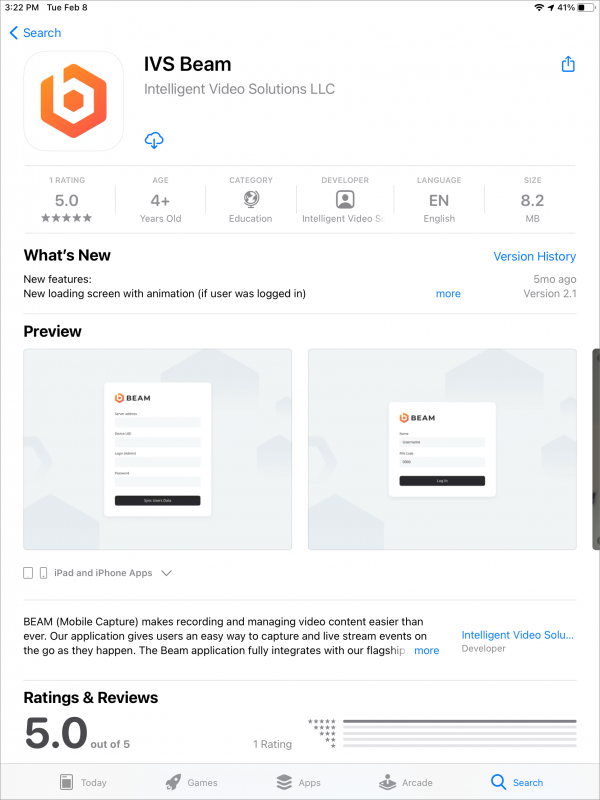 🖼️.
🖼️. - Touch Search.
- Touch the Get/Install/Cloud icon to download the app.
Configuration
- Open the IVS BEAM application.
- You will be prompted
 🖼️ to enter the Server Address, Device UID, Login (username) and Password.
 - Touch Sync User Data.
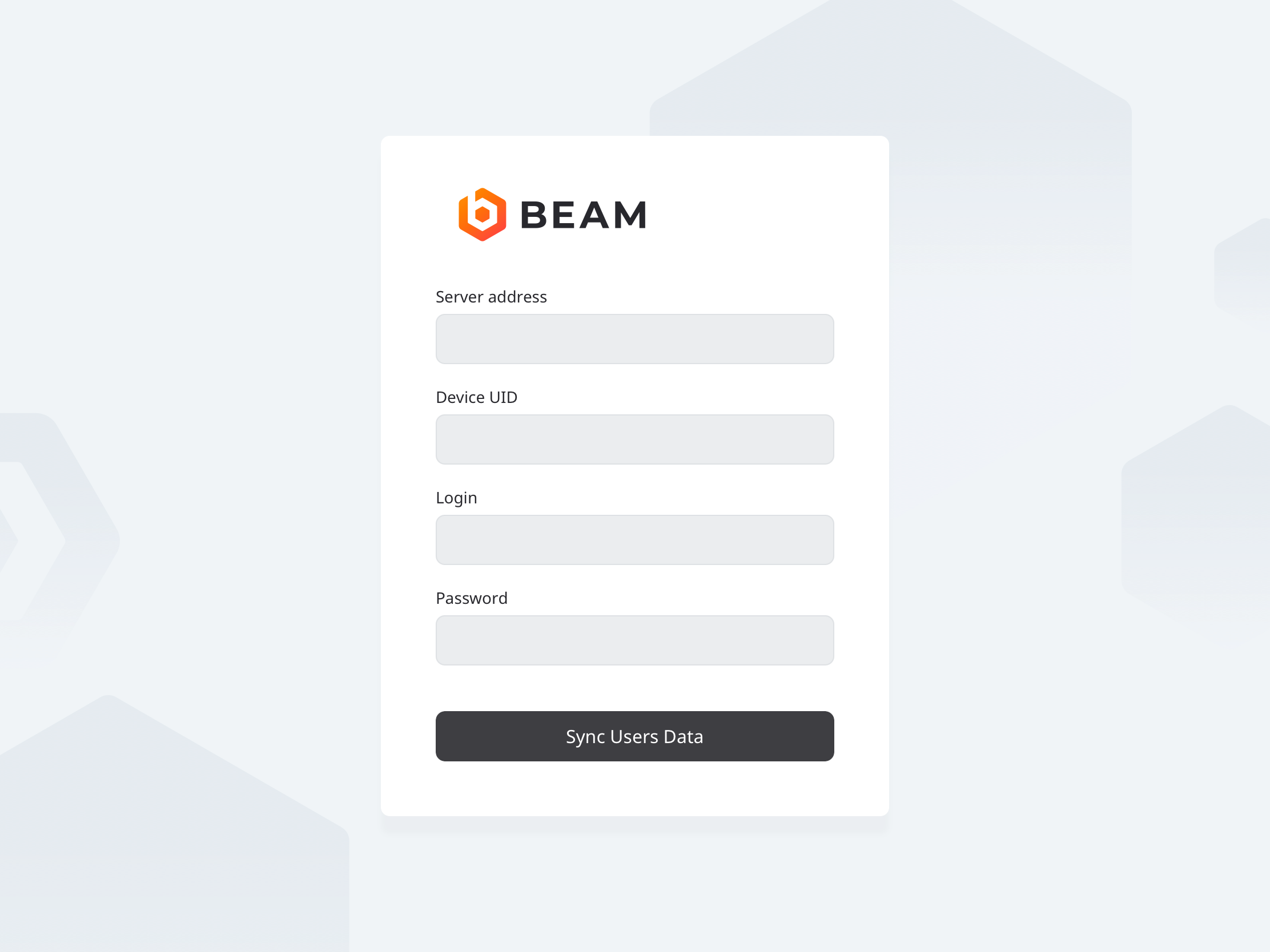
| Server Address | Enter the IP address or FQDN of the server. It must be entered as... http://<IPADDRESS> if SSL is DISABLED
or
https://<SERVER_FQDN> if SSL is ENABLED
|
|---|---|
| Device UID | You can obtain this by pulling up the iPad device on the server. |
| Username | The account used here much have administrator rights. |
| Password |
⚠
If you are utilizing SSL, you must have a cert signed by a trusted CA in order to connect an iOS device.
The app is now configured. Please see the IVS BEAM Software User Guide for additional instructions.