IVS Wiki:BEAM Manual: Difference between revisions
Jump to navigation
Jump to search
IVSWikiBlue (talk | contribs) No edit summary |
IVSWikiBlue (talk | contribs) No edit summary |
||
| Line 1: | Line 1: | ||
{{Article - Manual | content = | {{Article - Manual | content = | ||
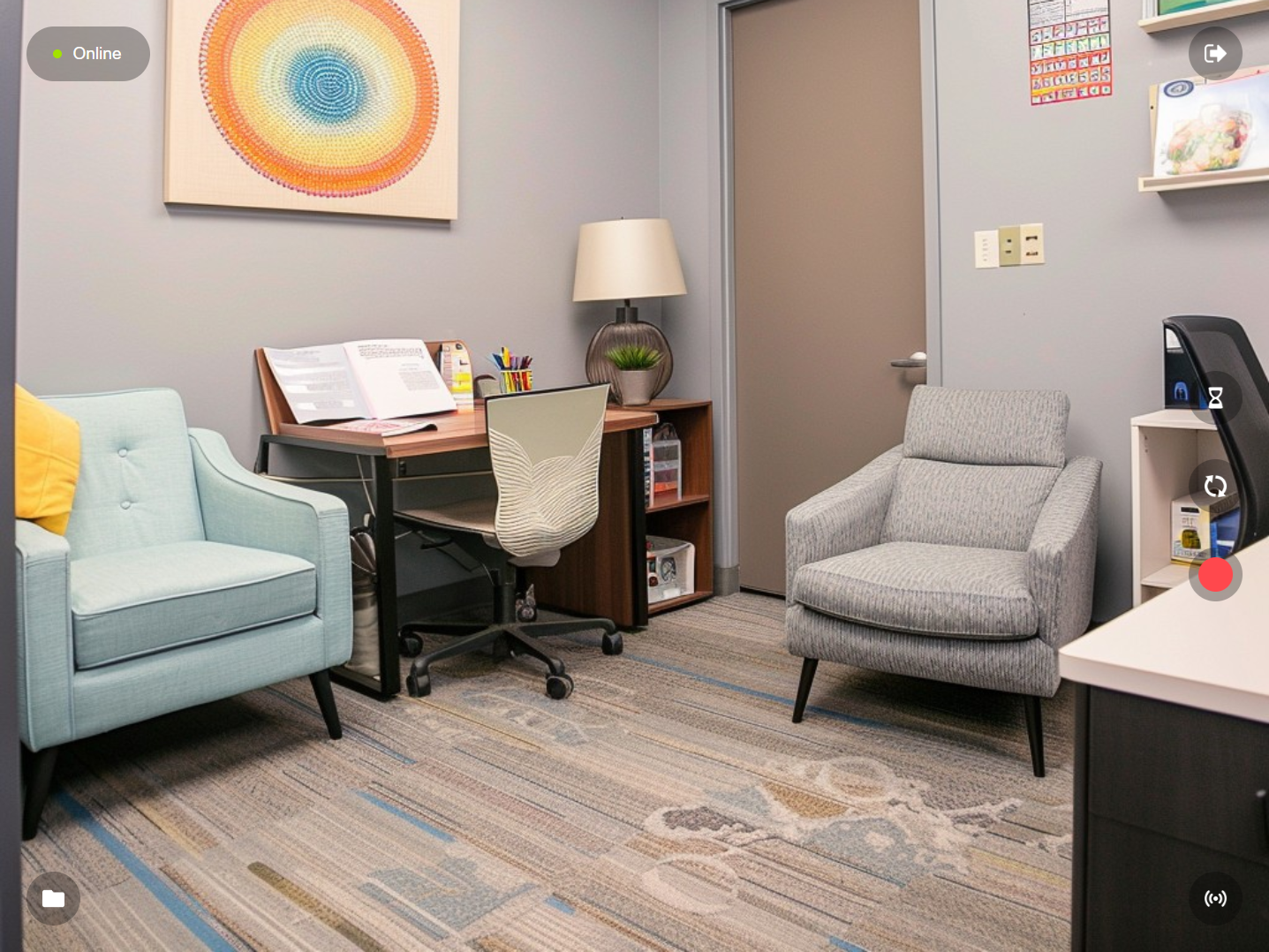
Once logged into BEAM, you will be greated to a camera view with a variety of buttons to perform actions. | |||
{{img - resize | file = BEAM Manual 2.0 Navigation 00.png}} | {{img - resize | file = BEAM Manual 2.0 Navigation 00.png}} | ||
<h1>Navigation</h1> | <h1>Navigation</h1> | ||
Revision as of 15:22, 9 April 2025
Once logged into BEAM, you will be greated to a camera view with a variety of buttons to perform actions.
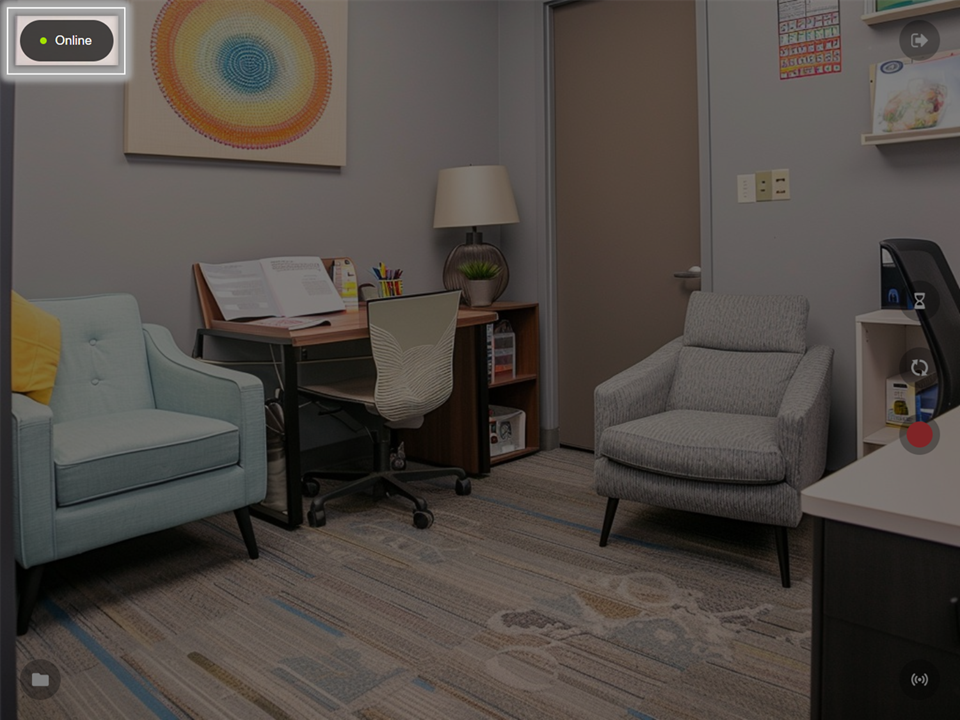
Connection Status
Displays the current status of communication with the VALT server.
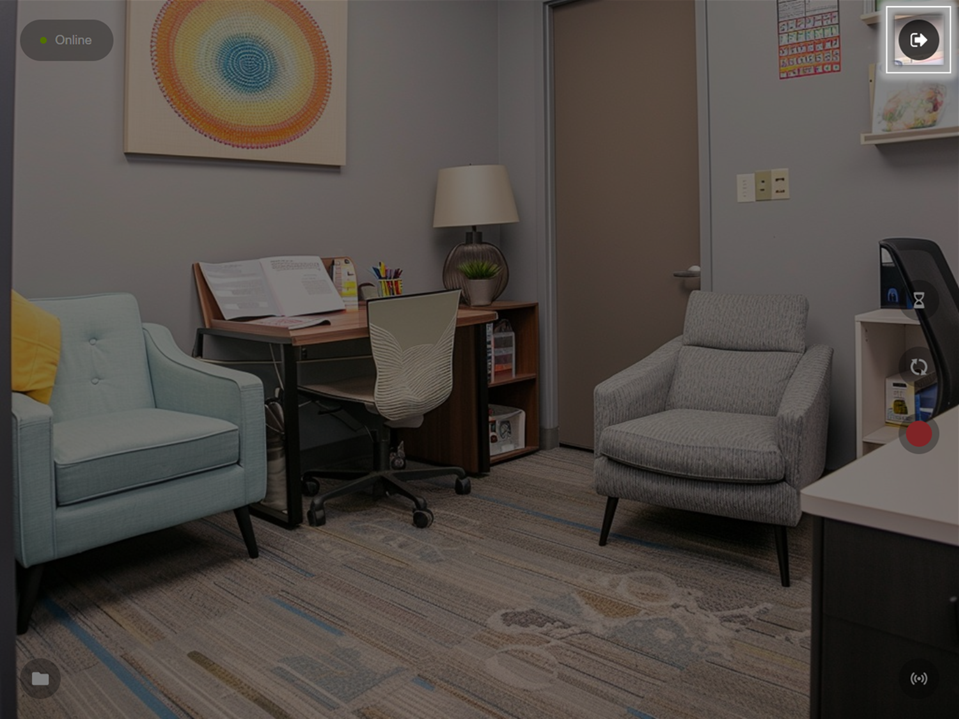
Switch Server
Touch to disconnect BEAM from your VALT server or to change the server settings.
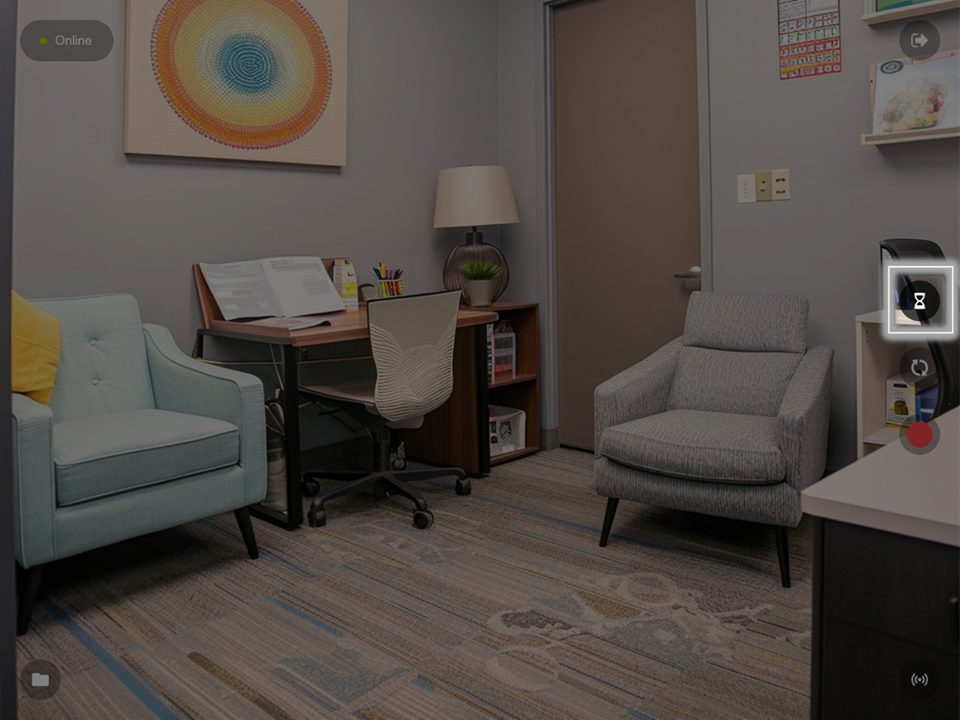
Prepare Recording
Touch to prepare recording information.
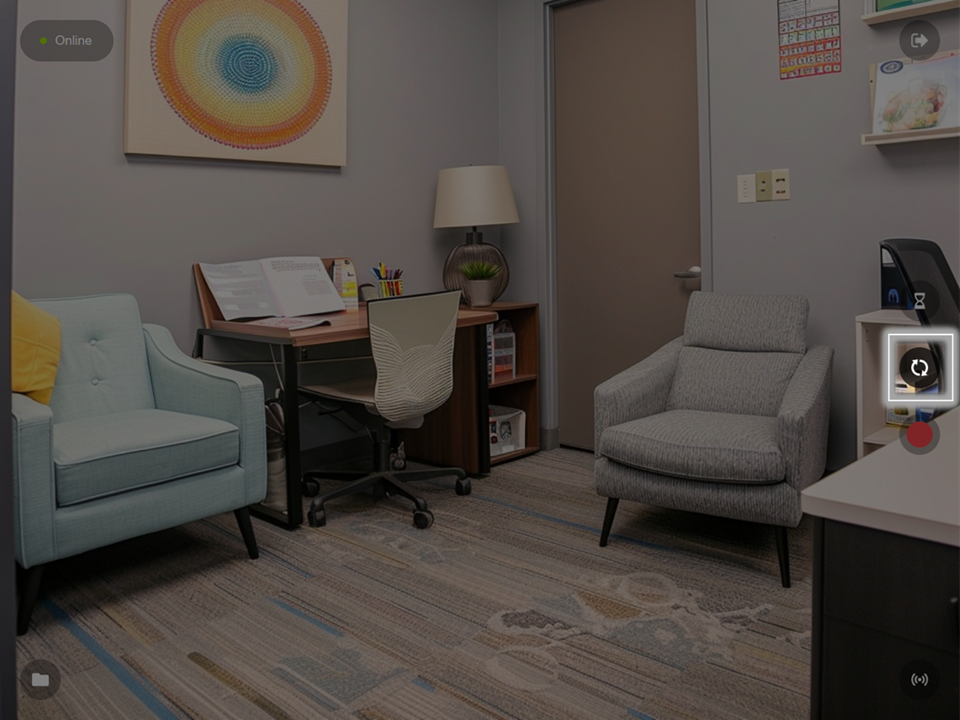
Flip Camera
Touch to toggle between the front and rear cameras of your device.
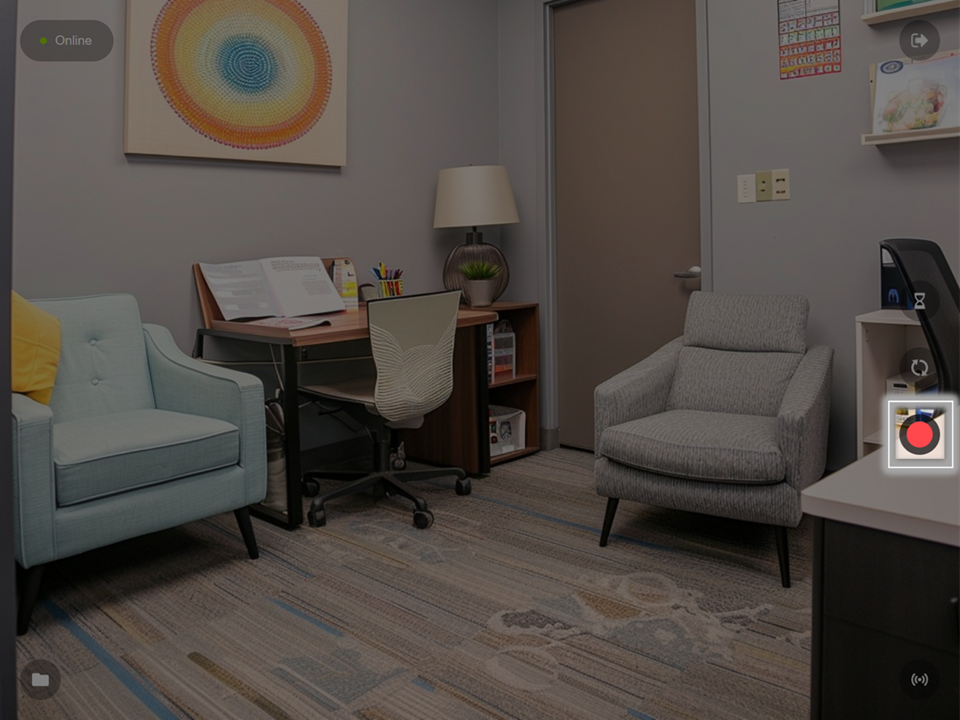
Record
Touch to Start Recording.
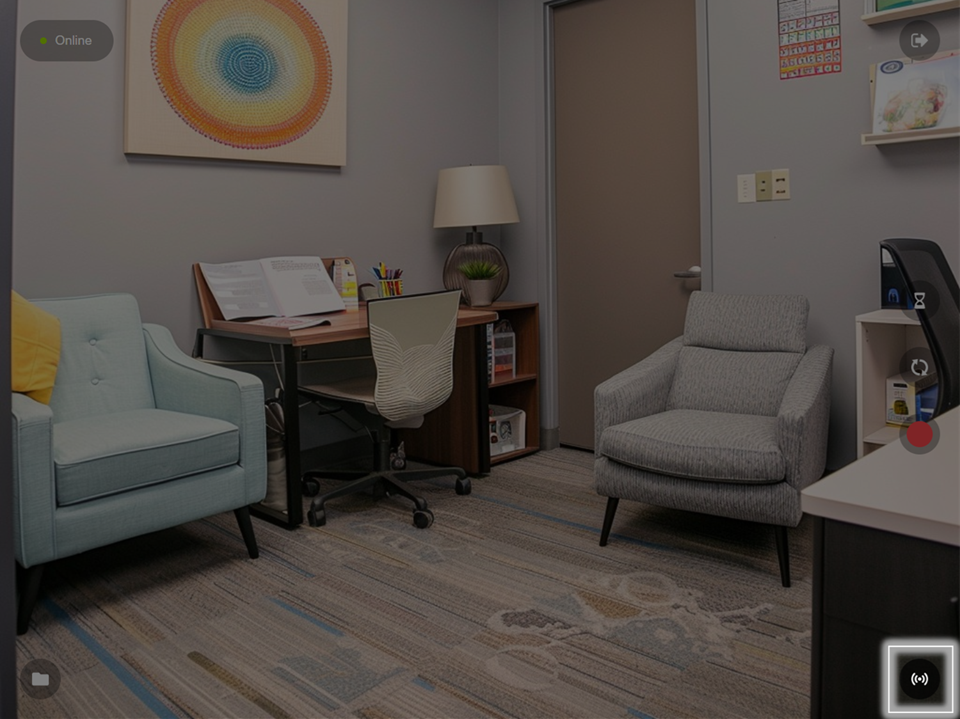
Stream
Touch to place the device into streaming mode.
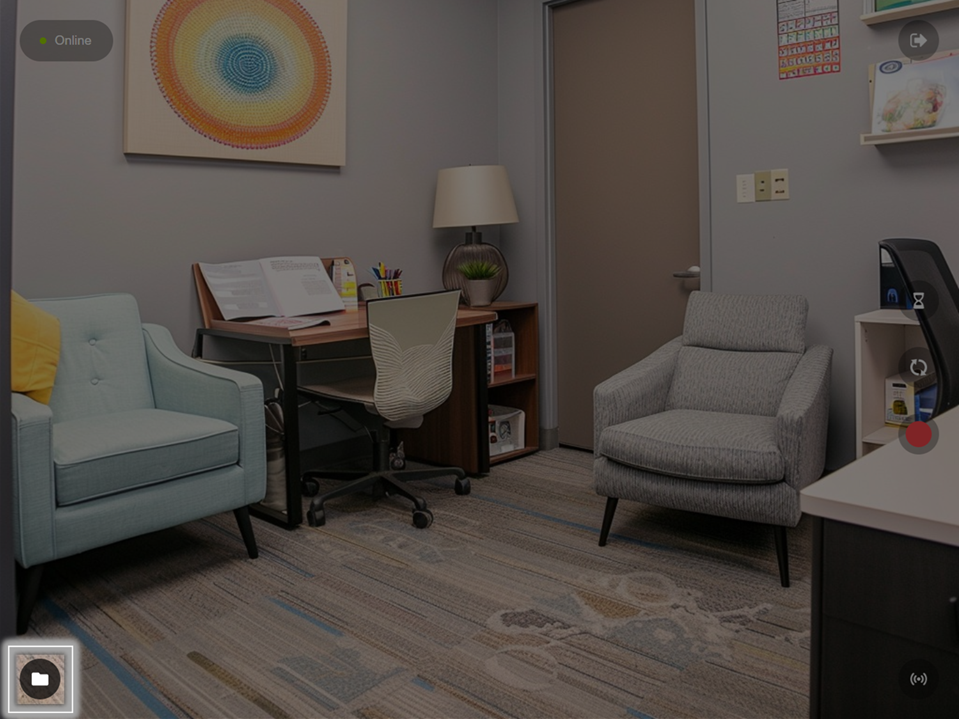
Files
Touch to see recordings stored on this device and change sync settings.