Restarting Wowza: Difference between revisions
Jump to navigation
Jump to search
IVSWikiBlue (talk | contribs) No edit summary |
IVSWikiBlue (talk | contribs) No edit summary |
||
| Line 2: | Line 2: | ||
{{Aside | content = Please note restarting the Wowza engine will disconnect any active observation session and stop any active recordings. It is best to perform this reset when no recordings are in progress.}} | {{Aside | content = Please note restarting the Wowza engine will disconnect any active observation session and stop any active recordings. It is best to perform this reset when no recordings are in progress.}} | ||
1) Enter the IP Address or URL of the VALT server, followed by ''':8088'''. Example: ''http://192.168.0.70:8088'' | 1) Enter the IP Address or URL of the VALT server, followed by ''':8088'''. Example: ''http://192.168.0.70:8088'' | ||
<hr> | |||
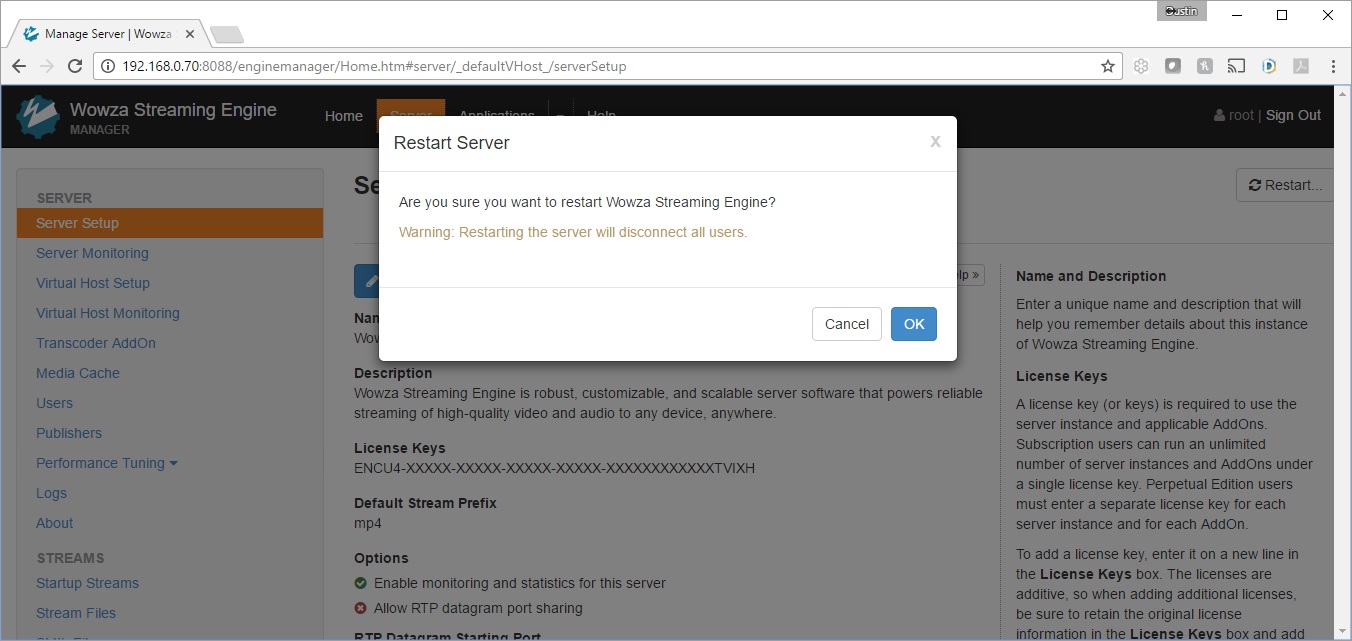
2) Enter the log in credentials for Wowza Manager Application. If you do not have these, please email IVS Support at support@ipivs.com. | 2) Enter the log in credentials for Wowza Manager Application. If you do not have these, please email IVS Support at support@ipivs.com. | ||
< | :{{img | file = Wowza1.jpg | width=800px}} | ||
<hr> | |||
3) You should see the diagnostic screen shown below. | 3) You should see the diagnostic screen shown below. | ||
< | :{{img | file = Wowza2.jpg | width=800px}} | ||
<hr> | |||
4) Click on the <b>Server</b> tab on top, followed by clicking the <b>Restart</b> button, as shown below. | 4) Click on the <b>Server</b> tab on top, followed by clicking the <b>Restart</b> button, as shown below. | ||
< | :{{img | file = Wowza3.jpg | width=800px}} | ||
5) Click '''OK''' to restart the Wowza Video Engine. After ~ 60 seconds, you should be able to log back into the VALT software, pull up cameras, and start recordings. | |||
<hr> | |||
:{{img | file = Wowza4.jpg | width= | |||
5) Click '''OK''' to restart the Wowza Video Engine. | |||
{{Aside | content = After ~ 60 seconds, you should be able to log back into the VALT software, pull up cameras, and start recordings.}} | |||
:{{img | file = Wowza4.jpg | width=800px}} | |||
}} | }} | ||
Revision as of 15:15, 18 January 2024
✎
Please note restarting the Wowza engine will disconnect any active observation session and stop any active recordings. It is best to perform this reset when no recordings are in progress.
1) Enter the IP Address or URL of the VALT server, followed by :8088. Example: http://192.168.0.70:8088
2) Enter the log in credentials for Wowza Manager Application. If you do not have these, please email IVS Support at support@ipivs.com.
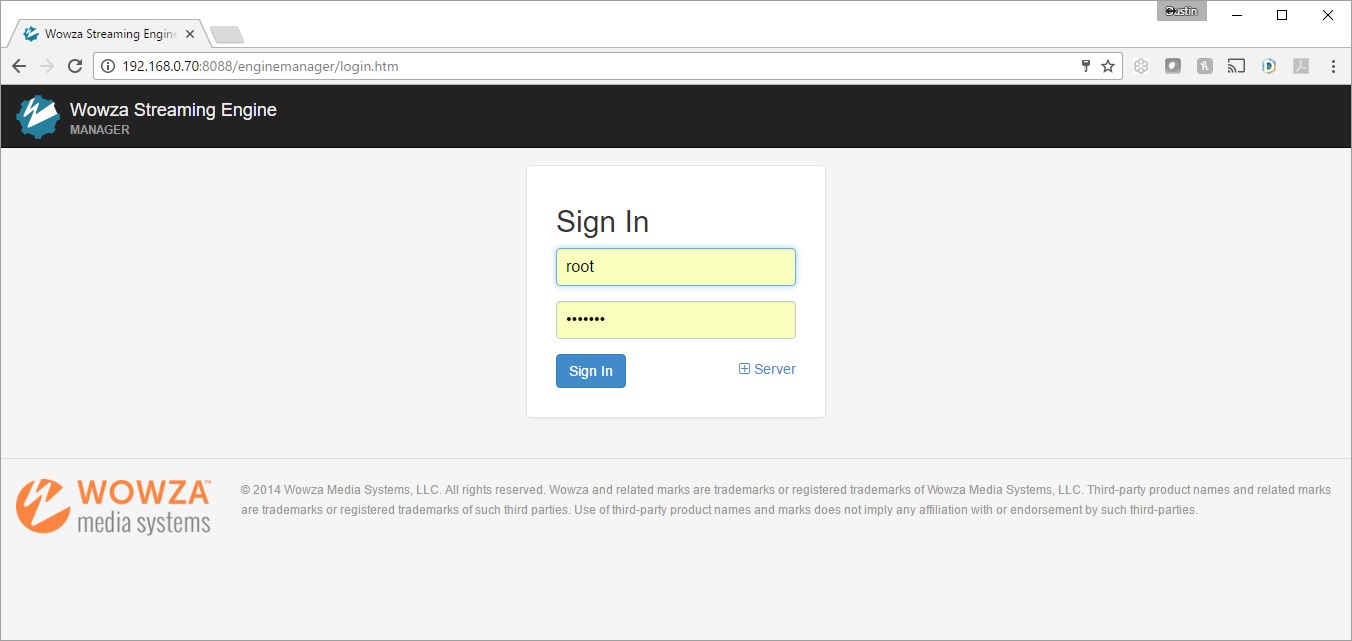
3) You should see the diagnostic screen shown below.
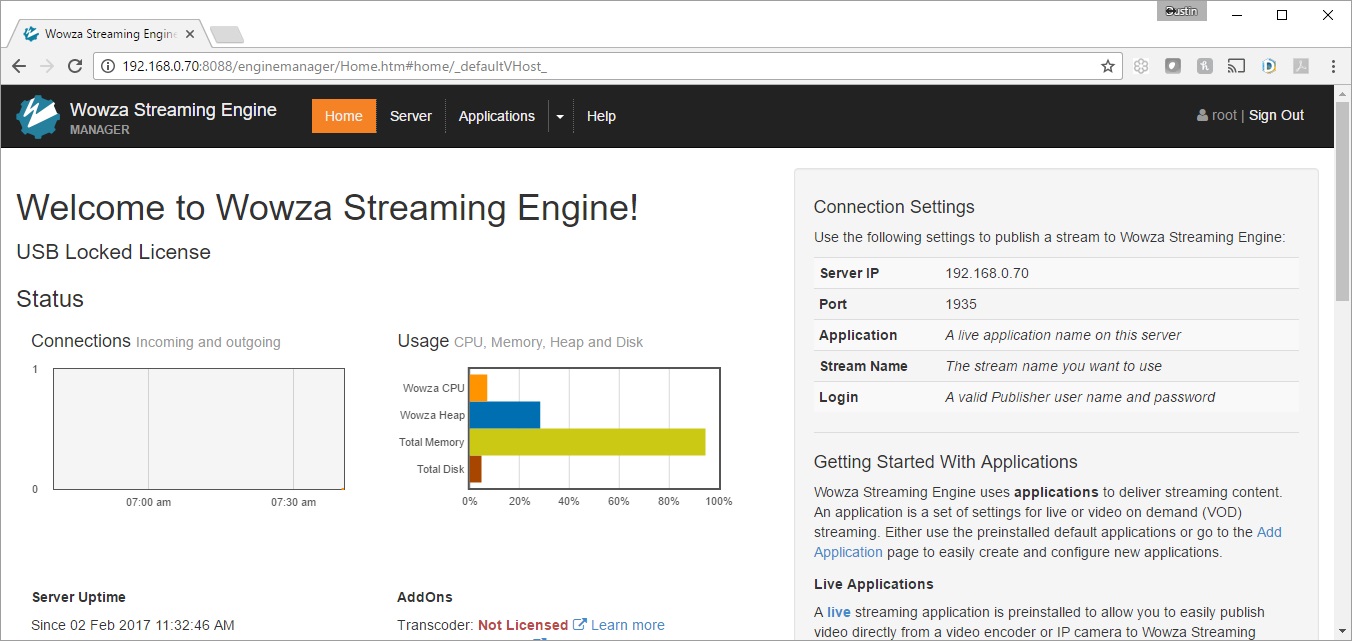
4) Click on the Server tab on top, followed by clicking the Restart button, as shown below.
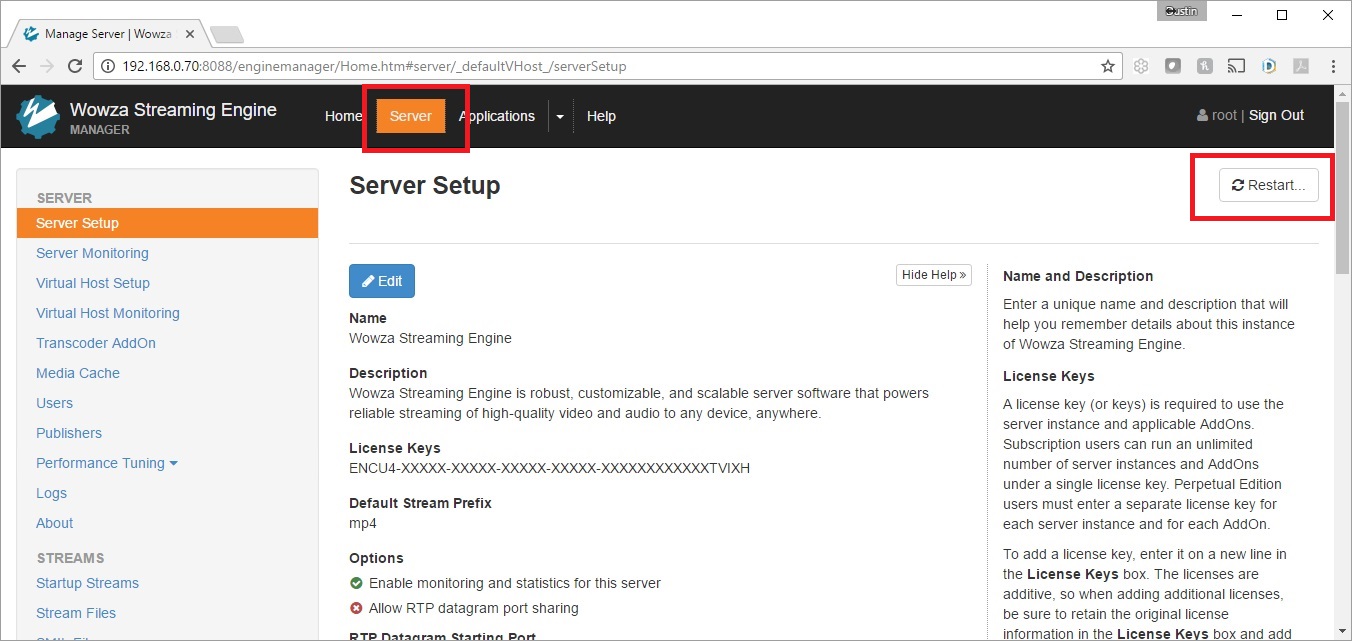
5) Click OK to restart the Wowza Video Engine.
✎
After ~ 60 seconds, you should be able to log back into the VALT software, pull up cameras, and start recordings.