IVS BEAM File Synchronization: Difference between revisions
Jump to navigation
Jump to search
IVSWikiBlue (talk | contribs) m IVSWikiBlue moved page IVS Beam File Synchronization to IVS BEAM File Synchronization |
IVSWikiBlue (talk | contribs) No edit summary |
||
| Line 1: | Line 1: | ||
{{ | {{Article | content = | ||
<div class="floating_card">This screen will list any recordings that have been made, but not uploaded to the server.</div> | <div class="floating_card">This screen will list any recordings that have been made, but not uploaded to the server.</div> | ||
*These recordings can be deleted by touching the word <b>DELETE</b>. | *These recordings can be deleted by touching the word <b>DELETE</b>. | ||
| Line 18: | Line 18: | ||
</table> | </table> | ||
</center> | </center> | ||
<hr> | <hr> | ||
{{img | file = BEAM Video List.png | width= | {{img | file = BEAM Video List.png | width=700px}} | ||
}} | }} | ||
[[IVS BEAM Software User Guide | ⤺ Back to IVS BEAM Software User Guide]] | [[IVS BEAM Software User Guide | ⤺ Back to IVS BEAM Software User Guide]] | ||
Revision as of 20:52, 27 February 2024
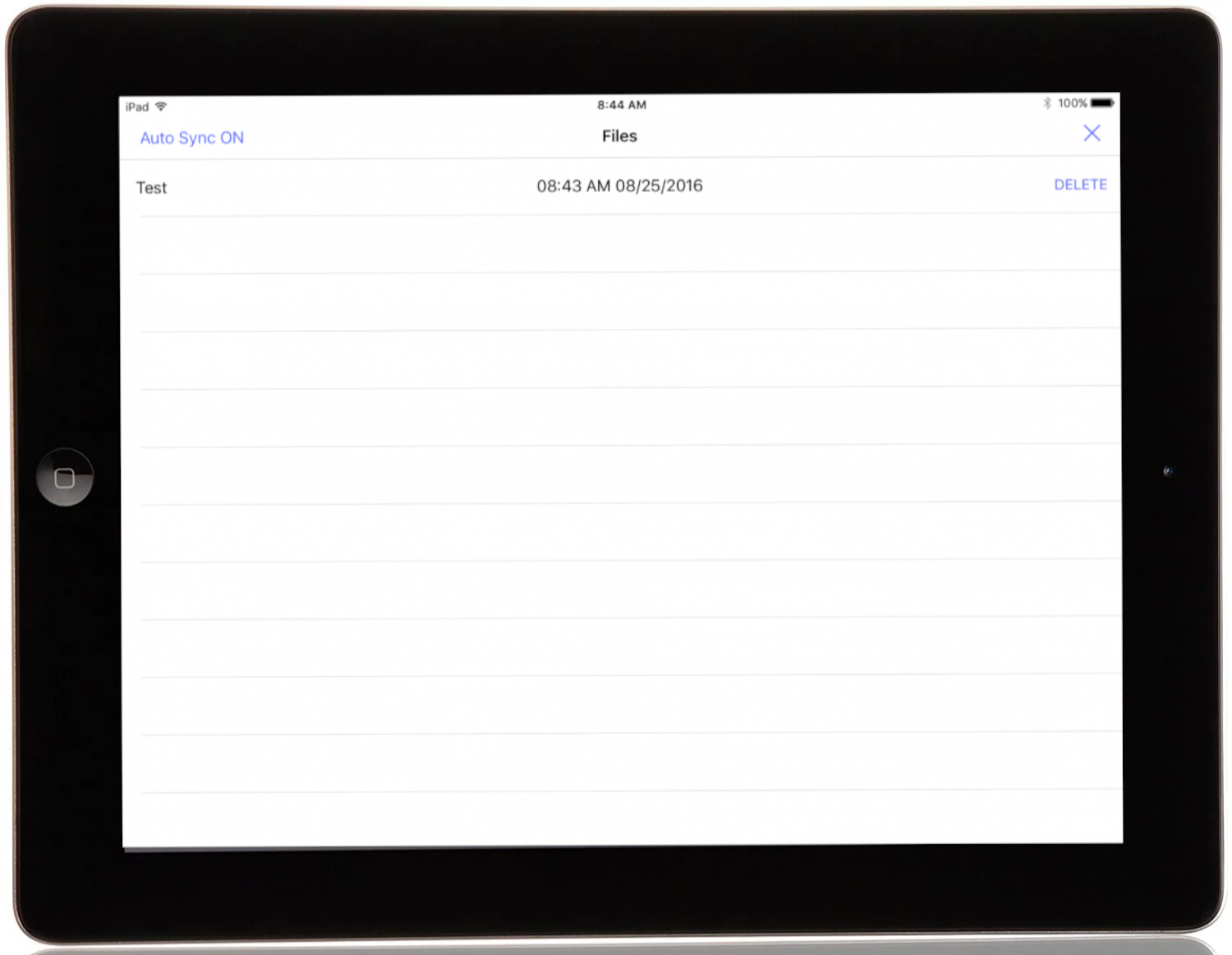
This screen will list any recordings that have been made, but not uploaded to the server.
- These recordings can be deleted by touching the word DELETE.
- In the upper left corner of the screen, the current sync settings are displayed. Touch it to toggle sync on and off.
- Touch the X in the upper right corner to return to the main UI.
| Turn Auto Sync Off | Automatic Sync is currently enabled. Touch to disable. |
| Turn Auto Sync On | Automatic Sync is currently disabled. Touch to enable. |