Template:Unboxing Your VALT POC System: Difference between revisions
IVSWikiBlue (talk | contribs) No edit summary |
IVSWikiBlue (talk | contribs) No edit summary |
||
| Line 17: | Line 17: | ||
On the top layer will be the back plate VALT POC Camera and Stand | On the top layer will be the back plate VALT POC Camera and Stand | ||
{{img | file = POCunbox3.jpg | width=600px}} | {{img | file = POCunbox3.jpg | width=600px}} | ||
Remove the VALT POC Cameras (back board) and set them aside. | Remove the VALT POC Cameras (back board) and set them aside. | ||
The next element will be the VALT POC Camera base. This houses all wiring, processing, and also contains the accessory panel | The next element will be the VALT POC Camera base. This houses all wiring, processing, and also contains the accessory panel | ||
{{img | file = POCunbox4.jpg | width=600px}} | {{img | file = POCunbox4.jpg | width=600px}} | ||
| Line 40: | Line 37: | ||
{{img | file = PoCunbox8.jpg | width=600px}} {{img | file = PoCunbox9.jpg | width=450px}} | {{img | file = PoCunbox8.jpg | width=600px}} {{img | file = PoCunbox9.jpg | width=450px}} | ||
</div> | |||
Revision as of 18:02, 2 December 2022
IVS will only ship the requested equipment for a POC. It may include the following:
- VALT POC Appliance
- VALT POC Camera and Stand
- VALT POC Wireless Access Point
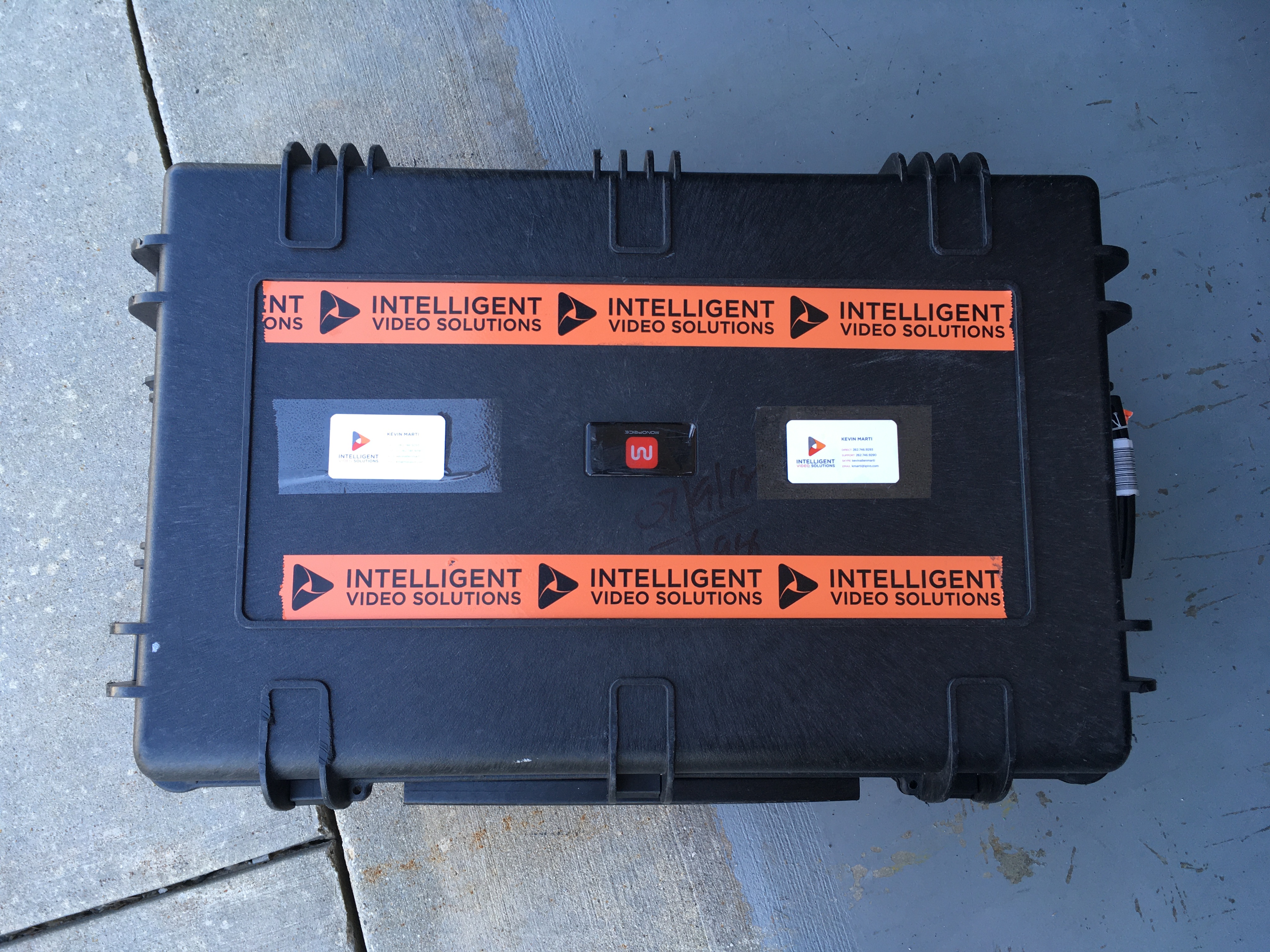
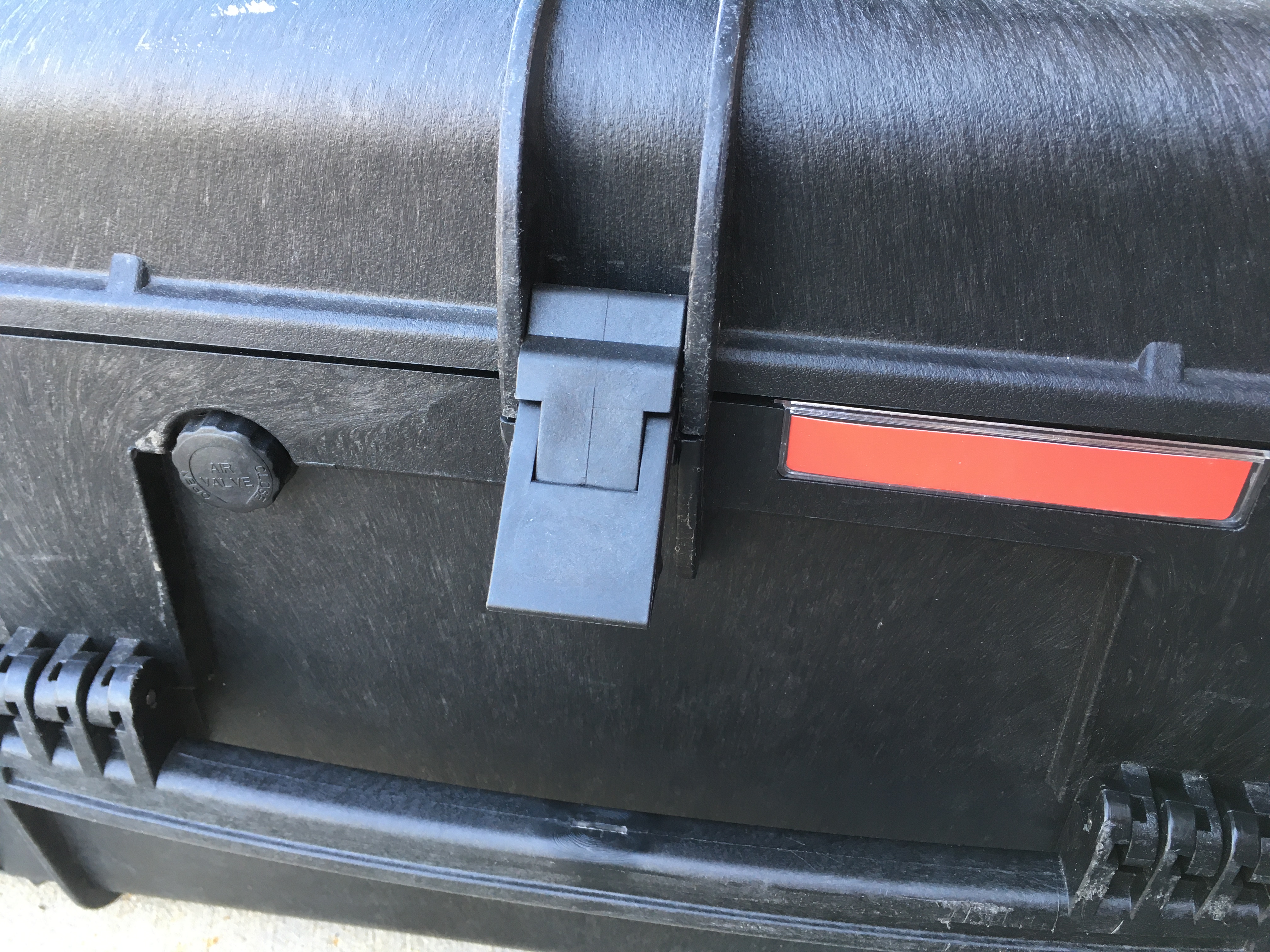
The case will be locked with combination locks. Please contact your VALT Sales Representative for the combination.
Inside the case, you will find customized foam padding divided into layers. Please make sure to save all padding to use in the return shipment after the proof of concept is complete.
On the top layer will be the back plate VALT POC Camera and Stand
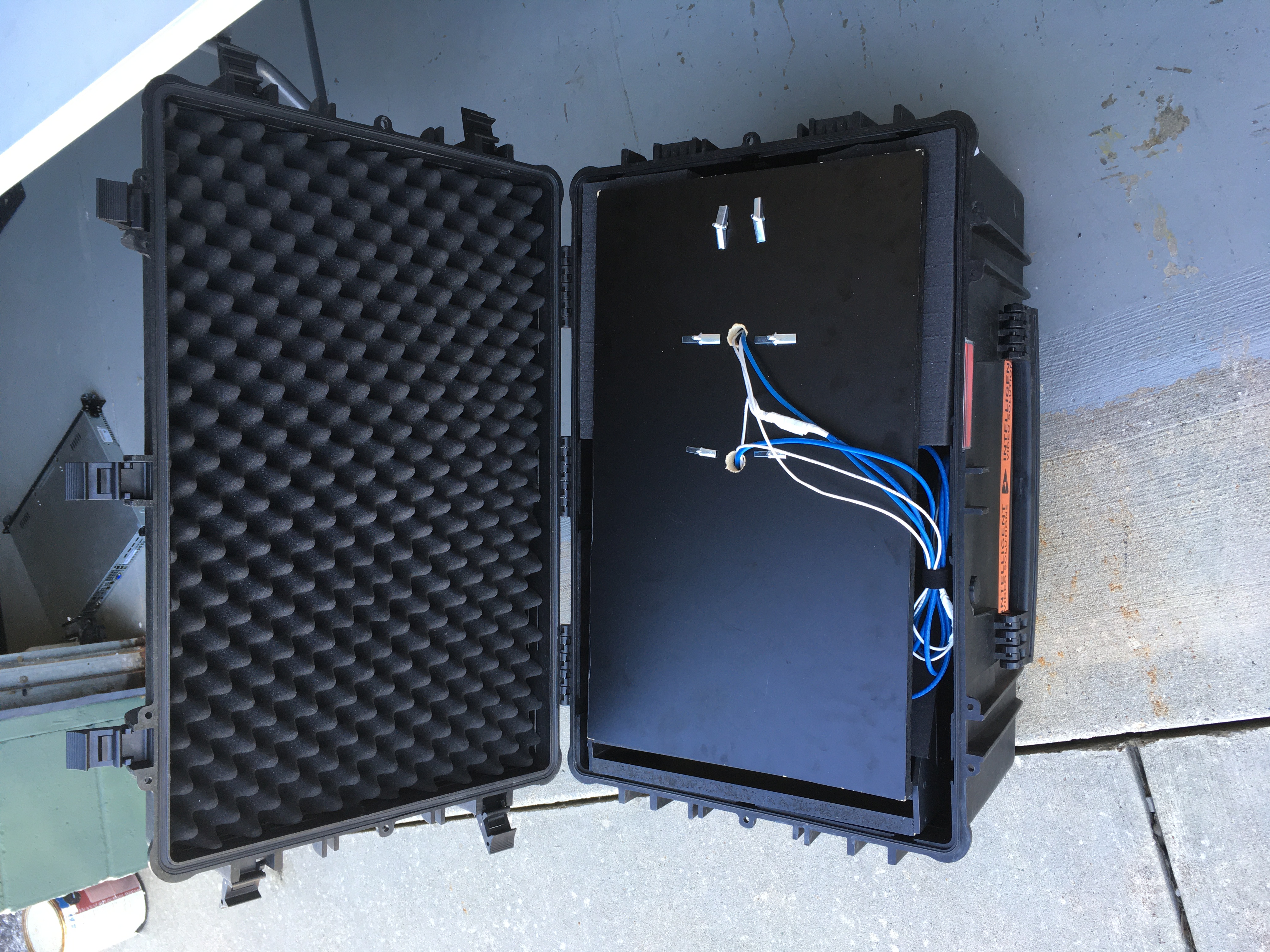
Remove the VALT POC Cameras (back board) and set them aside.
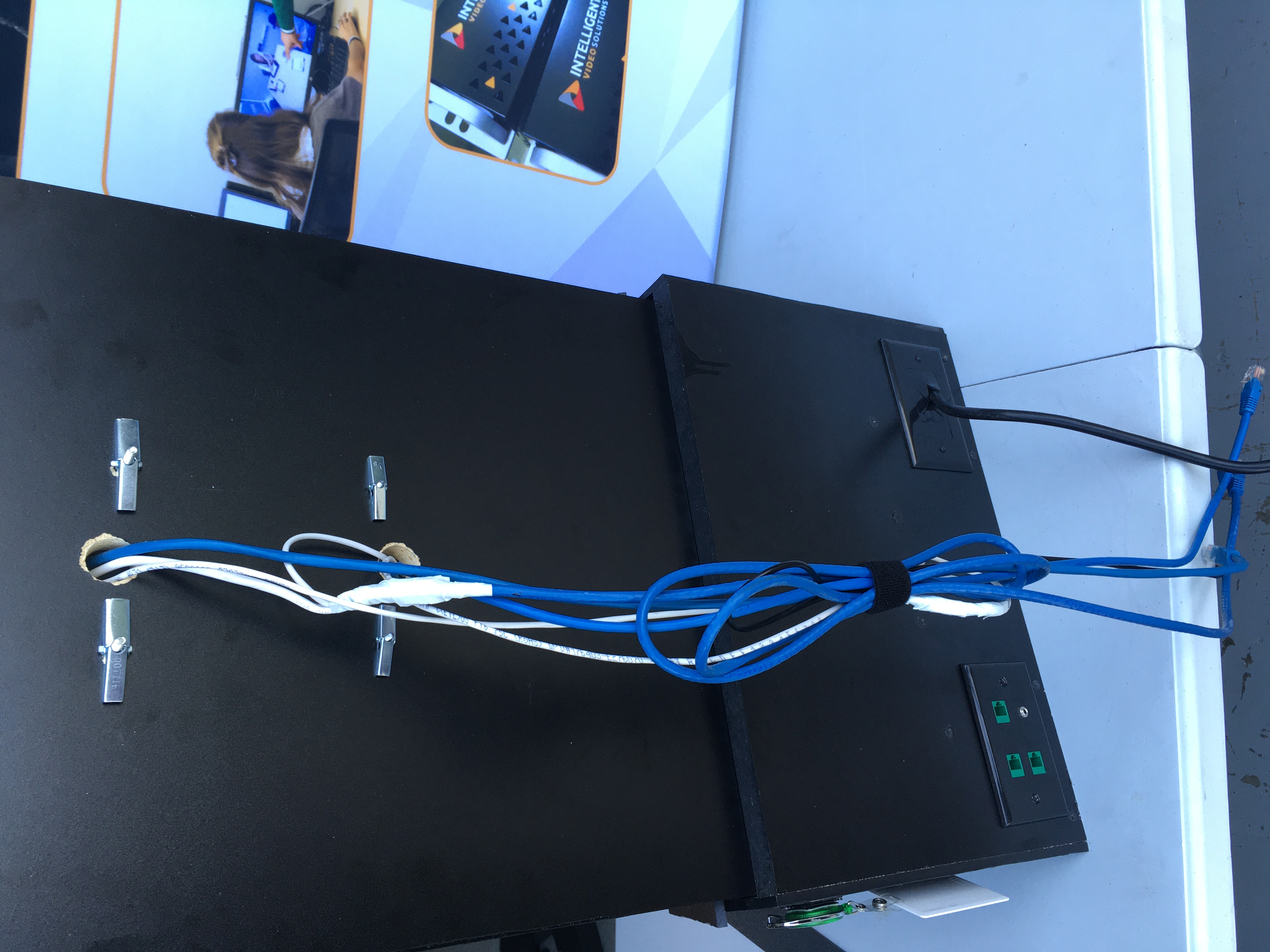
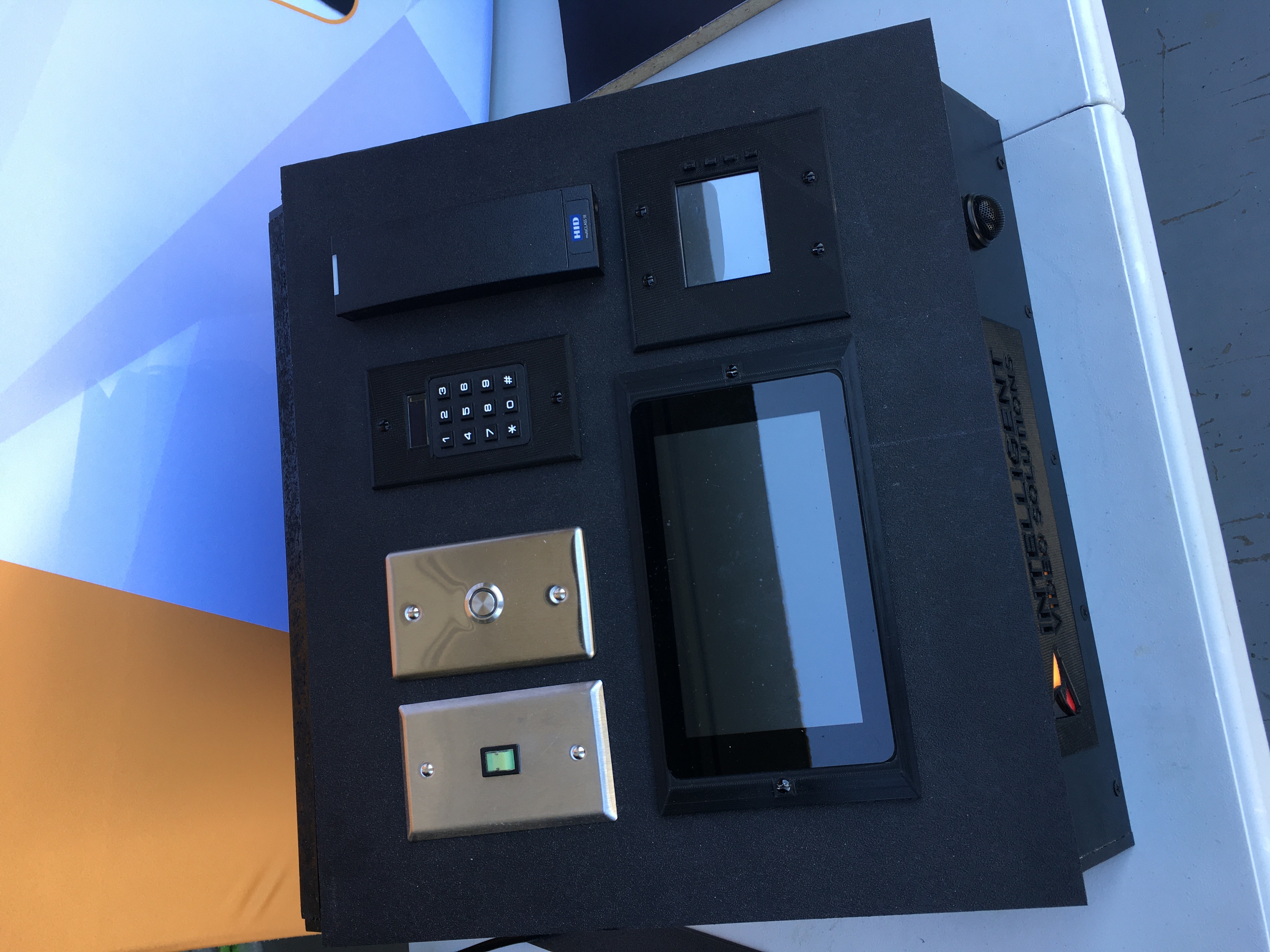
The next element will be the VALT POC Camera base. This houses all wiring, processing, and also contains the accessory panel
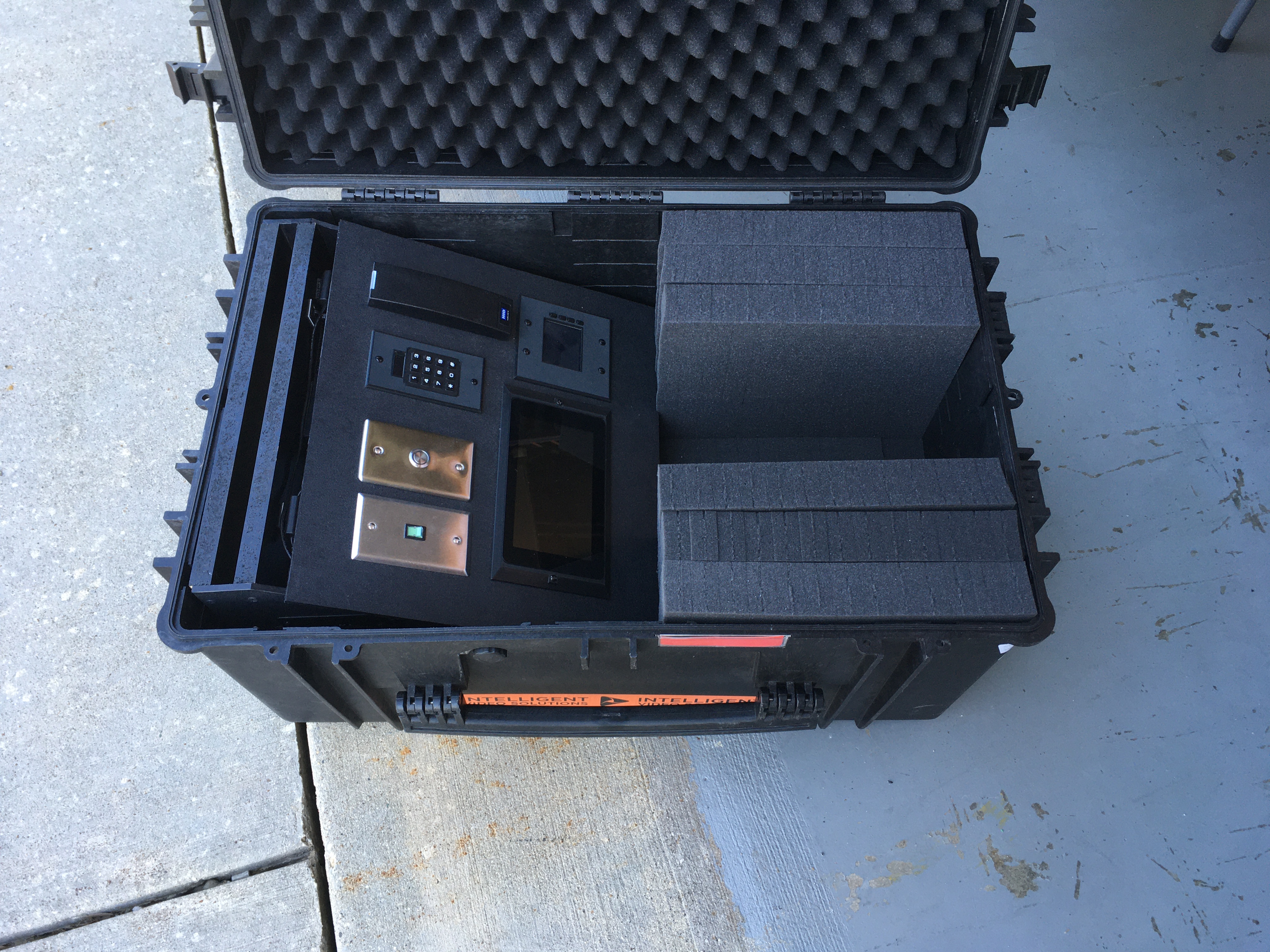
Determine an appropriate location for the VALT POC Camera Station
Slide the VALT POC Camera (back board) into the opening into the base of the Stand. The back board should fit snugly.
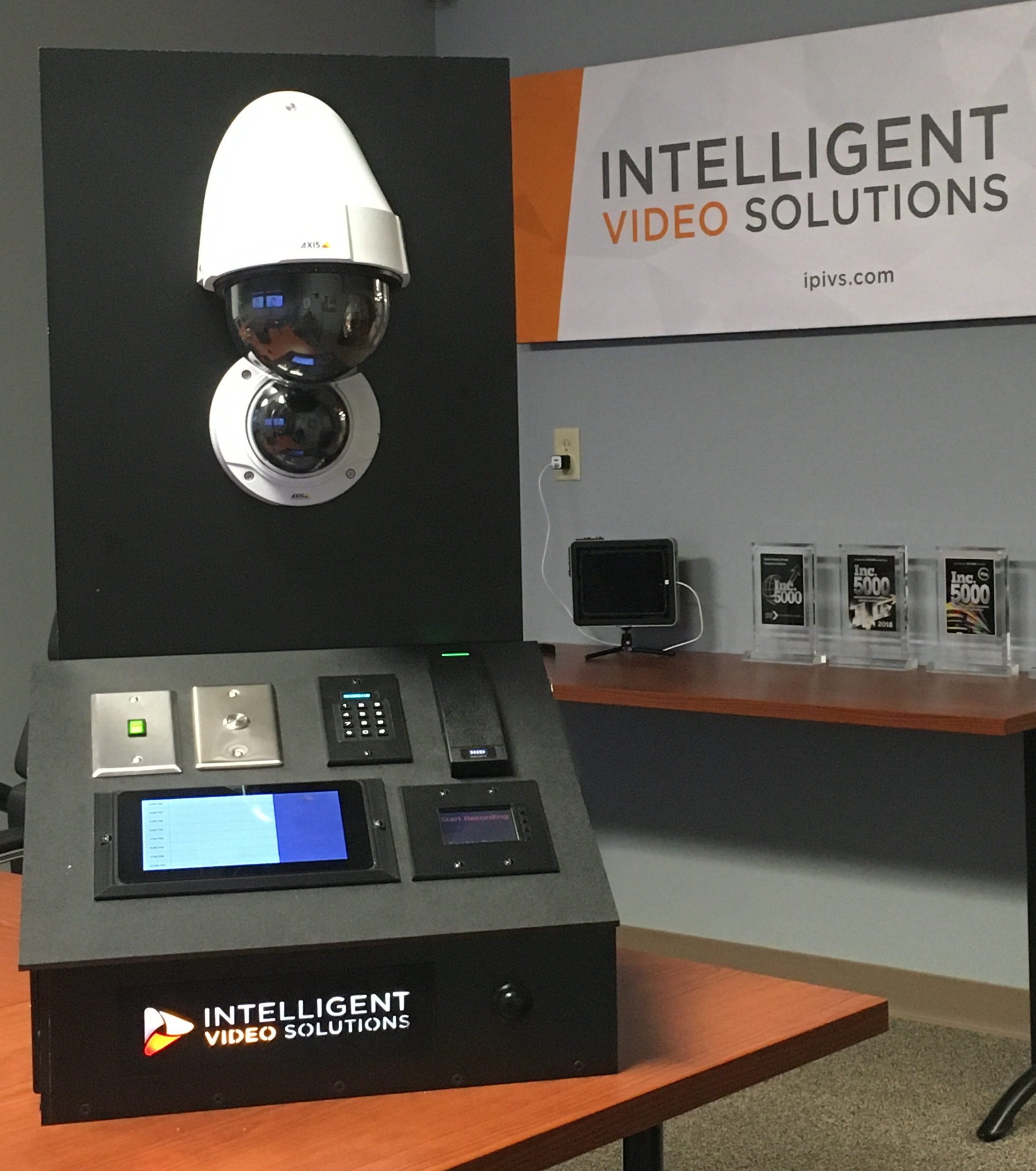
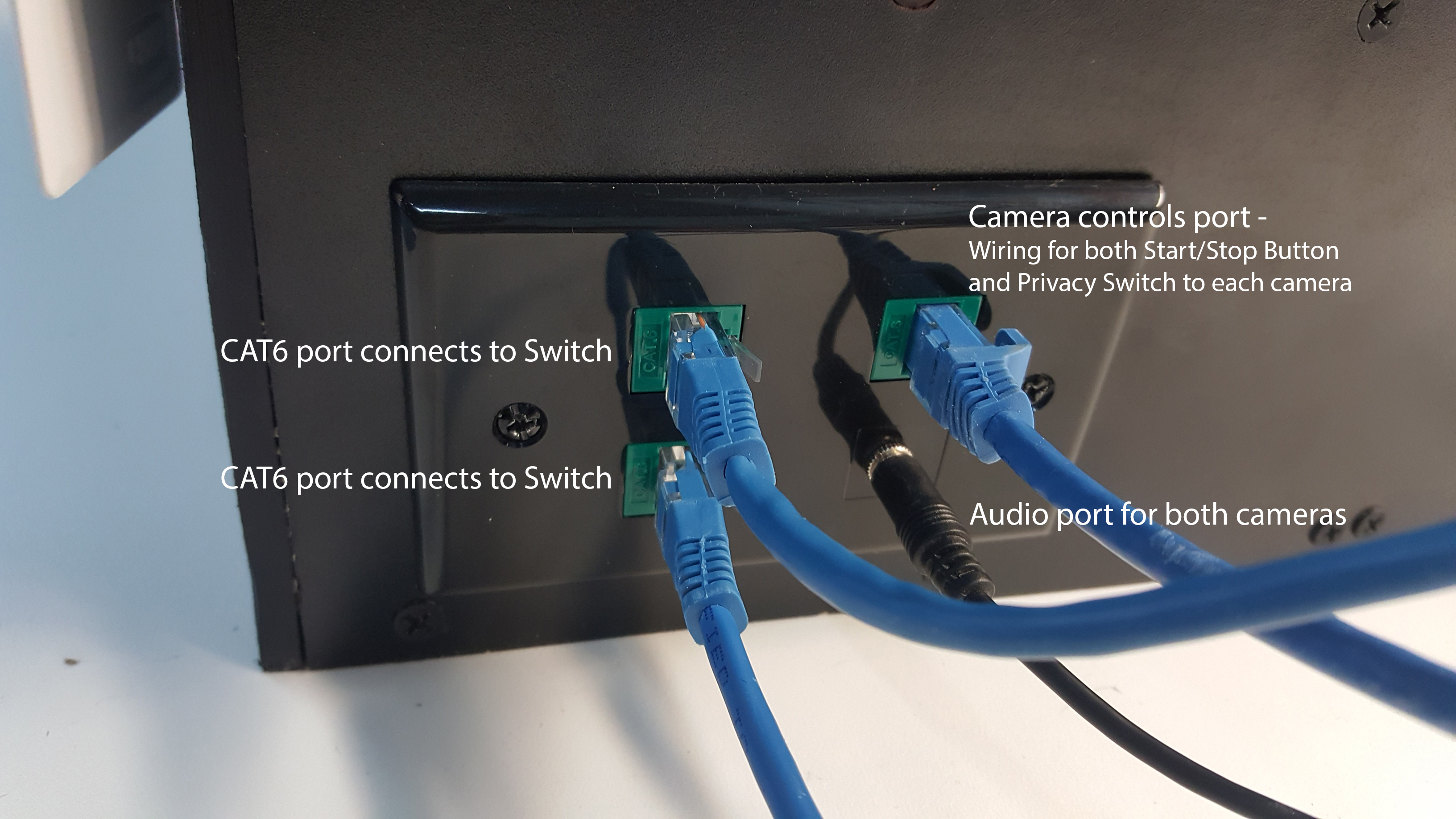
On the back of the VALT POC Camera station, connect the wiring from the cameras to the input panel on the base