BEAM Sync Users Data: Difference between revisions
Jump to navigation
Jump to search
IVSWikiBlue (talk | contribs) No edit summary |
IVSWikiBlue (talk | contribs) No edit summary |
||
| Line 5: | Line 5: | ||
<li><b>Password:</b> Enter the password for the sync account here</li> | <li><b>Password:</b> Enter the password for the sync account here</li> | ||
}} | }} | ||
[[Category:BEAM]] | |||
Revision as of 19:41, 19 March 2025
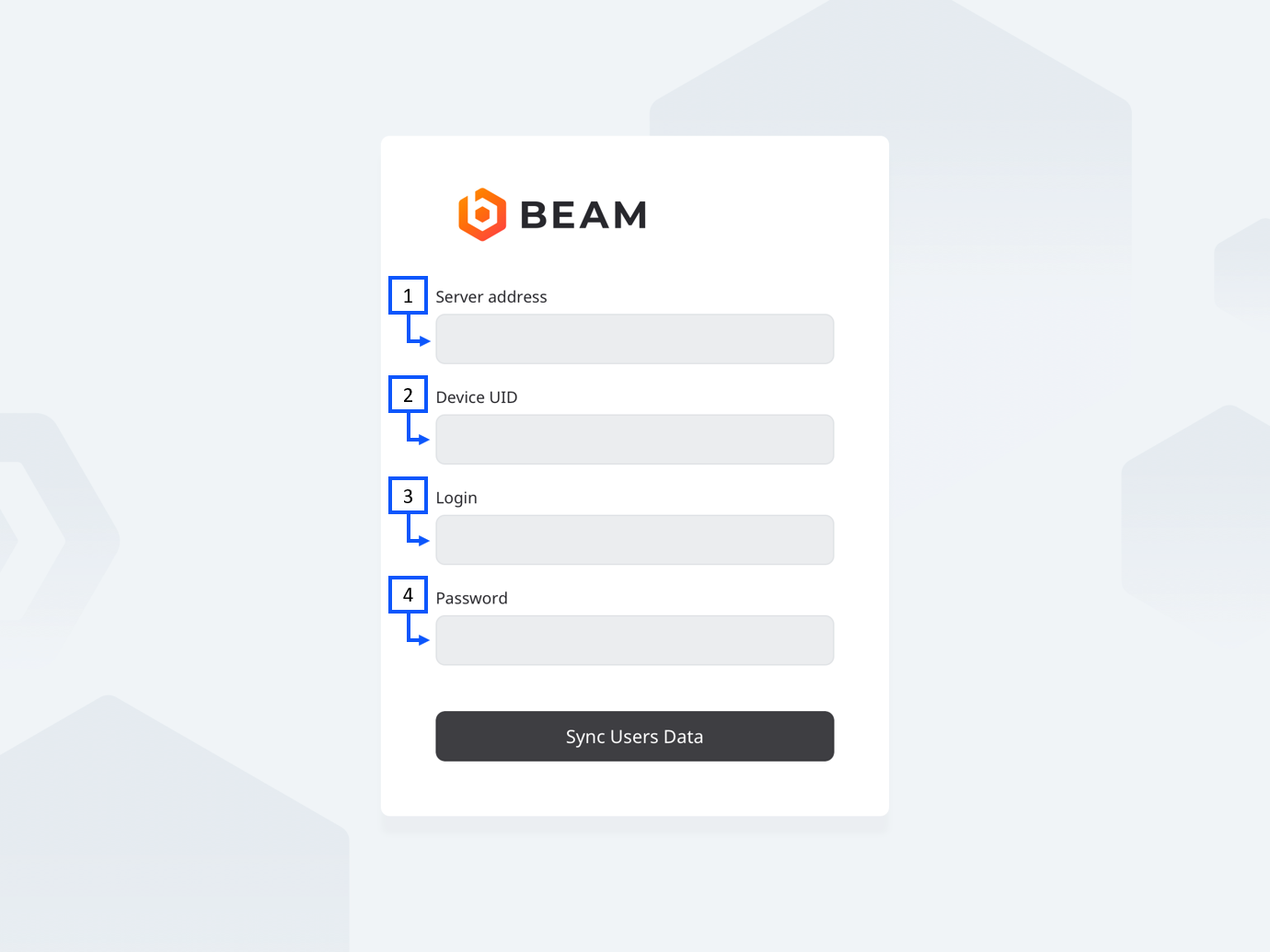
- Server address: Enter the IP address or FQDN of the server. It must be entered as http://192.168.0.81 or https://valt.ivs.com if you are using SSL.
- Device UID: You can obtain this by pulling up the iPad device on the server.
- Login: Enter and admin account user here. This password should not change. It is good practice to create an account in VALT just for this purpose. i.e: beamSyncUser
- Password: Enter the password for the sync account here