IVS HDMI Encoder: Difference between revisions
Jump to navigation
Jump to search
IVSWikiBlue (talk | contribs) No edit summary |
IVSWikiBlue (talk | contribs) No edit summary |
||
| (16 intermediate revisions by the same user not shown) | |||
| Line 1: | Line 1: | ||
{{Article - Manual | content = | {{Article - Manual | content = | ||
{{ | {{Float | content = [[VALT Devices | ⤺ Back to VALT Devices]] }} | ||
<h1>{{PAGENAME}}</h1> | |||
{{Grid 2 - Grid | content = | |||
| left = | | left = | ||
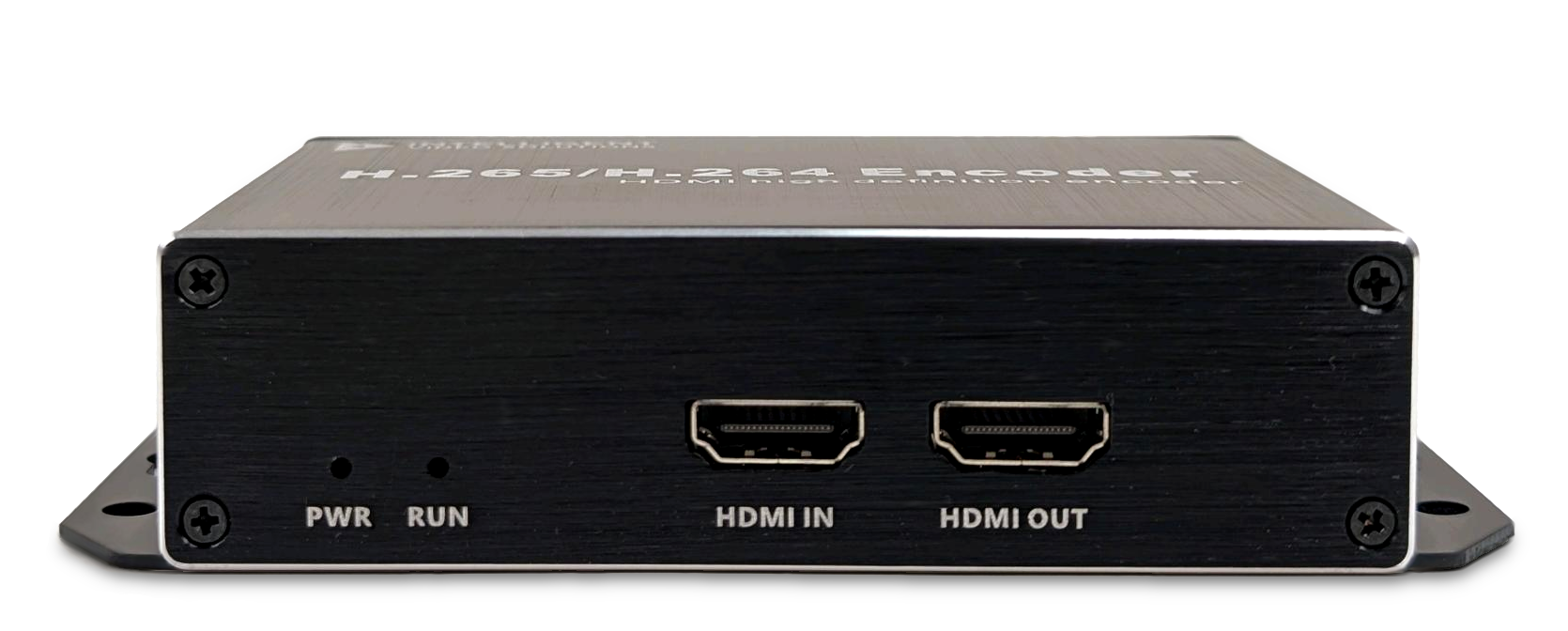
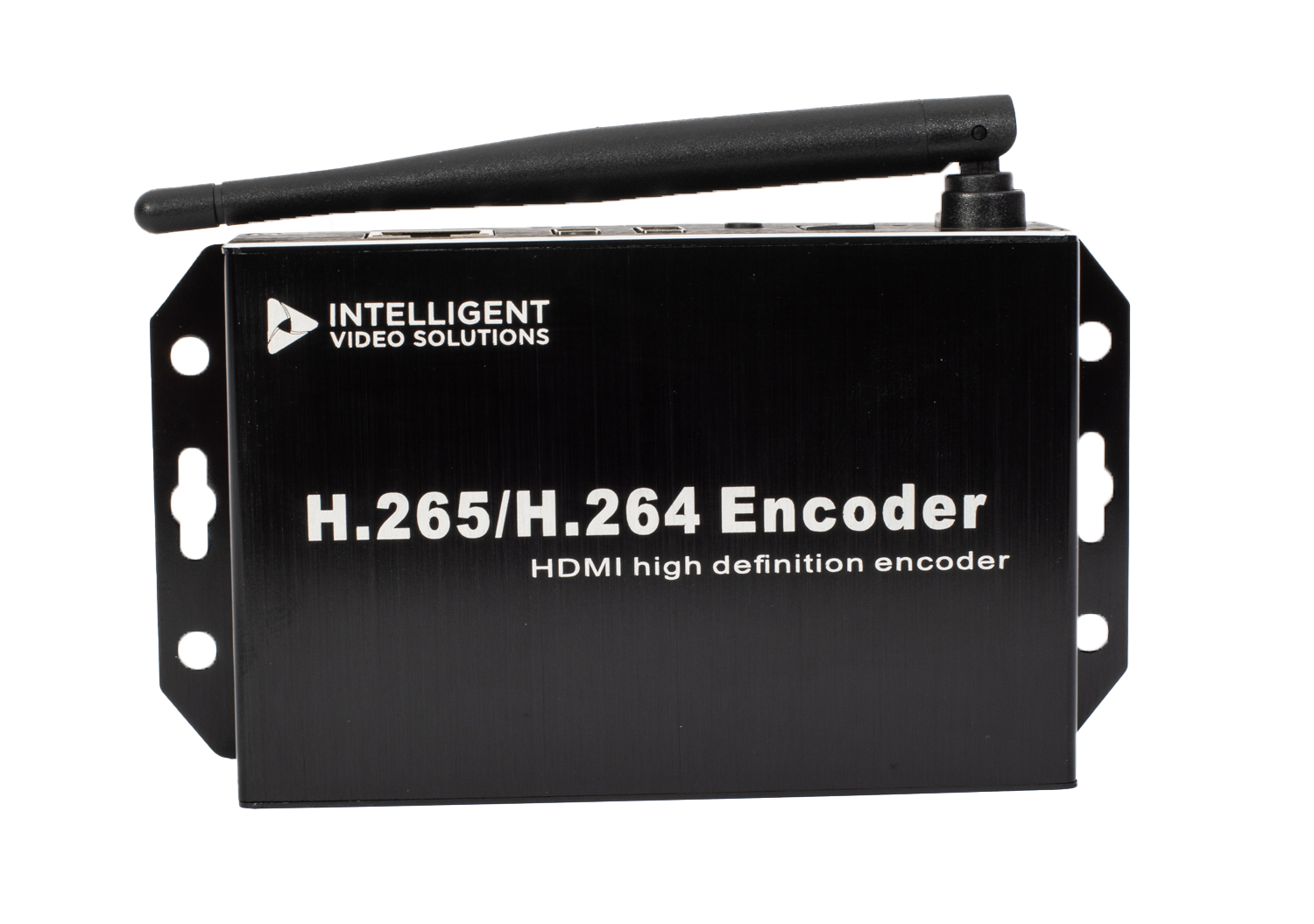
The <b>IVS HDMI Encoder</b> allows users to capture video output and display it within the VALT application. | The <b>IVS HDMI Encoder</b> allows users to capture video output and display it within the VALT application. | ||
{{img - resize | file = IVS HDMI Encoder Front.png}} | |||
| right = {{img - resize | file = VLTENC Encoder-4.png}} }} | |||
{{hr | {{hr}} | ||
{{Manual lvl 2 | title = Technical Resources | content = | |||
* [ | * [https://ipivs.com/hubfs/documents/IVS_Product_Spec_Sheets/VLTENC%20Encoder.pdf Datasheet] | ||
* [[IVS HDMI Encoder - Setup and Configuration | Configuration Information]] | * [[IVS HDMI Encoder - Setup and Configuration | Configuration Information]] | ||
* [[VALT Devices - Compare#Encoders | VALT Devices - Encoders]] | * [[VALT Devices - Compare#Encoders | VALT Devices - Encoders]] | ||
}} }} | |||
}} | |||
Latest revision as of 15:26, 15 May 2026
IVS HDMI Encoder
The IVS HDMI Encoder allows users to capture video output and display it within the VALT application.