Starting the IVS BEAM App
(Redirected from Starting the IVS Beam App)
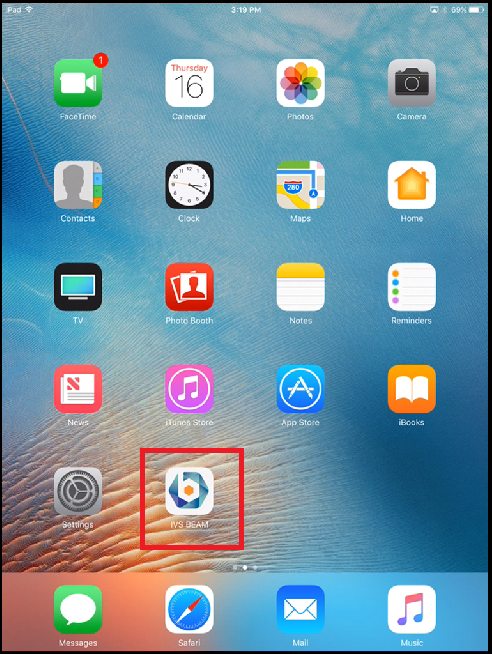
1) Touch the IVS BEAM app icon.
2) Enter your username and touch Log In.
⚠
Important: Your username is case sensitive.
You are now in the app and ready to record!
1) Touch the IVS BEAM app icon.
2) Enter your username and touch Log In.

You are now in the app and ready to record!